
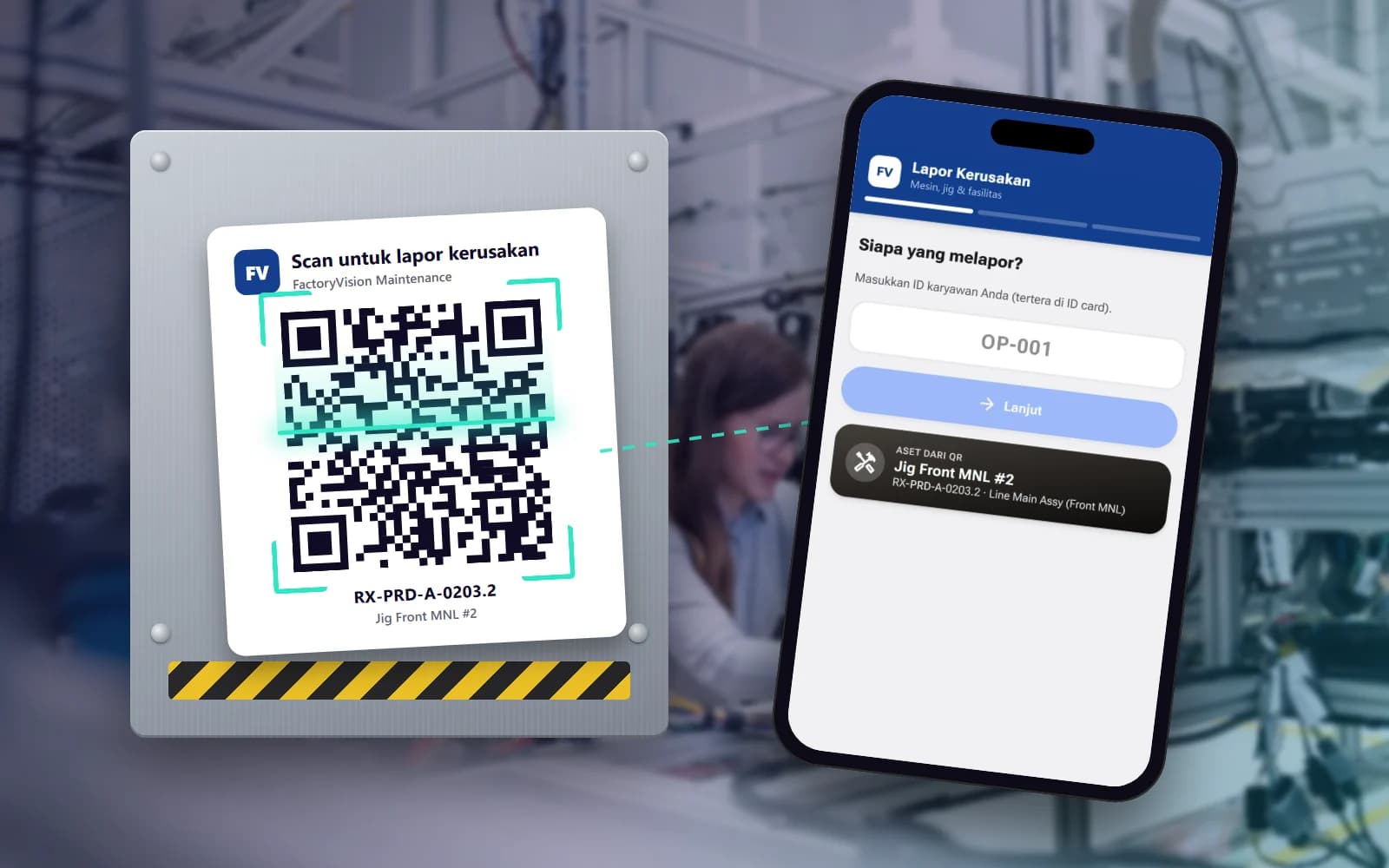
Report breakdowns without logging in
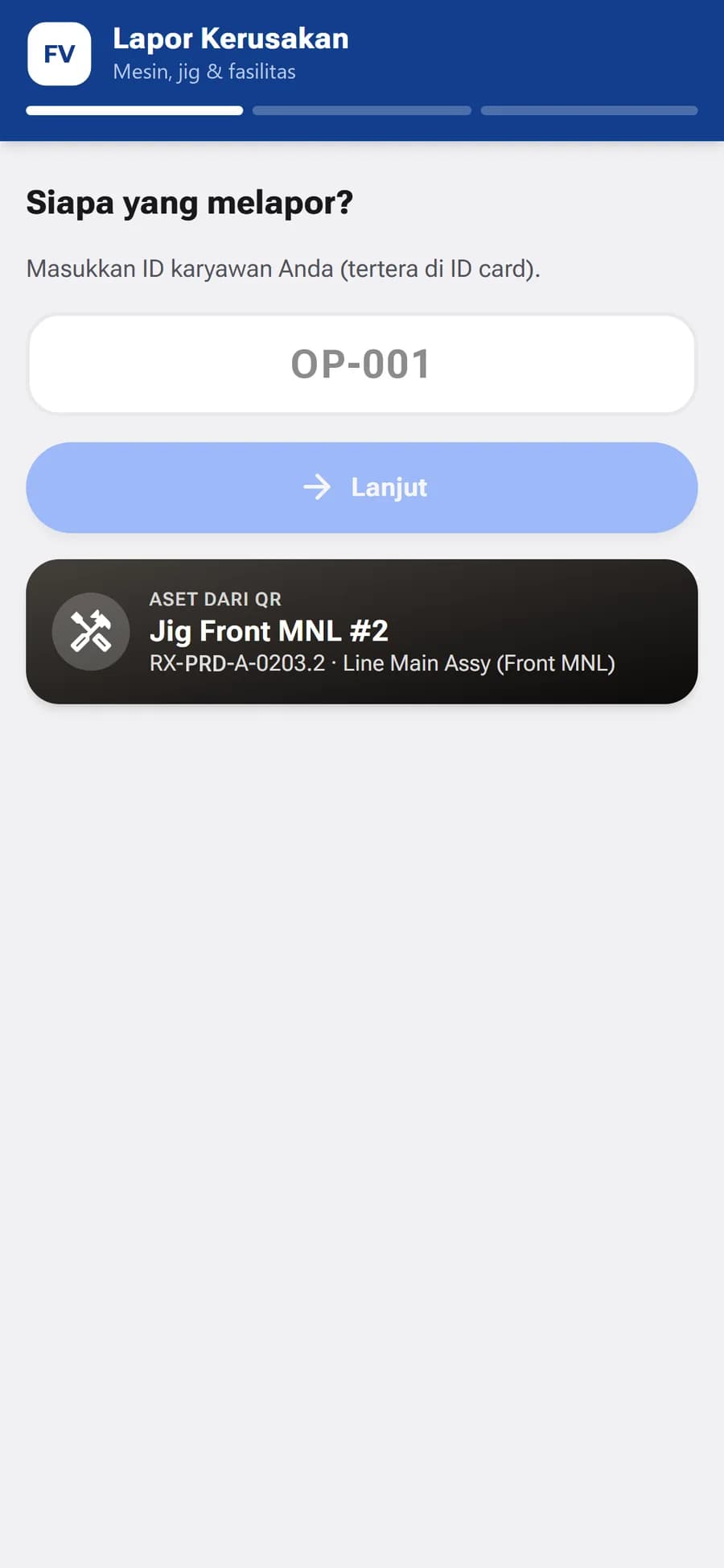
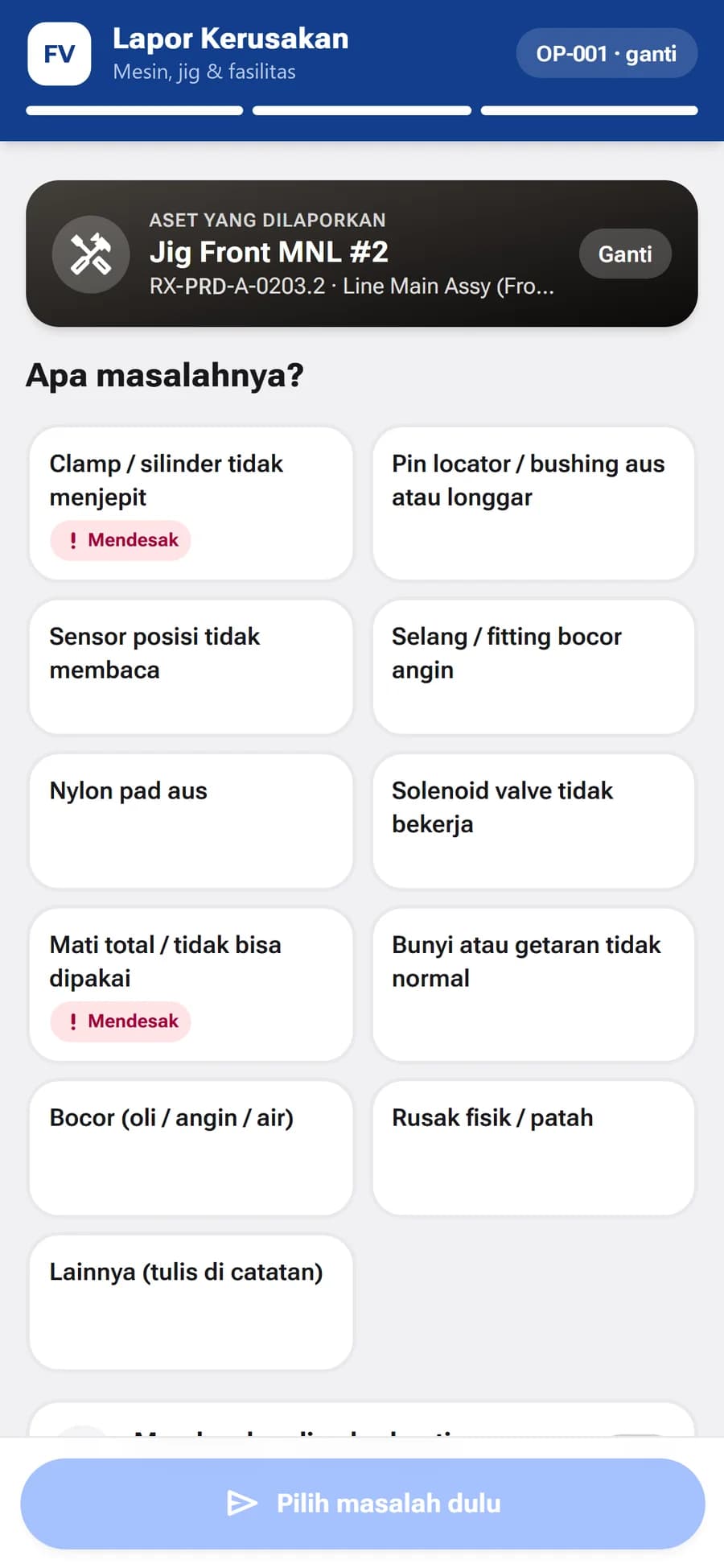
Operators scan the QR code on a machine, enter their employee ID and pick the problem from a catalog for that asset type.

CMMS for Manufacturing
Asset register, preventive maintenance, work orders and QR breakdown reporting in one app. Your maintenance team works from data, and management sees KPIs and costs.
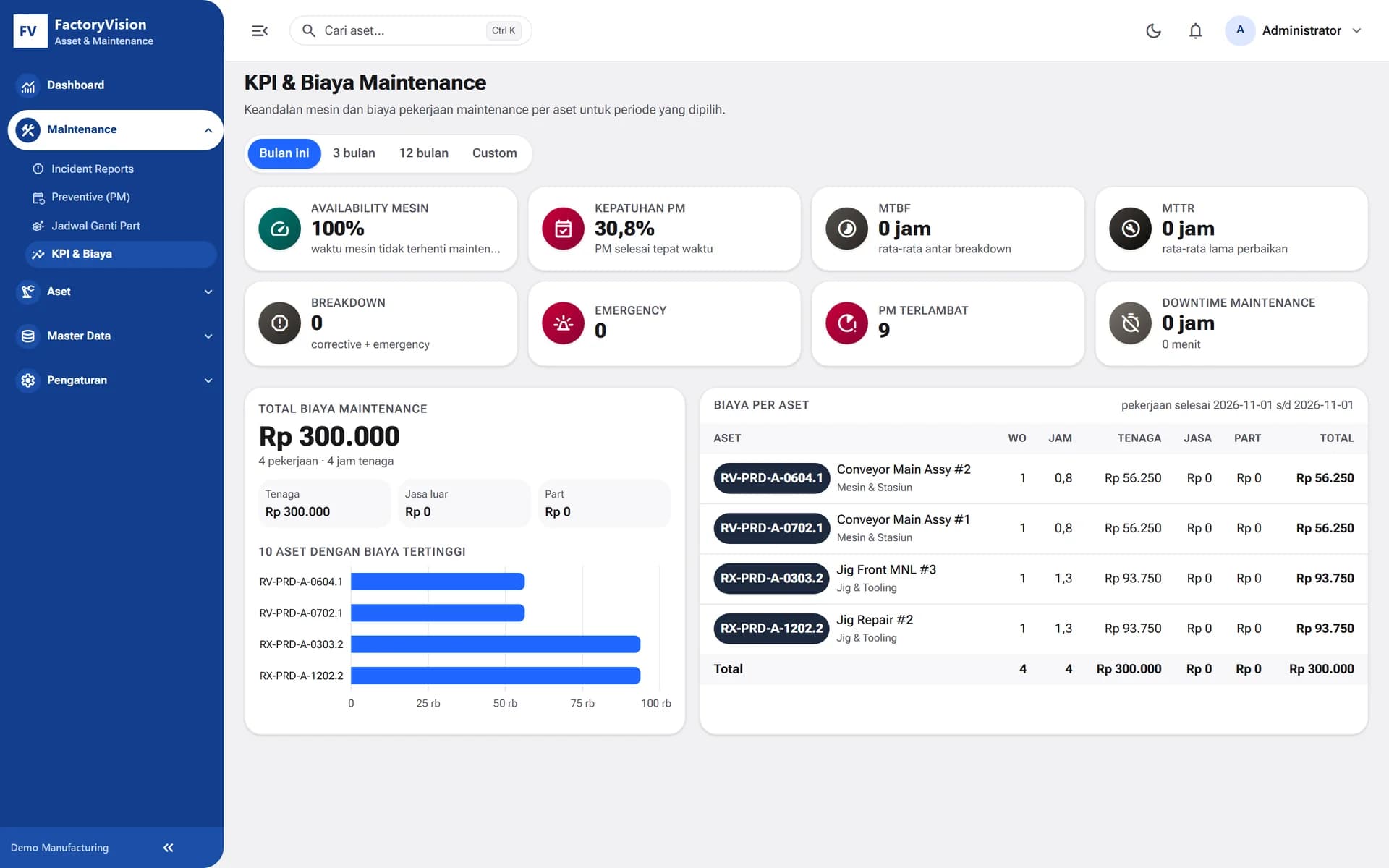
Modules inside FactoryVision Maintenance
About the product
FactoryVision Maintenance records every asset, PM schedule, breakdown and repair from the first report through verification. Your maintenance team gets a complete history per asset, and management gets reliability and cost figures it can trust.
Operators scan the QR code on a machine, enter their employee ID and pick the problem from a catalog for that asset type.
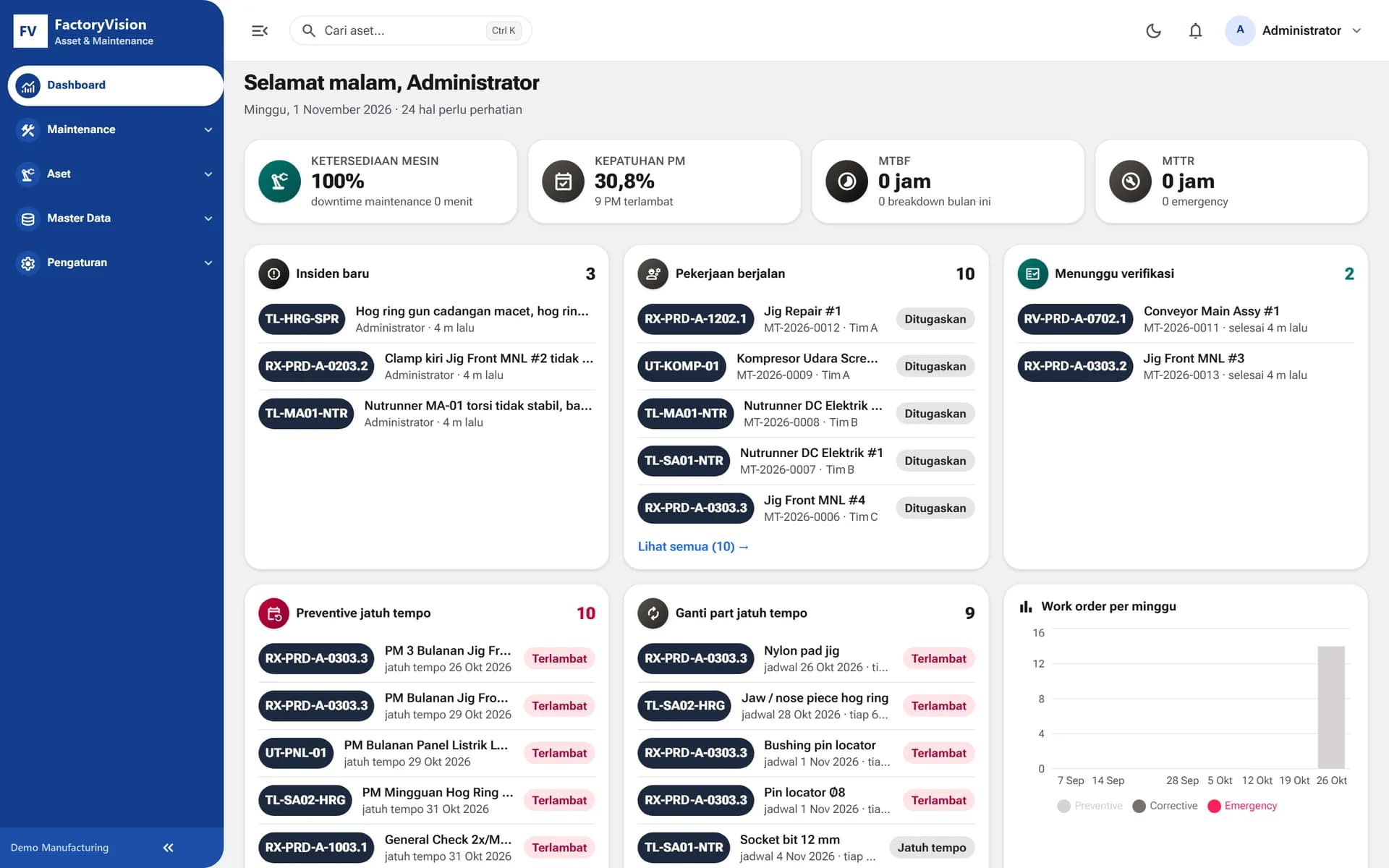
Asset monitoring flags critical, needs-action or normal status based on overdue PM, parts due for replacement and open work orders.
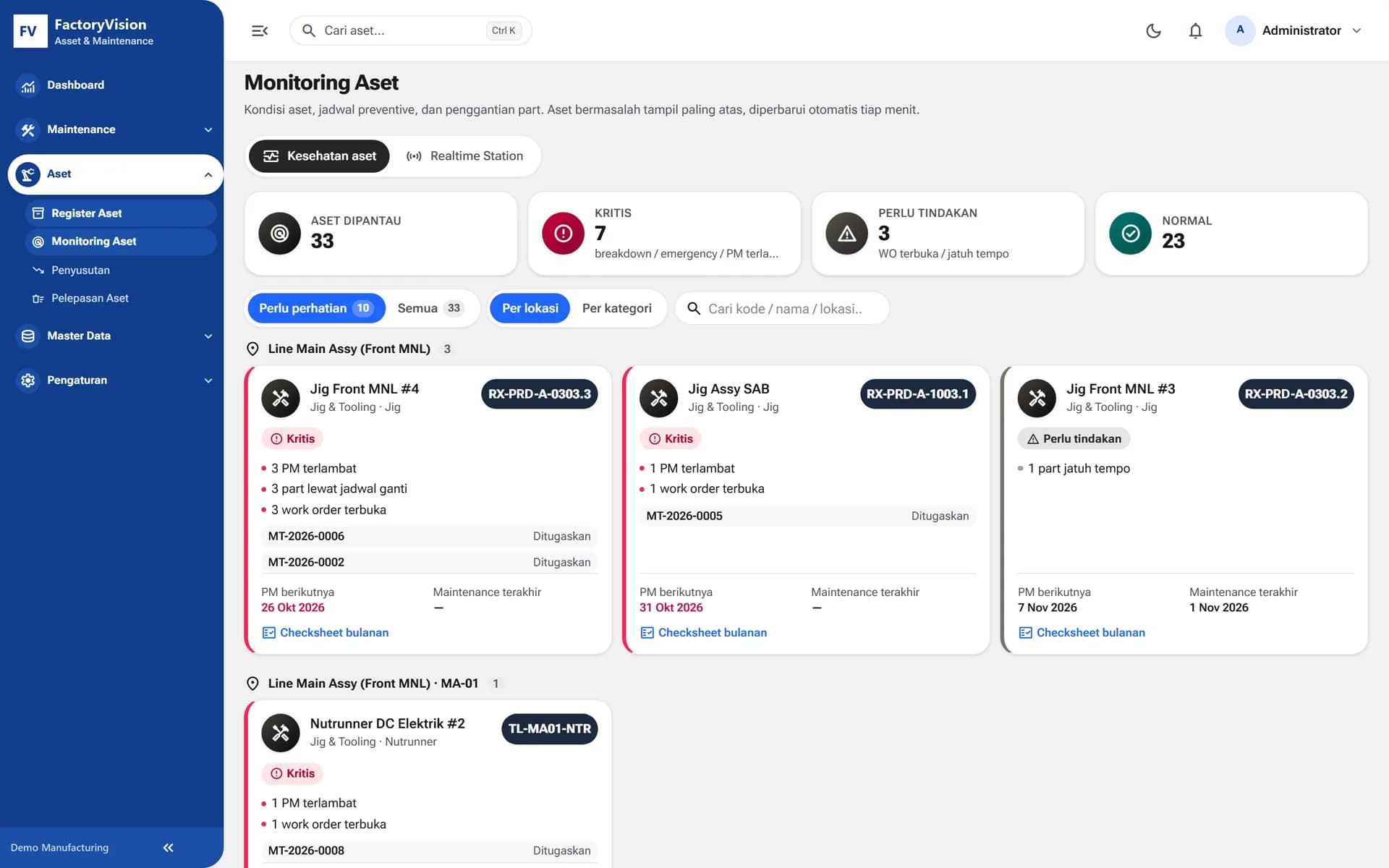
Availability, PM compliance, MTBF and MTTR per period, with labor, external service and part costs for every asset.
Runs on a plant server or in the cloud. Tenant data is kept separate and sign-in supports MFA.
How it works
The flow production and maintenance teams run every day.
The operator scans the QR code on the asset, enters an employee ID and picks the problem from the catalog.
The report arrives as a new incident and is turned into a work order for a technician.
The technician fills in the checksheet, uploads photos and records parts and labor hours.
The line leader verifies the result, and the asset history, MTBF, MTTR and costs are updated.
01Asset Register
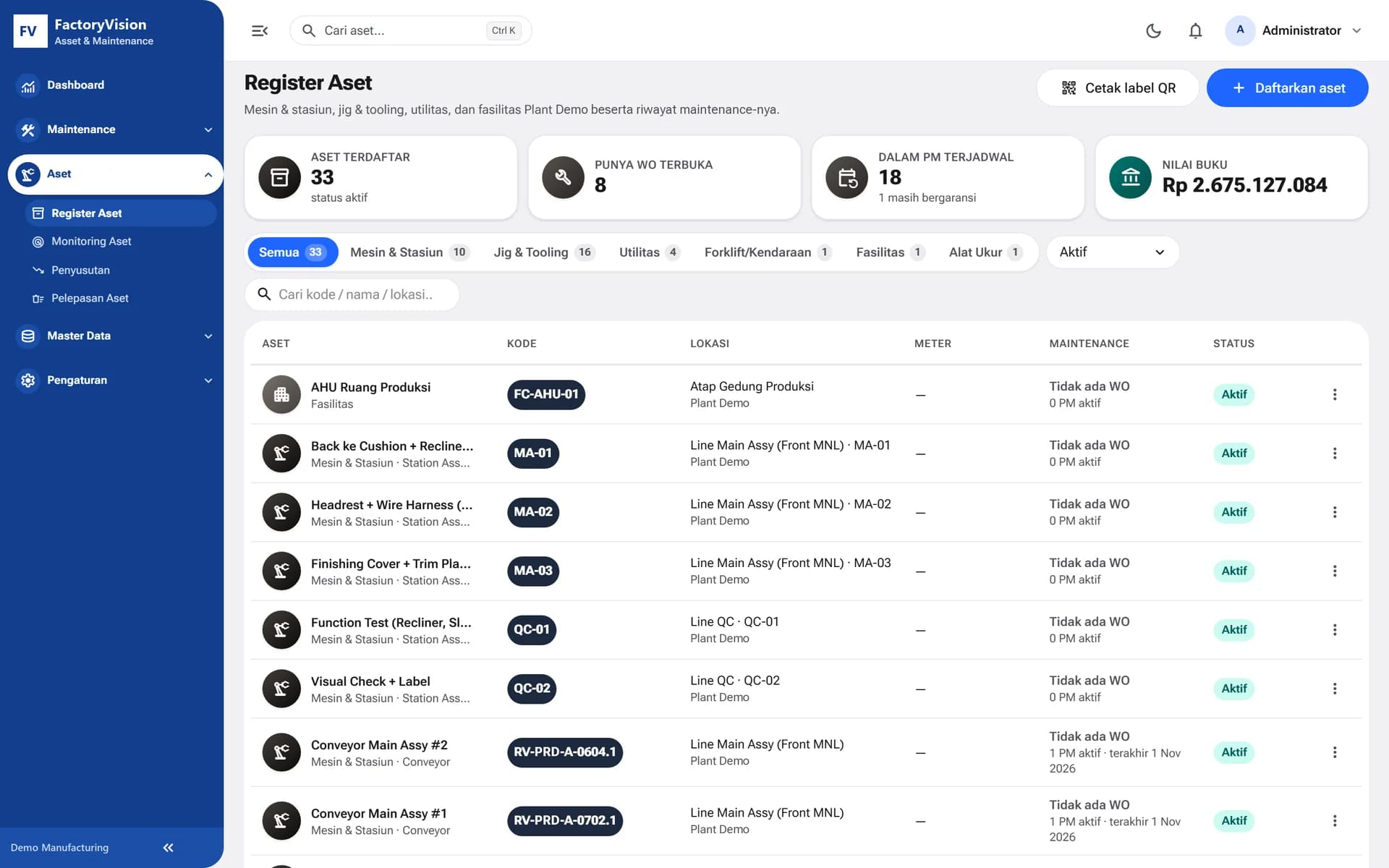
Machines, jigs and tooling, utilities, measuring instruments, vehicles and facilities are recorded with location, meters, warranty and book value. QR labels are printed straight from the system and become the entry point for breakdown reports.
02Preventive Maintenance
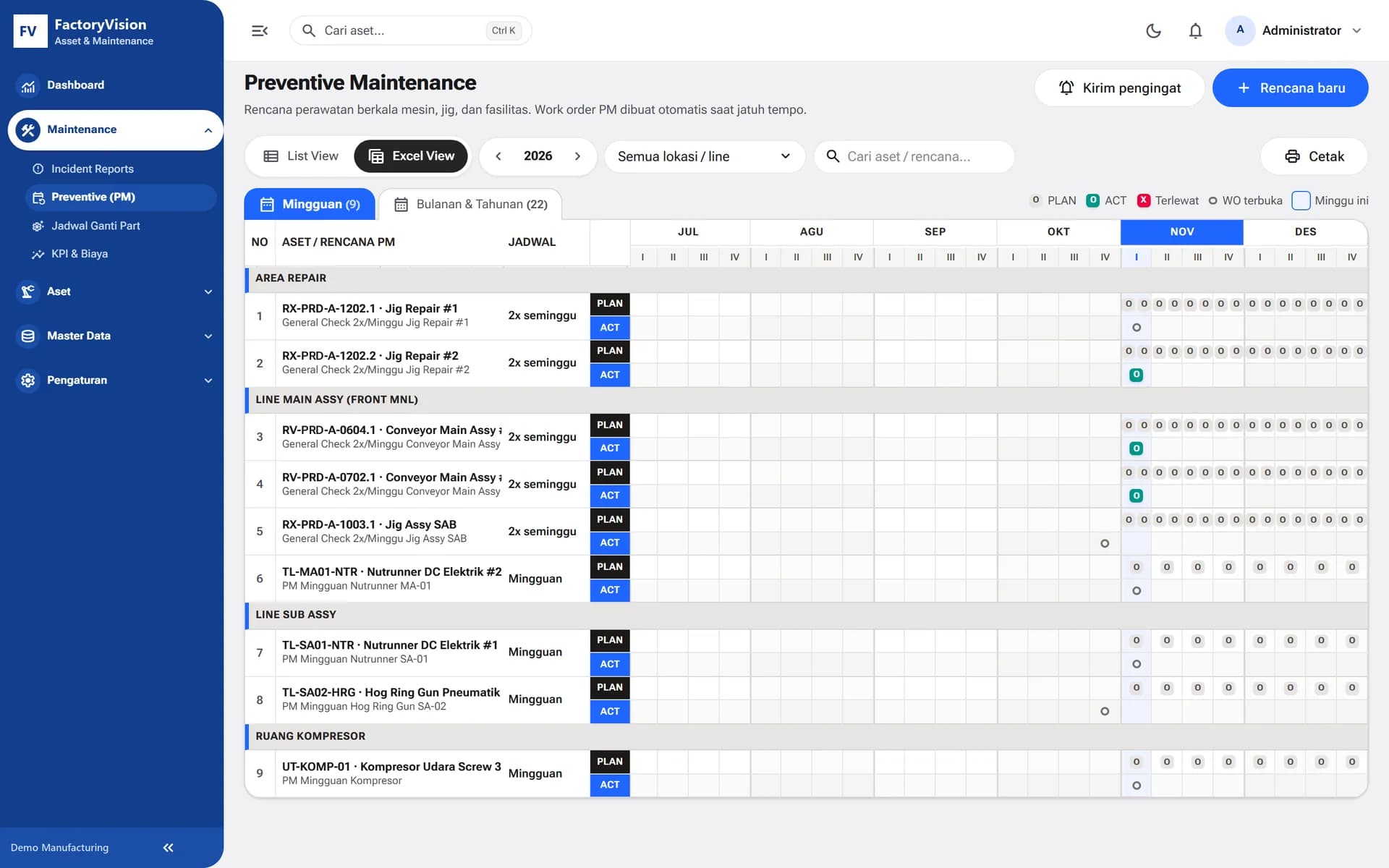
Calendar- or meter-based PM plans with digital checksheets per asset. PM work orders are created automatically when due, and the plan vs actual view shows what was missed.
03Work Orders
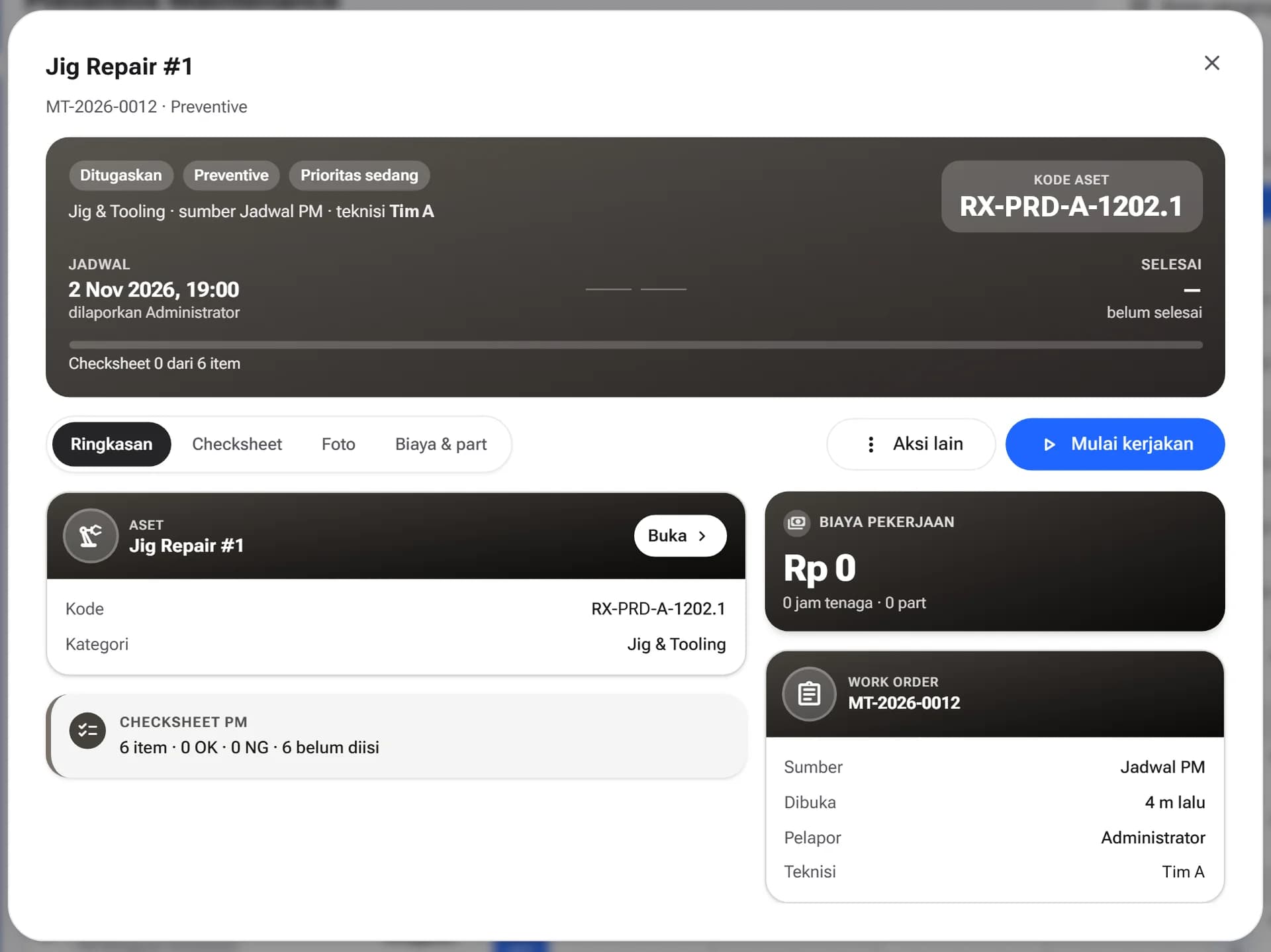
Every report becomes a work order assigned to a technician, with checksheet, photos, parts and costs. Line leaders verify the repair before the job is closed.
Who it's for
Report breakdowns by QR and verify completed repairs in their area.
Run PM and checksheets, work through work orders and record the parts used.
Maintain the asset register and approve maintenance work.
Run depreciation and process asset disposals.
Review asset condition, reliability KPIs and maintenance costs per period.
Technology
FAQ
No. The QR code on the asset opens the report page, where the operator enters an employee ID and picks the problem from a catalog for that asset type. The report goes straight to the maintenance team.
Yes. The application can run on a plant server or in the cloud. Tenant data is separated in the database and sign-in supports MFA.
Not yet. In the current version, asset meters such as operating hours and cycles are entered manually. Machine integration can be planned as a follow-up project to fit your plant.
FactoryVision Maintenance is built from FactoryVision's asset and maintenance modules and can run on its own. Plants that do not need a full MES yet can start with maintenance first.
Plants, lines, stations, assets, PM plans, the problem catalog and part replacement schedules are loaded during implementation. After that, QR labels can be printed and attached to every asset.
FactoryVision Maintenance
Talk to our team about your assets, PM schedules and repair flow.
More platforms built by Seautomate.
FactoryVision
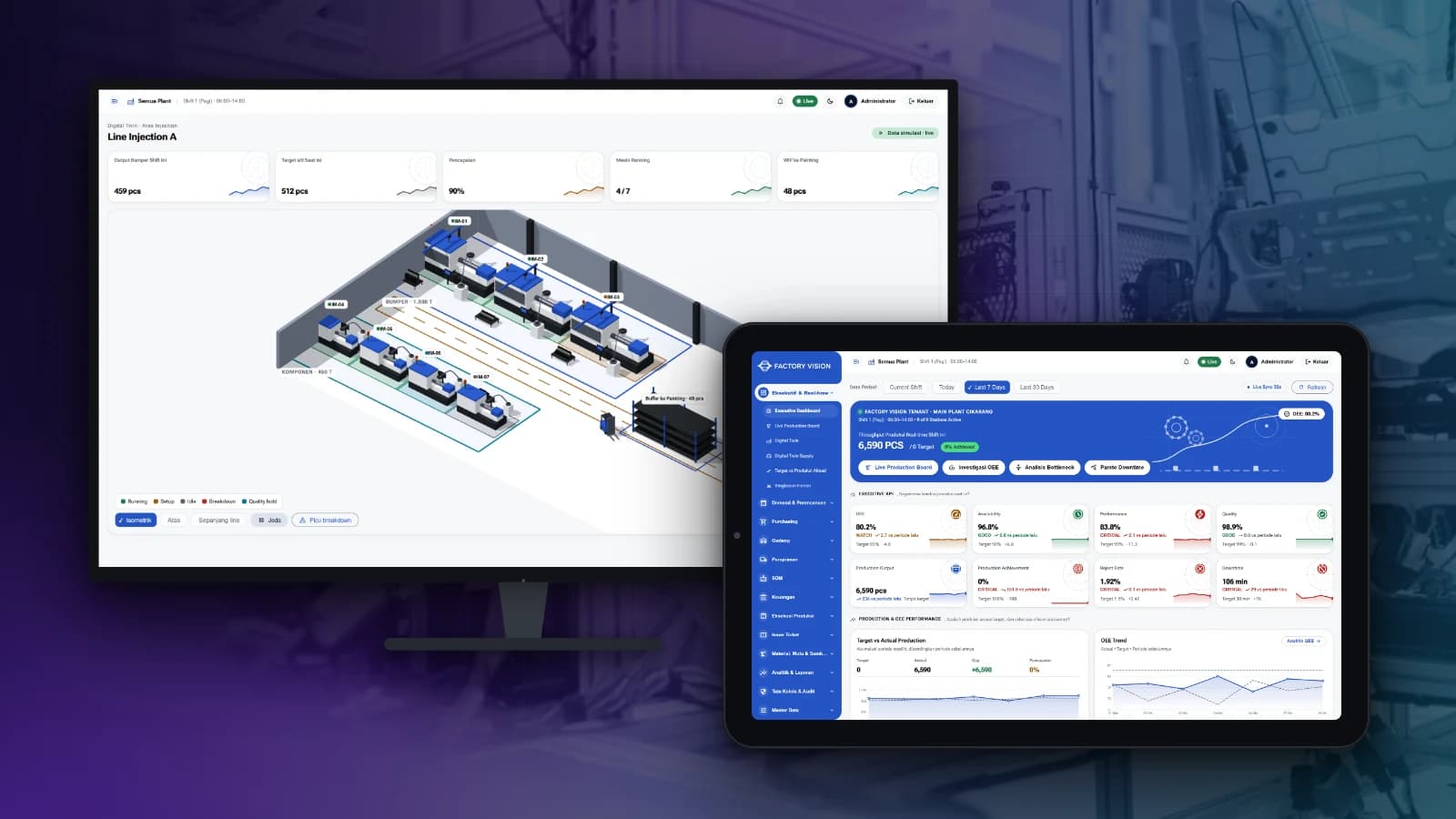
Track production, OEE, quality, warehouse and plant finance in one system, from the shop floor to management reports.
BuildingVision
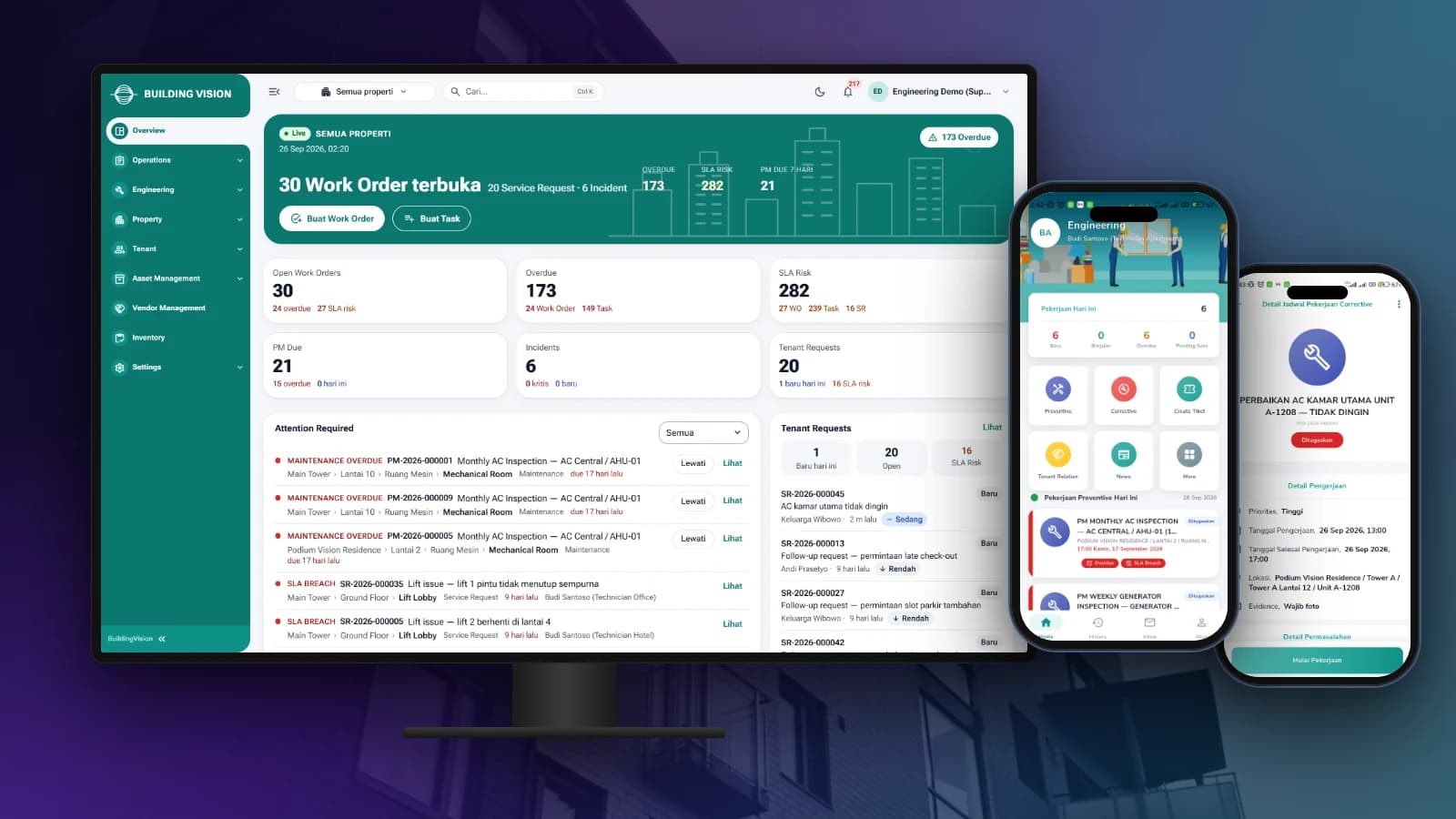
Manage tenant requests, work orders, preventive maintenance and on-site teams from one dashboard and staff app.

BuildingVision Hotel
Reservations, front desk, housekeeping, F&B, direct booking and hotel accounting in one platform.
LogiVision
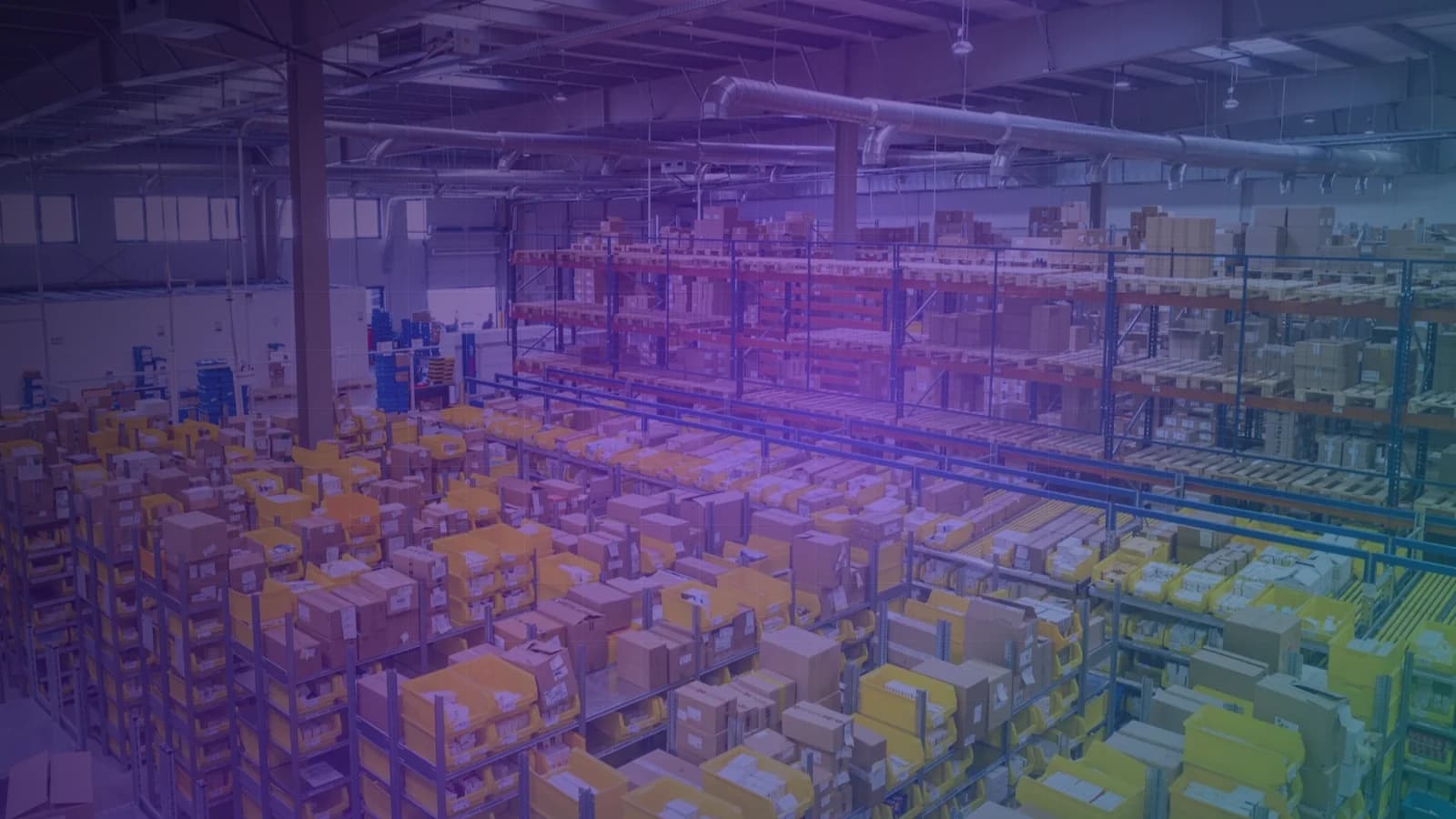
Manage receiving, putaway, picking and dispatch in the warehouse with Barcode and QR Code scanning.
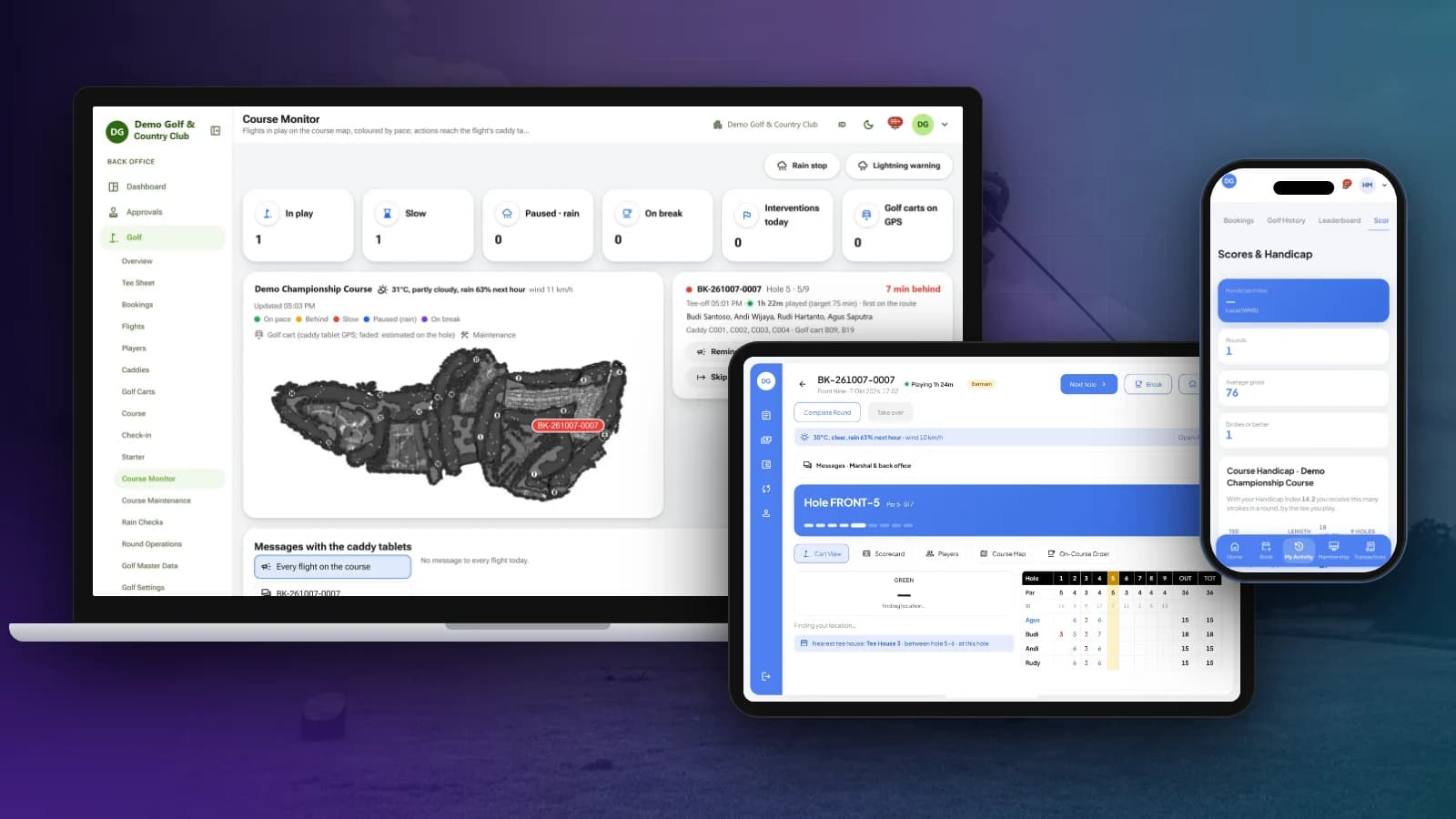
OneClub
Tee sheet, bookings, caddy tablet and scorecards, course monitoring, membership, POS and club back office in one platform.
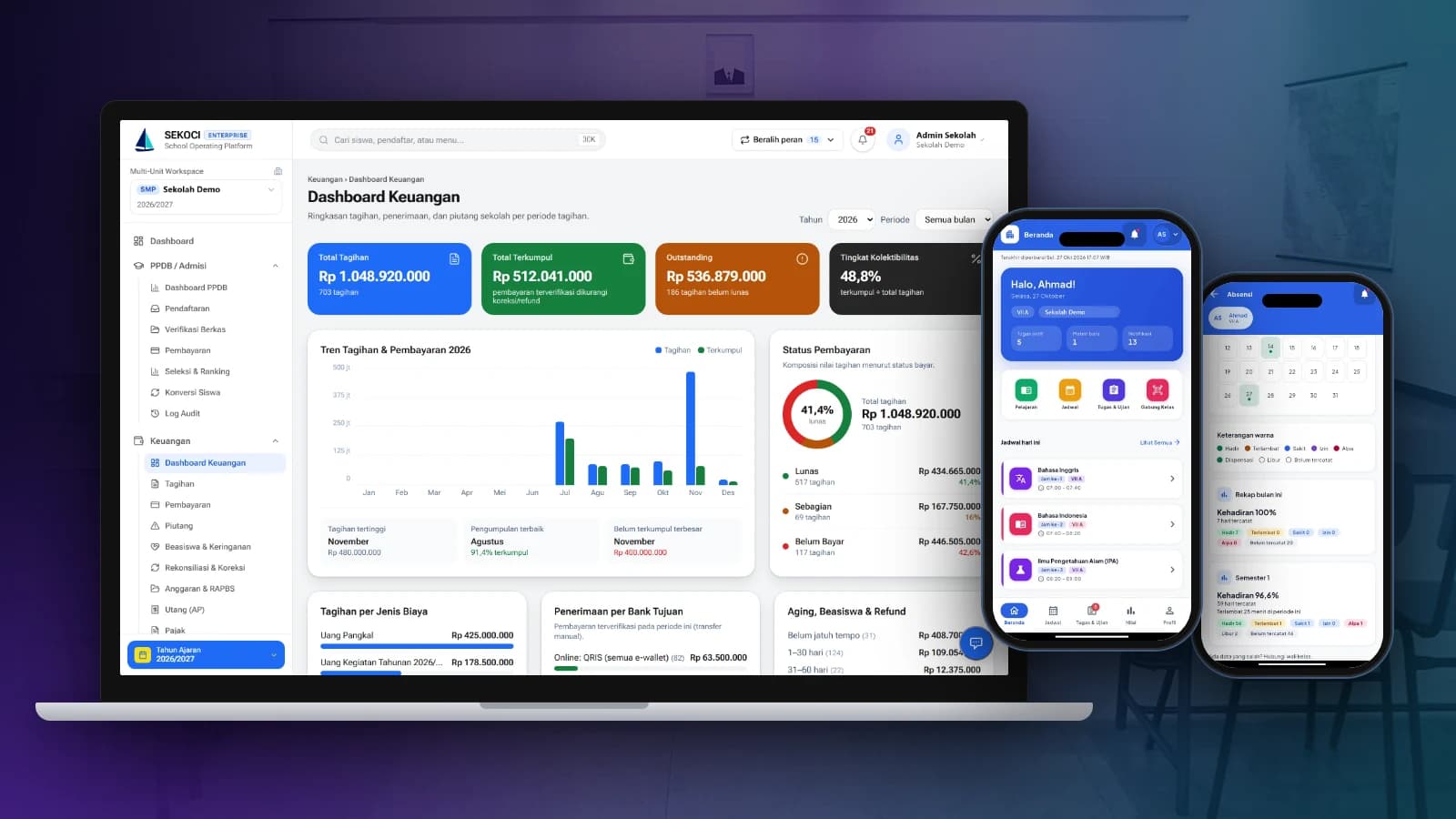
SEKOCI
Academics, attendance, CBT exams, e-report cards and school accounting in one easy-to-use application.
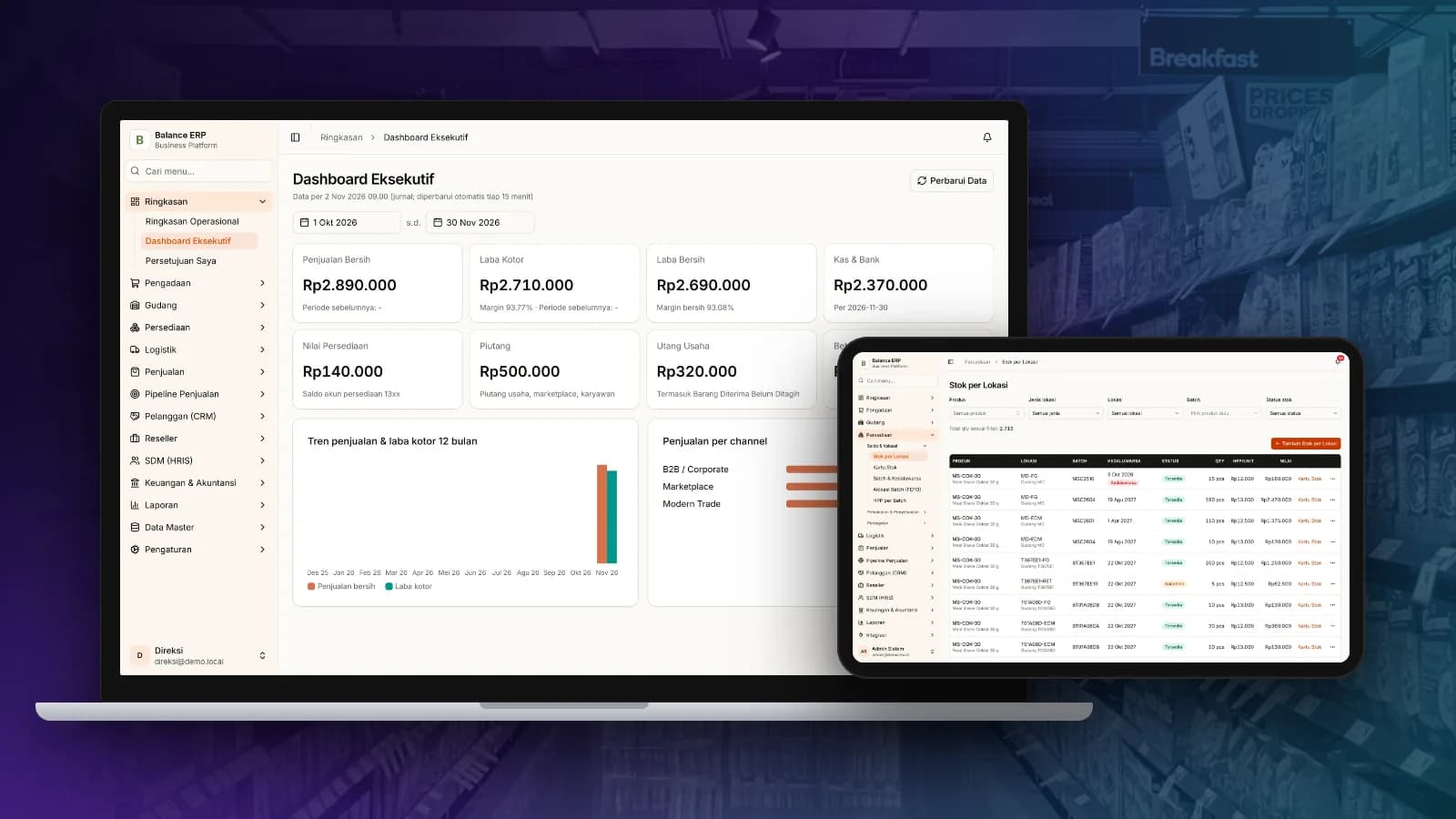
Balance
Multi-channel sales, stock by location, purchasing and automatic accounting journals in one business platform.
