
Seautomate

School Management System & CBT Exams

Smart, organised, integrated your school platform

A school management system that brings academics, attendance, CBT exams, LMS features, e-report cards and school accounting together in one easy-to-use application.

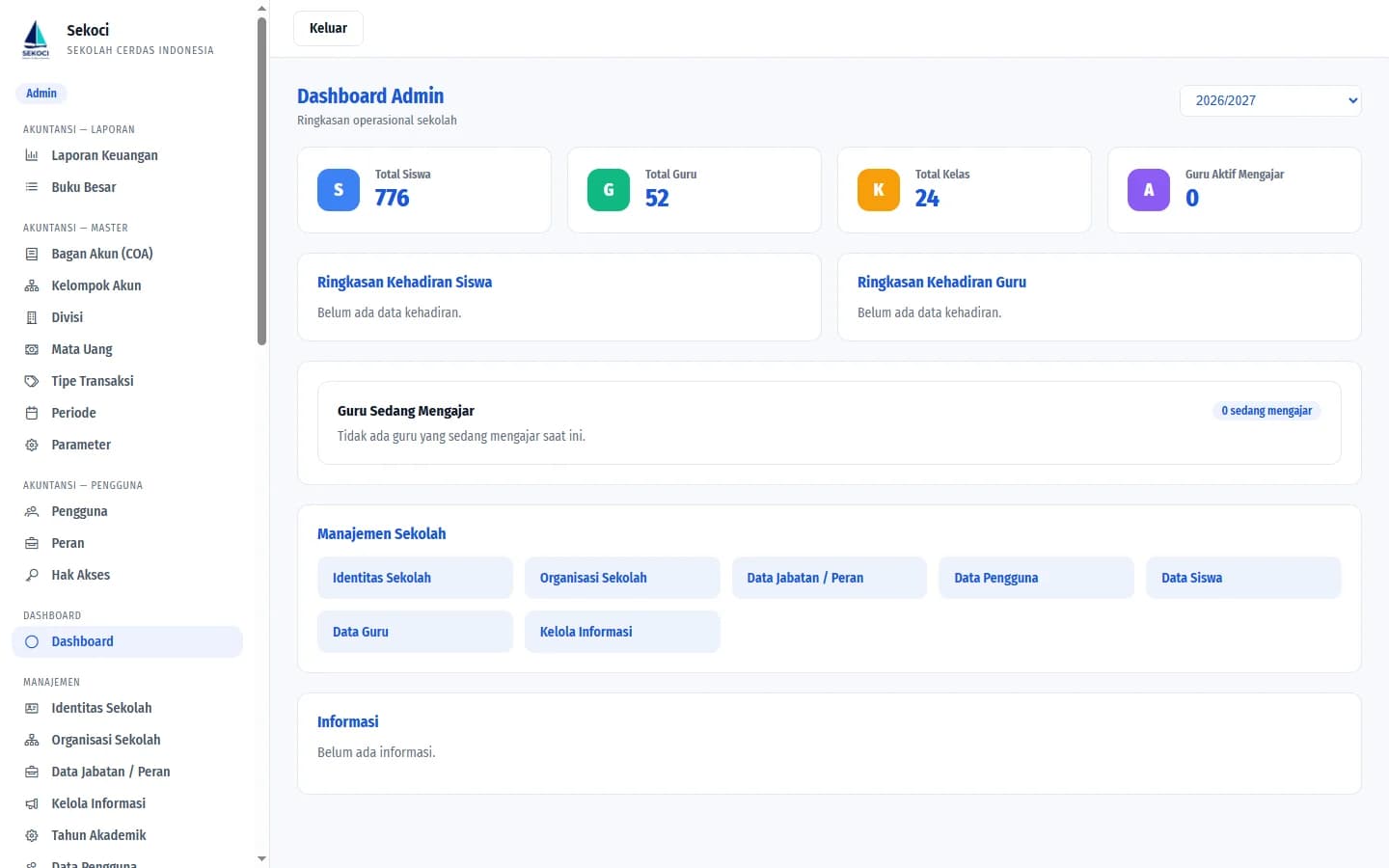
Sekoci admin dashboard: totals for students, teachers, classes and attendance

Sekoci modules

  • Academics
  • Attendance
  • CBT Exams
  • E-Report Cards
  • Teacher Evaluation
  • Accounting

Timetables, exams, grades, report cards and school bookkeeping, all kept in one place. No more data scattered across countless spreadsheets.

6
Integrated modules
50+
Admin feature pages
6
User roles

Features

Run the whole school from one Sekoci

Every module shares the same data: from timetables, exams and report cards to financial bookkeeping.

A teacher in a blue hijab guiding students in scout uniforms in class
Academics
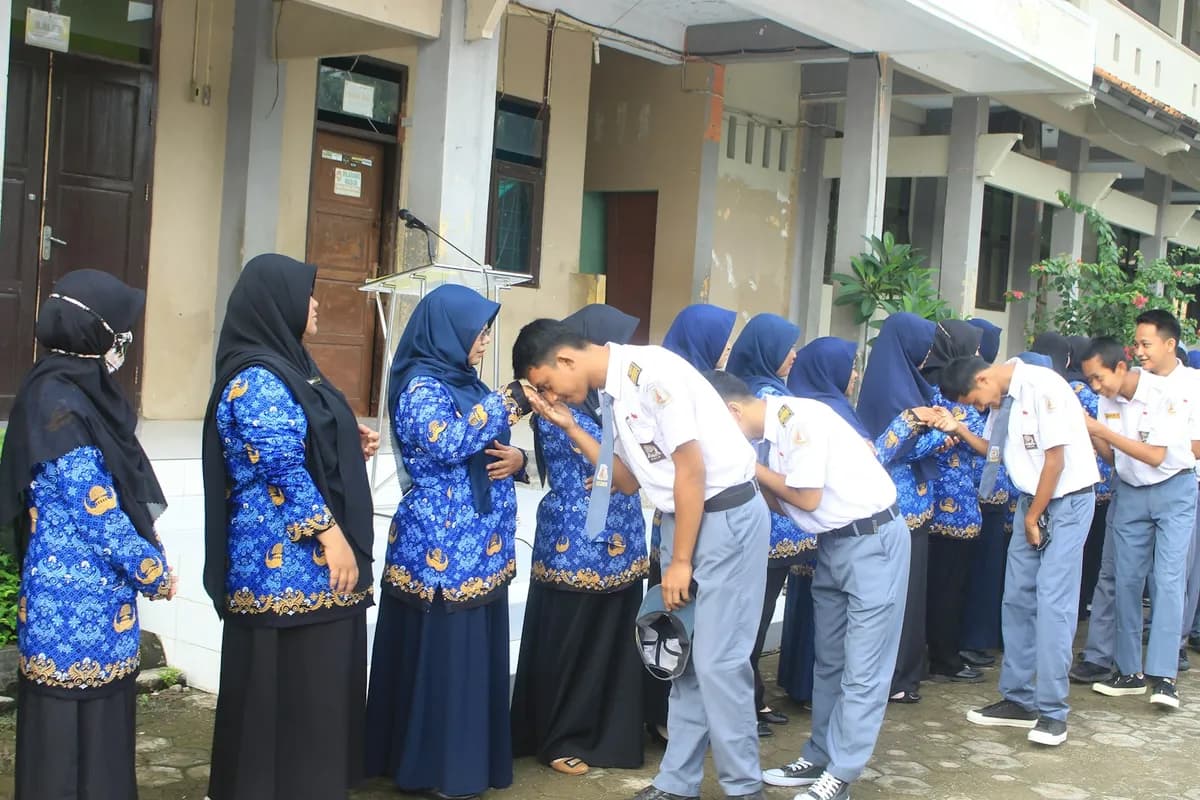
Vocational students shaking hands with a teacher as they arrive at school
Attendance
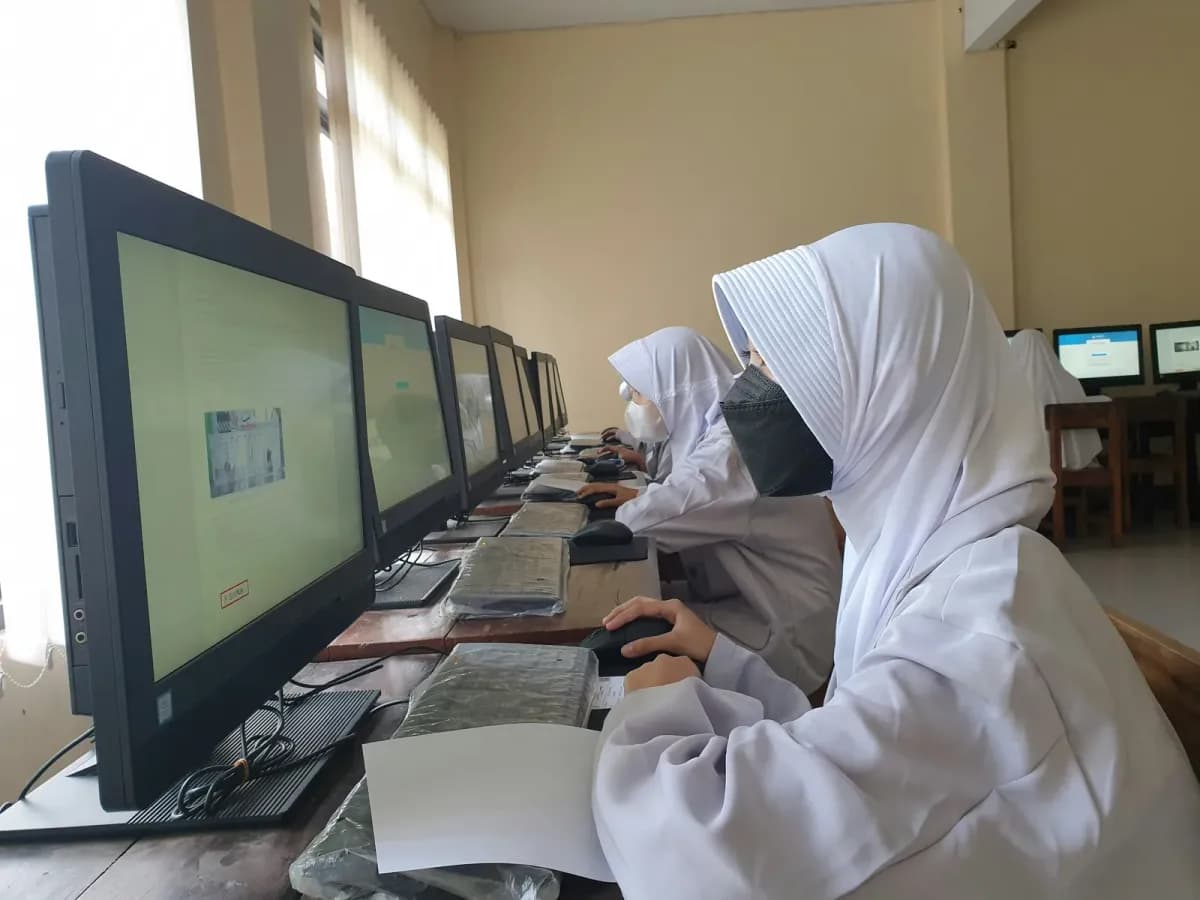
Students in uniform taking an exam in the school computer lab
CBT Exams
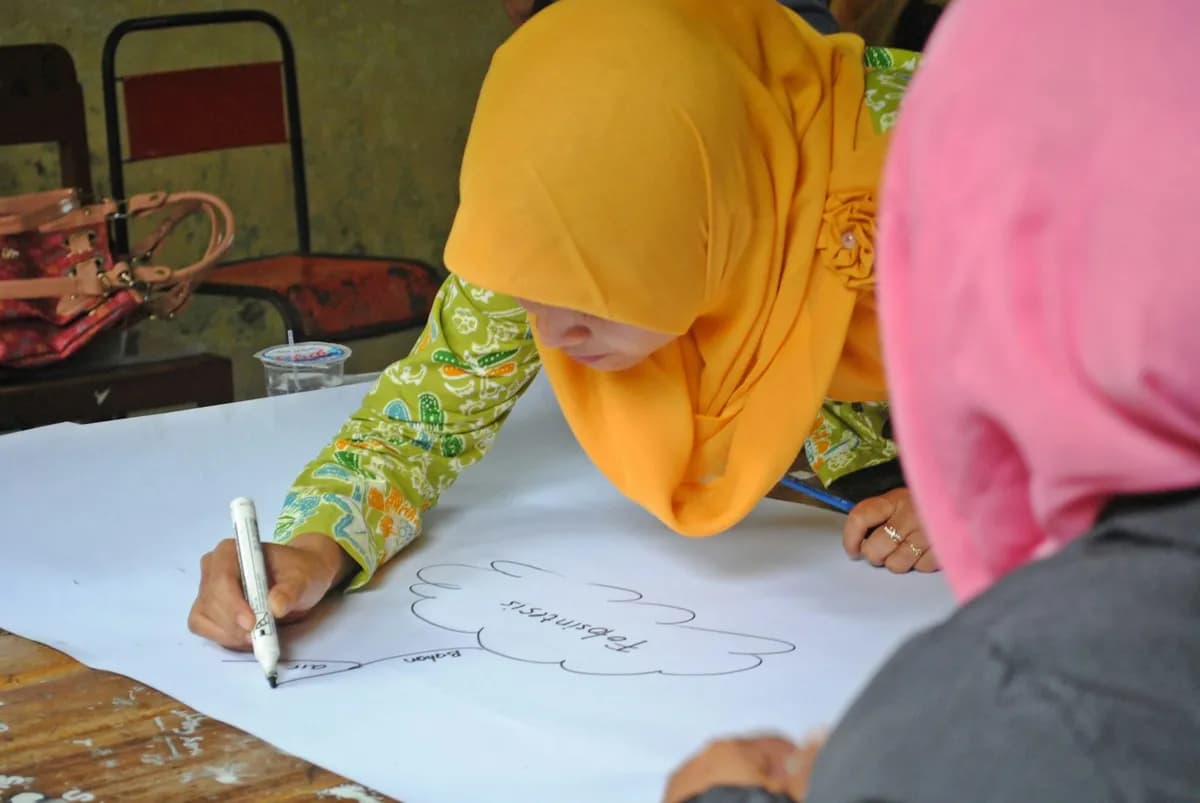
A teacher writing assessment notes on paper
E-Report Cards
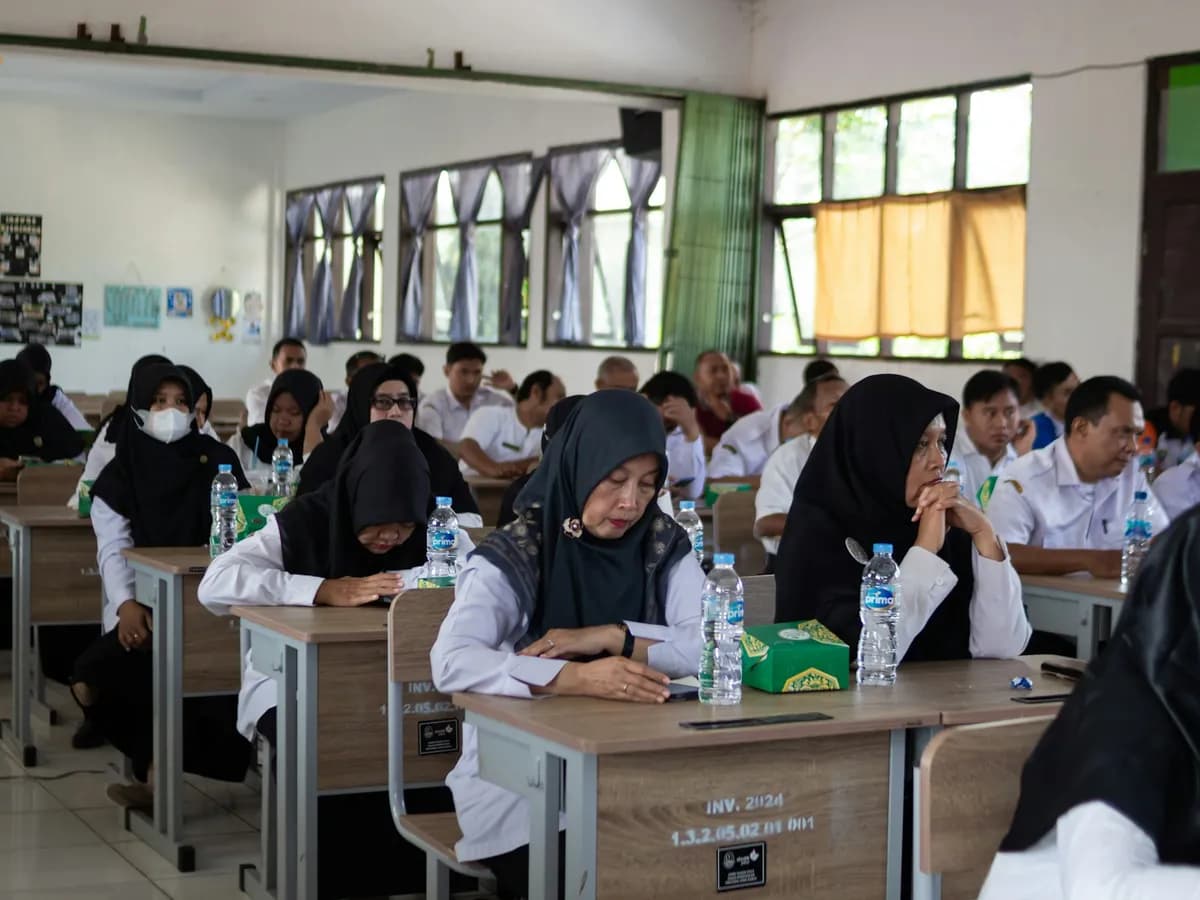
Teachers in a meeting and training session at school
Teacher Evaluation
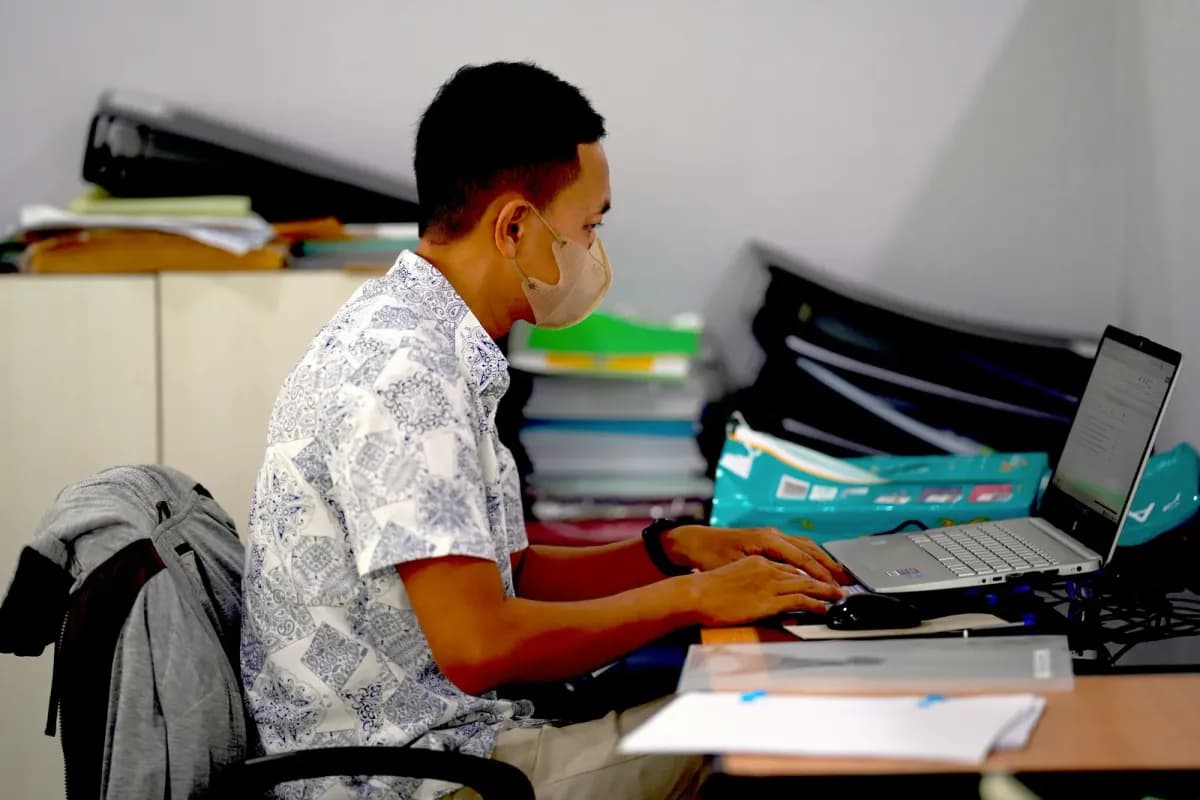
School staff in batik shirts working on finance administration on a laptop
Accounting

Photos: Unsplash (Husniati Salma, SMKN 1 Gantar, Royhan Firdaus, Hartono Subagio)

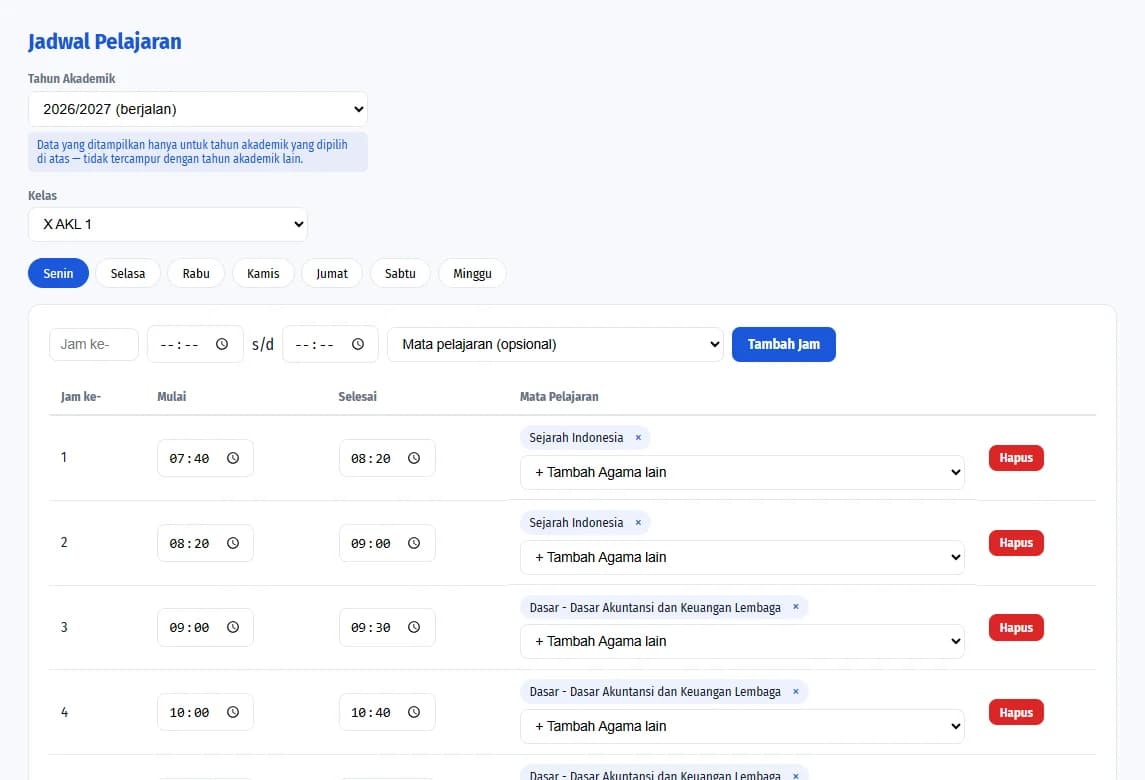
Sekoci timetable page
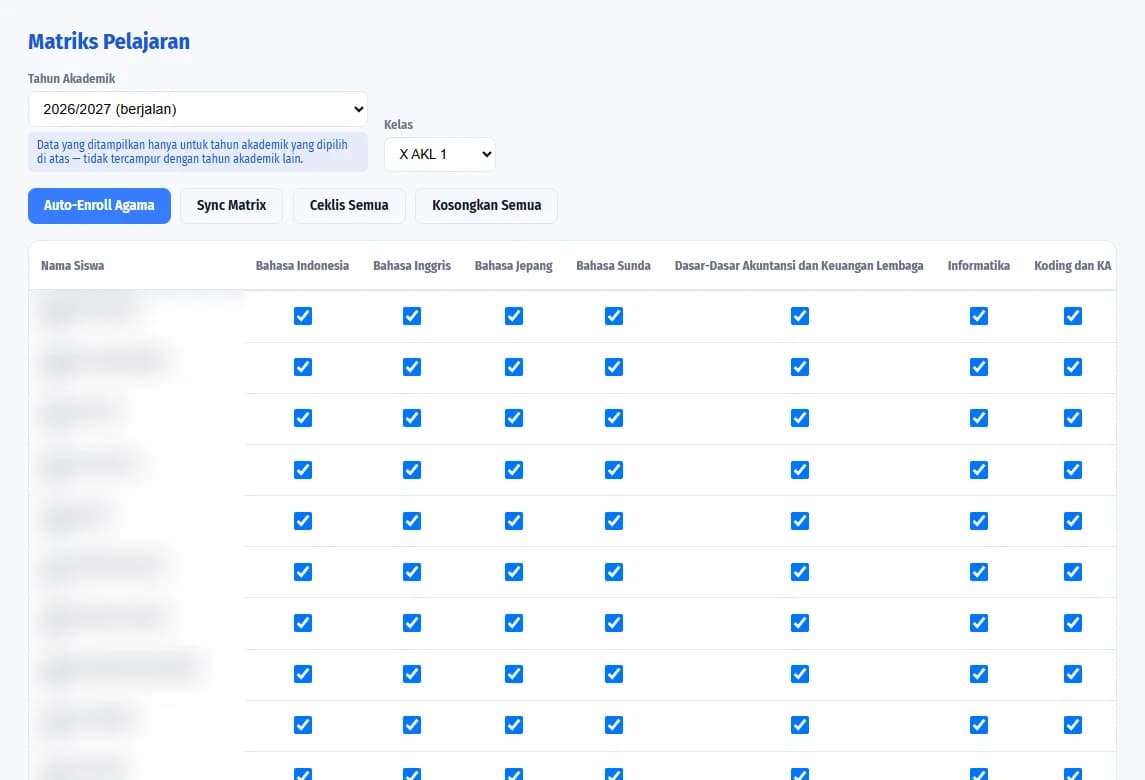
Sekoci subject matrix page

01Academics

Academics organised from the first day of the school year

Set up academic years, classes, subjects, homeroom teachers and daily timetables. Each school year is stored separately, so history never gets mixed up.

  • Timetables per class and per day
  • Subject matrix with religion auto-enrolment
  • Class promotion without touching last year's data
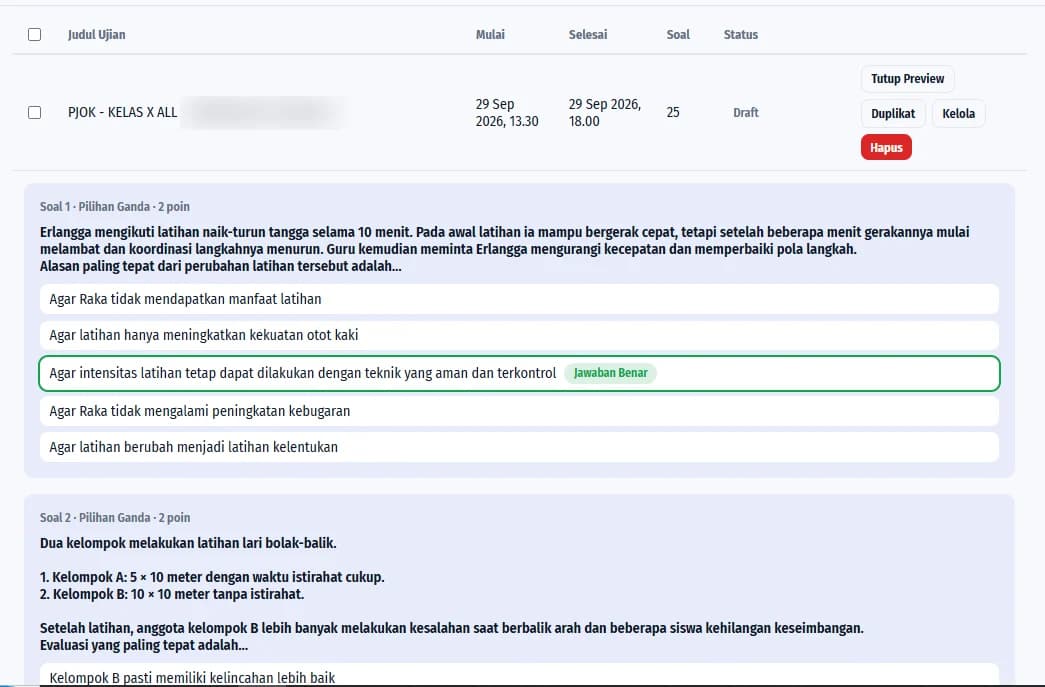
Multiple-choice question preview in Sekoci
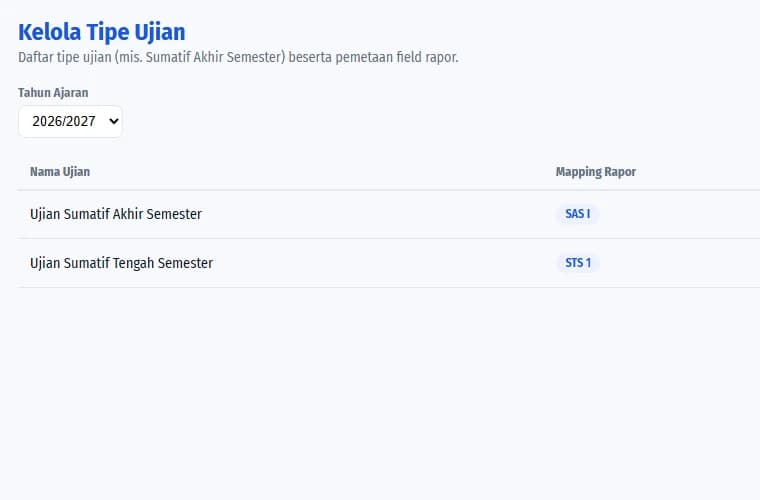
Sekoci exam type settings page

02CBT Exams

A CBT exam application, ready to use

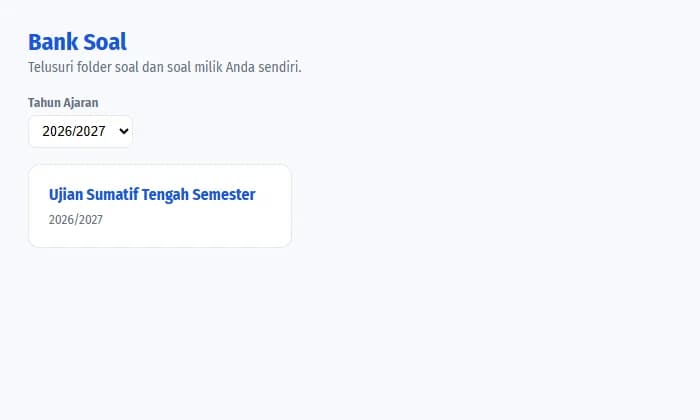
A computer-based test system for school exams: teachers build questions in the question bank, preview them with the answer key, then schedule the exam. Every student gets an exam token with an expiry time.

  • Question bank by folder and school year
  • Question preview with the answer key
  • Exam types mapped to report card columns
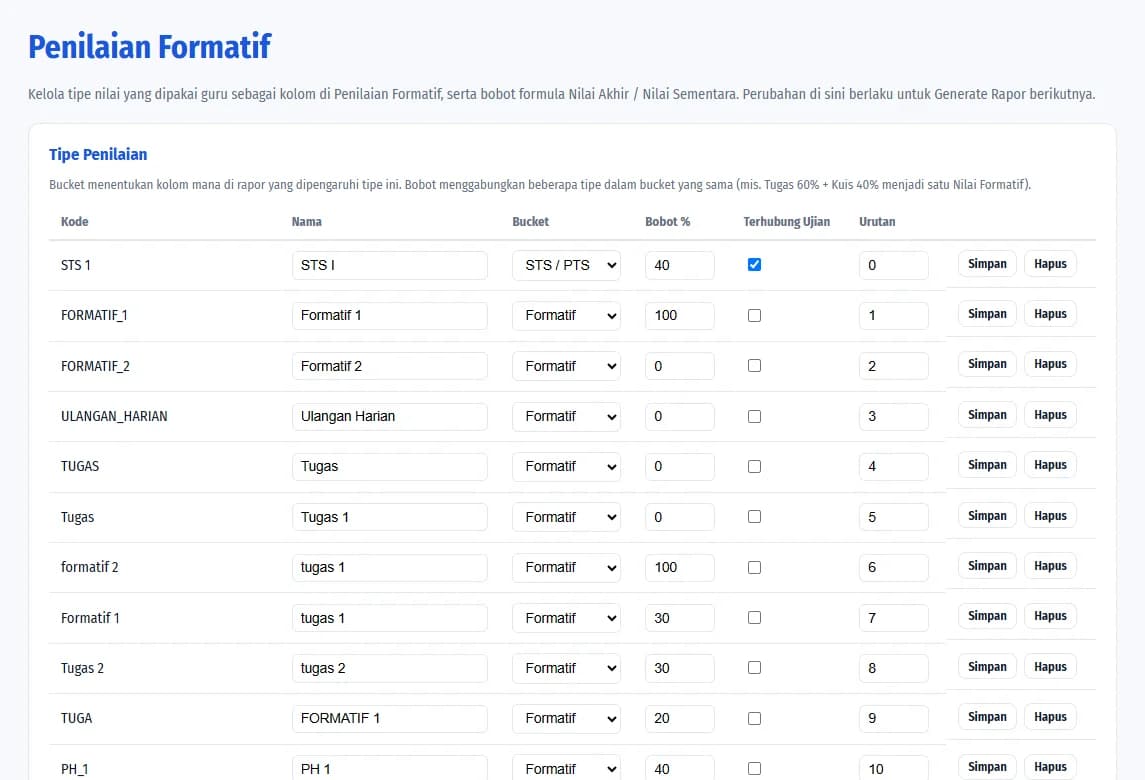
Formative assessment type settings in Sekoci
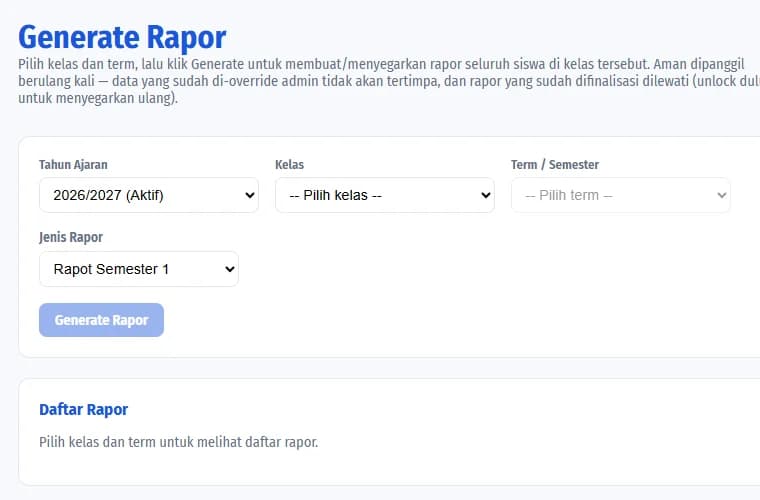
Sekoci report card generation page

03E-Report Cards

Report cards that fill themselves in

Set assessment types and weights once, and exam scores flow straight into the report card columns. Teachers can still adjust them, then generate a whole class's report cards at once.

  • Flexible formative, mid-term and final weights
  • Grade ledger and report descriptions
  • Download a class's report cards as Word files
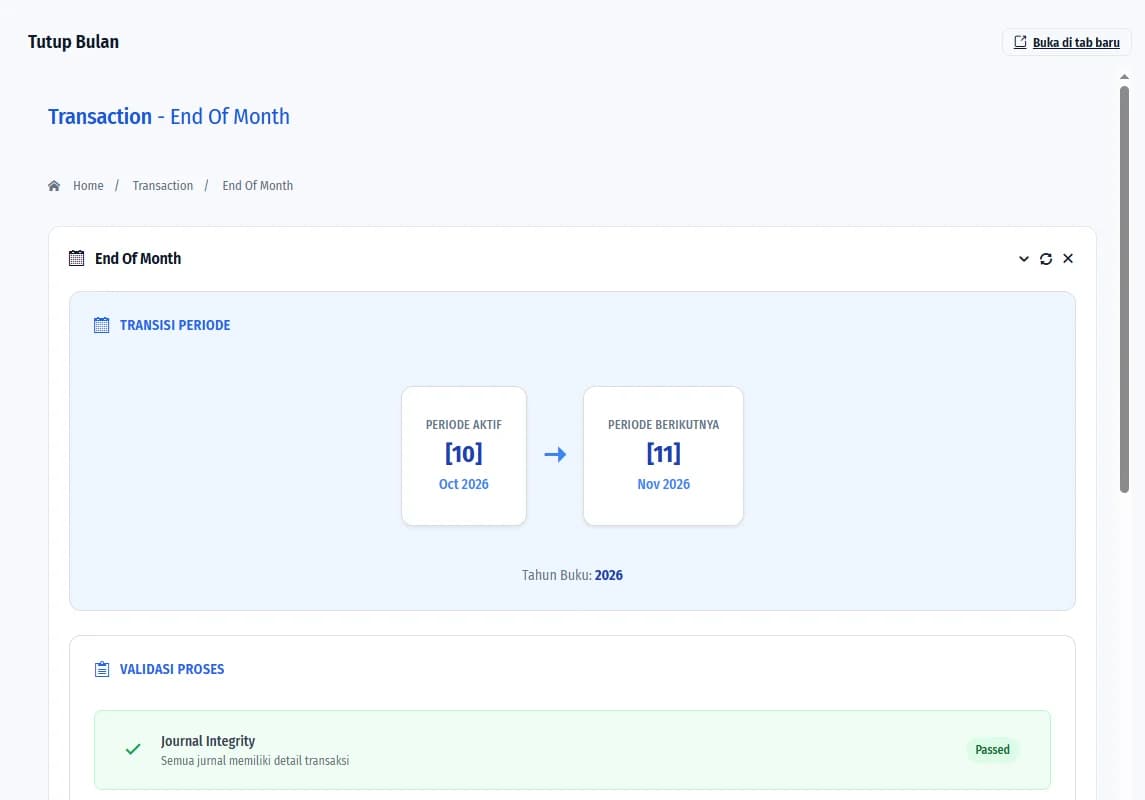
Month-end closing in the Sekoci accounting module

04Accounting

School finances to accounting standards

Record journal entries with a validation flow, manage the chart of accounts and budgets, and close the books monthly and yearly with automatic checks.

  • Journals, validation and journal history
  • Budgets, general ledger and financial statements
  • Verified month-end and year-end closing
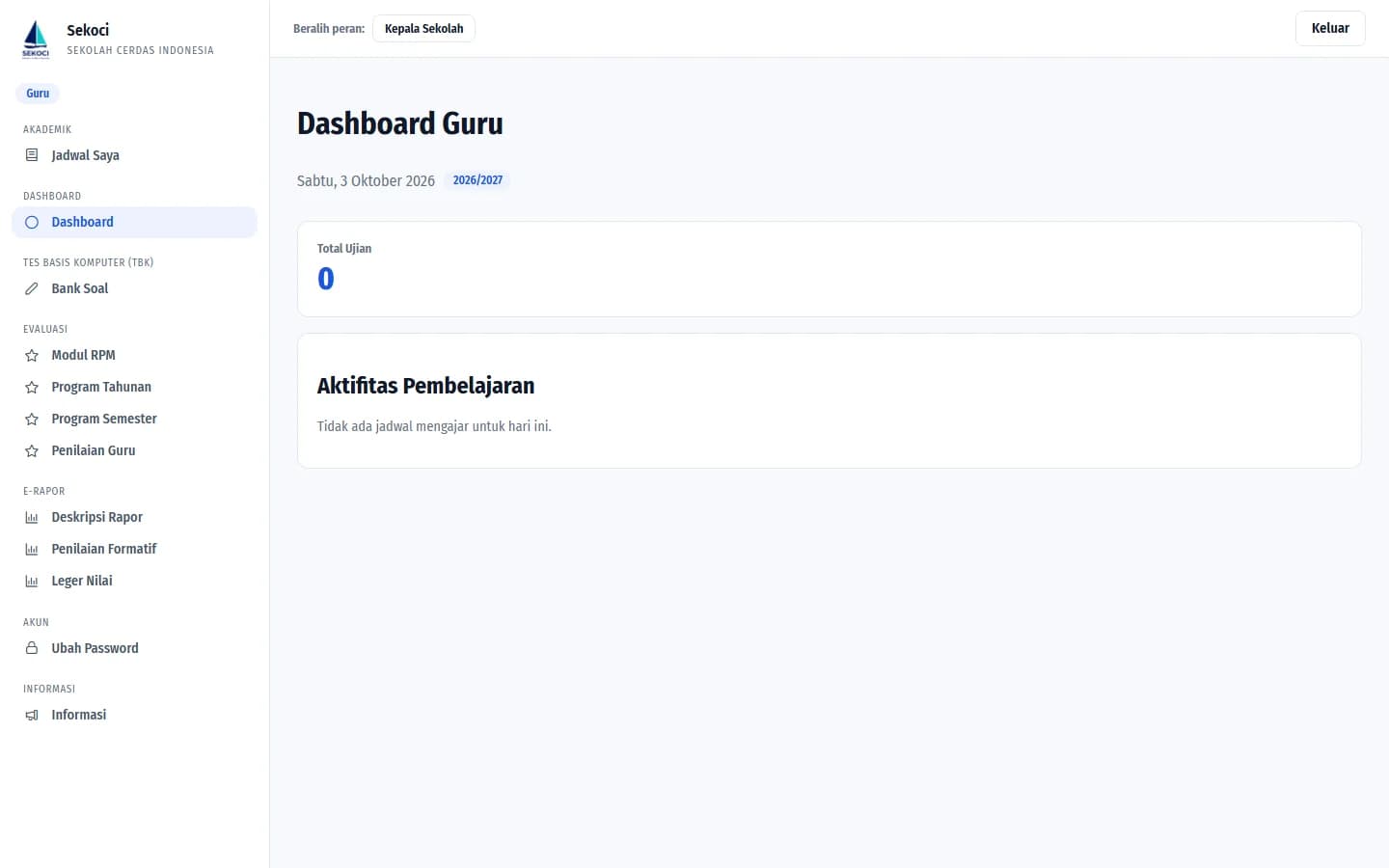
Teacher dashboard in Sekoci
A teacher's question bank in Sekoci

05For Teachers

Teachers focus on teaching, admin takes care of itself

LMS features for teachers in one dashboard: today's teaching schedule, the question bank, teaching materials (lesson modules, annual and semester programmes) and formative assessments linked to report cards.

  • Personal teaching schedule
  • Lesson modules, annual and semester programmes
  • Formative assessment per class

Who It's For

One platform, every role

Everyone signs in with their own role and only sees the menus they need.

01

Admin & Office Staff

Students, teachers, classes and school years managed in one place, with data import and access rights.

02

Principal

Monitor school operations from the dashboard and review teacher performance results each period.

03

Teachers

Teaching schedule, question bank, lesson modules, programmes and formative grades, all from one account.

04

Homeroom Teachers

Grade ledgers and report descriptions neatly prepared, ready to print at the end of the semester.

05

Finance

Journals, budgets, account balances and financial statements with a validated closing process.

06

Students

Take computer-based exams with a secure, time-limited personal token.

Strengths

Built for how Indonesian schools work

Its terms, documents and workflows follow everyday school life.

01

Complete teaching materials

Lesson modules, annual and semester programmes stored per teacher.

02

Multiple school years

Each school year's data is kept apart, so history stays intact.

03

Role-based access

Set roles and permissions so each user sees only what they need.

04

Bulk data import

Load student data in one go instead of typing it in one by one.

05

Exam tokens

Personal, expiring tokens for every student in CBT exams.

06

Book closing

Month-end and year-end closing with journal integrity checks.

Workflow

Ready for every moment of the school year

  1. 1

    July

    Start of the school year

  2. 2

    All semester

    Day to day

  3. 3

    Mid & final exams

    Exam season

  4. 4

    Report card day

    End of semester

FAQ

Questions about Sekoci

What is Sekoci?

Sekoci is a web-based school management system that brings academic data, student and teacher attendance, CBT exams, e-report cards, teacher evaluation and school accounting together in one application.

Can Sekoci run CBT (computer-based test) exams?

Yes. Sekoci has a complete computer-based test system: a question bank by folder and school year, question previews with the answer key, exam scheduling, and an expiring exam token for every student.

Is Sekoci an LMS?

Sekoci includes LMS features for schools: teaching materials (lesson modules, annual and semester programmes), a question bank, online exams, formative assessment and school announcements, all connected to the school management system.

How do exam scores get into report cards?

Exam types are mapped to report card columns. When a CBT exam ends, scores fill in the assessments automatically, and homeroom teachers can review the grade ledger and generate a whole class's report cards as Word files.

Who can use Sekoci?

Admin and office staff, principals, teachers, homeroom teachers, finance staff and students. Everyone signs in with their own role and only sees the menus they need.

How can my school try Sekoci?

Contact our team via WhatsApp or the contact page, and we'll schedule a free demo for your school.

Sekoci

Ready to learn with Sekoci?

Tell us what your school needs, and our team will schedule a free demo.

Other Products

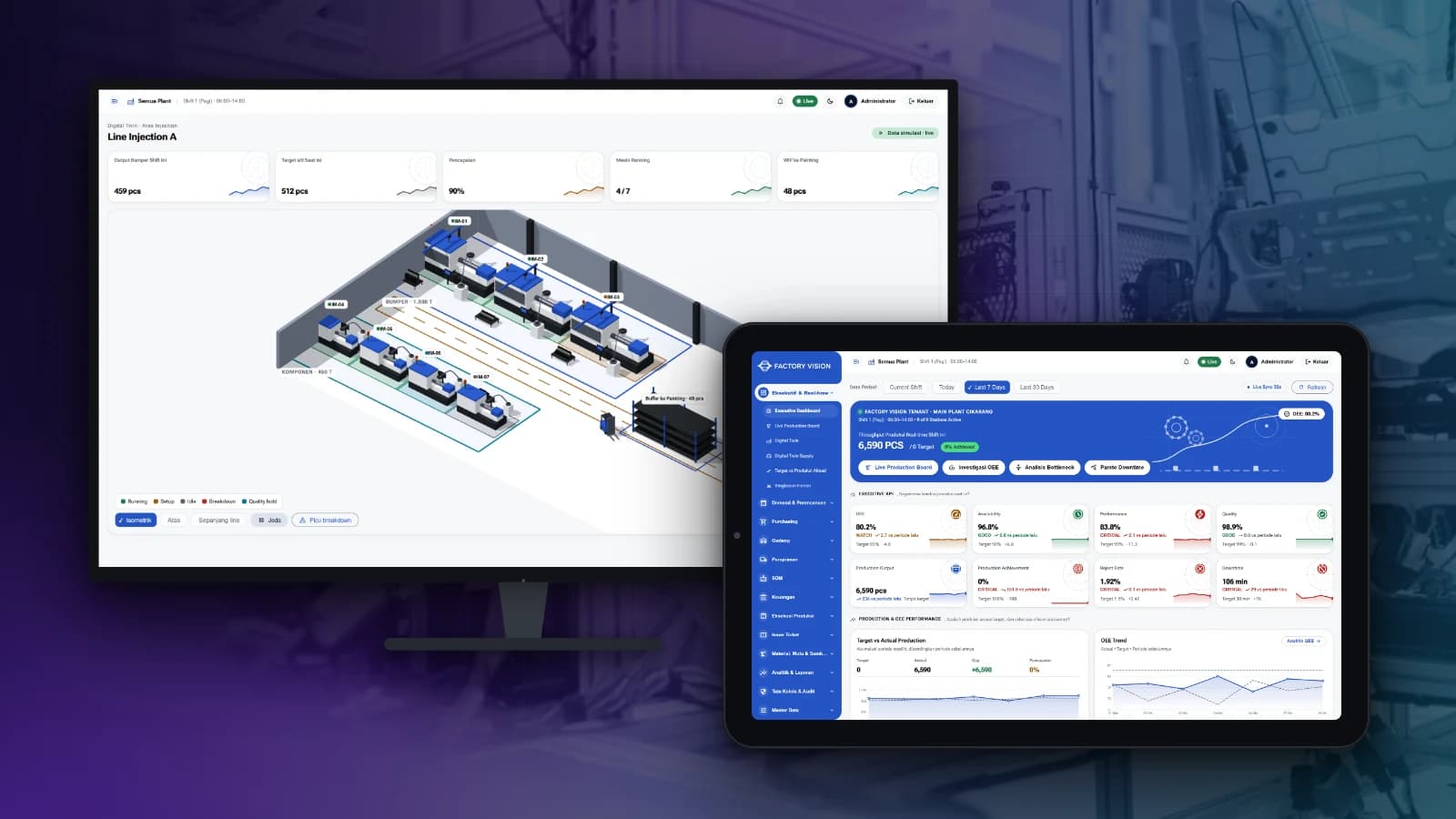
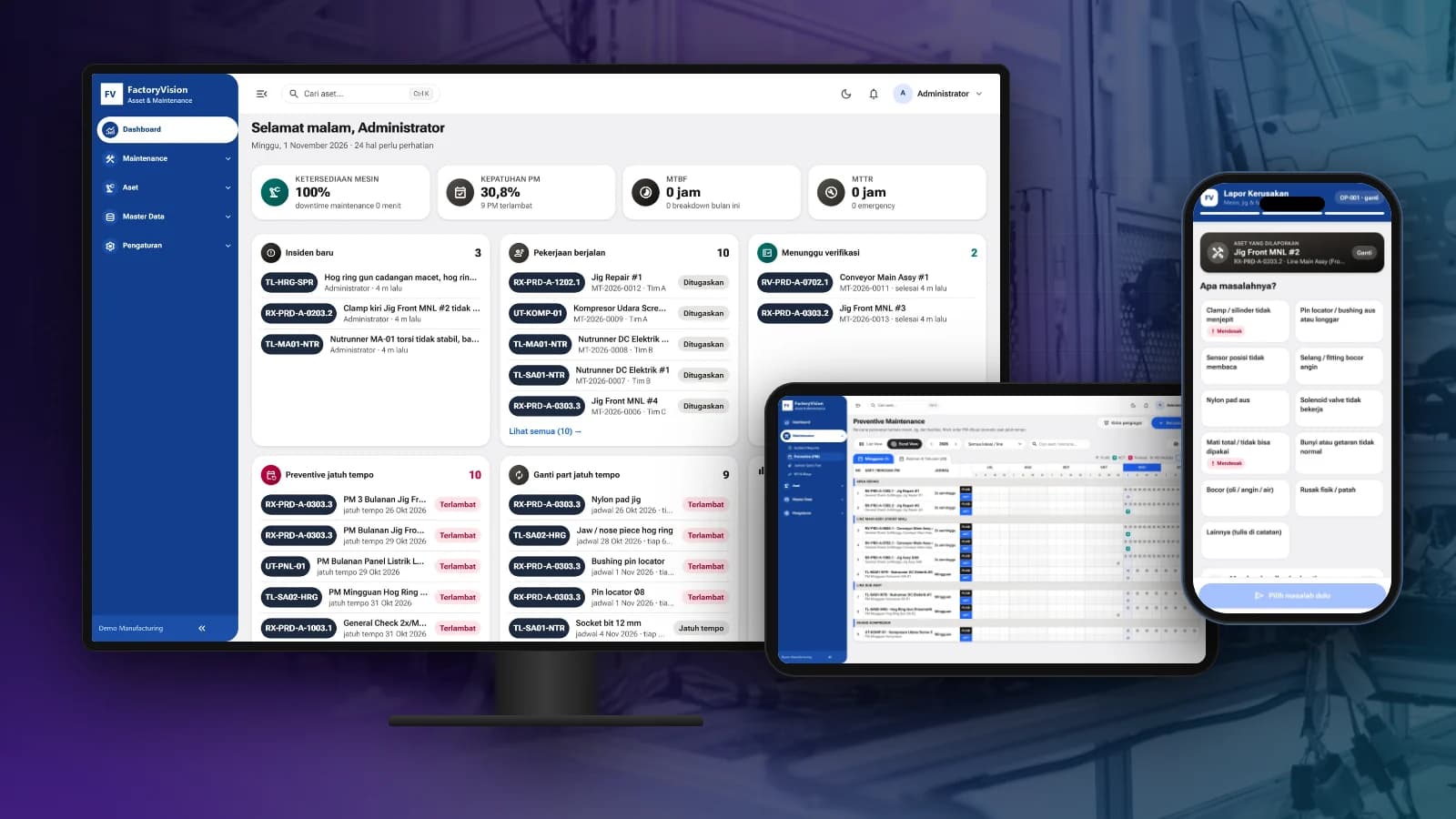
More platforms built by Seautomate.

Ready to Start Your Project?

Tell us about the idea, process or system you want to build. We'll help shape it into a digital product that actually runs.


Seautomate - Creative Idea. Drive Solution.
Copyright © 2026 Seautomate
Chat with Sales