
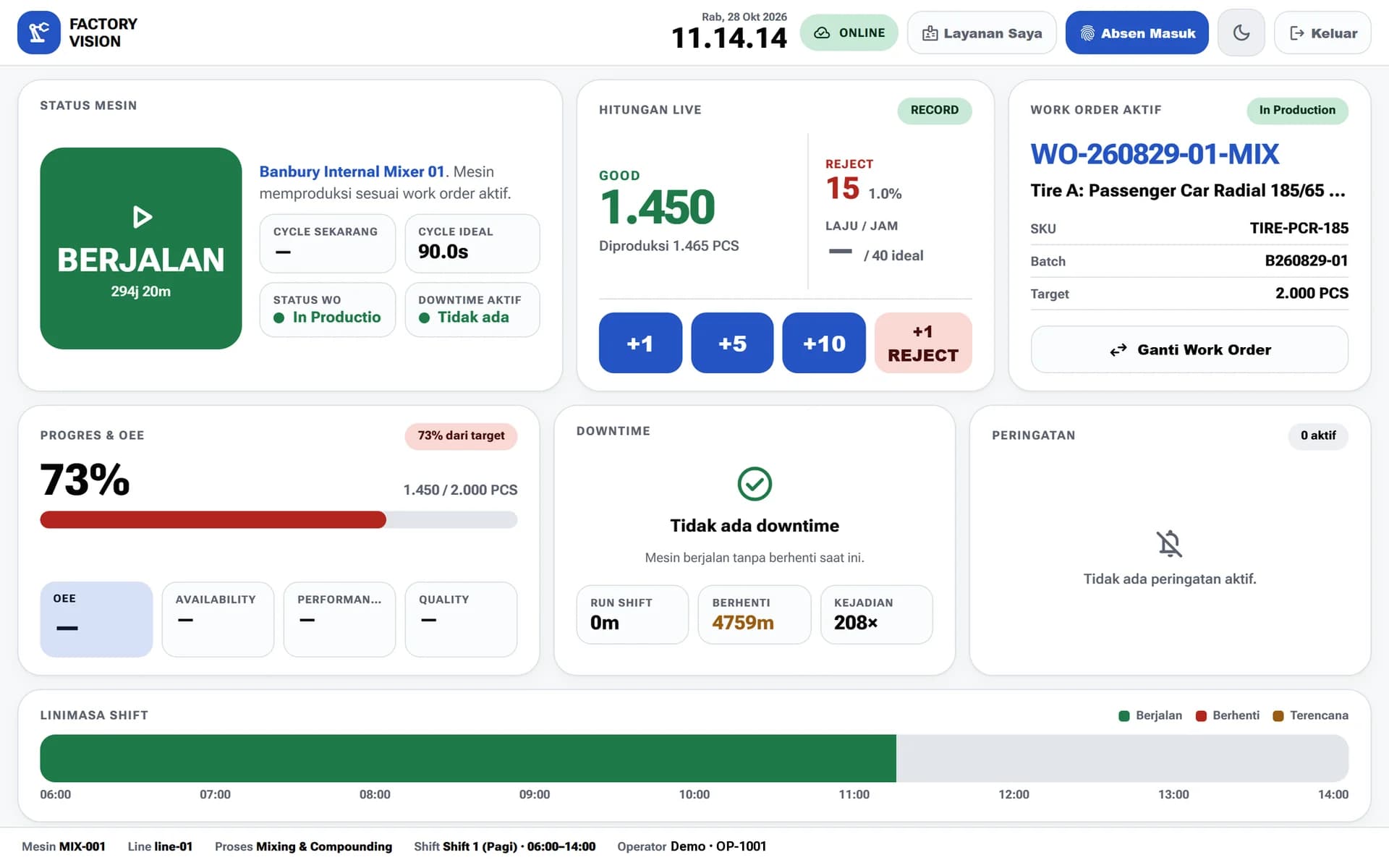
An operator terminal that keeps going
Operators record output, rejects, and downtime from a tablet on the line. The terminal keeps working when the plant Wi-Fi goes down.

Manufacturing MES & ERP
From planning, work orders, and operator terminals to OEE, warehouse, and finance. Everything is captured in one system built for Indonesian plants.
Modules inside FactoryVision
About FactoryVision
FactoryVision helps manufacturers manage production, monitor OEE, control quality, and manage materials from a single platform. Data is captured at the point of work, so management no longer waits for end-of-shift reports.
Operators record output, rejects, and downtime from a tablet on the line. The terminal keeps working when the plant Wi-Fi goes down.
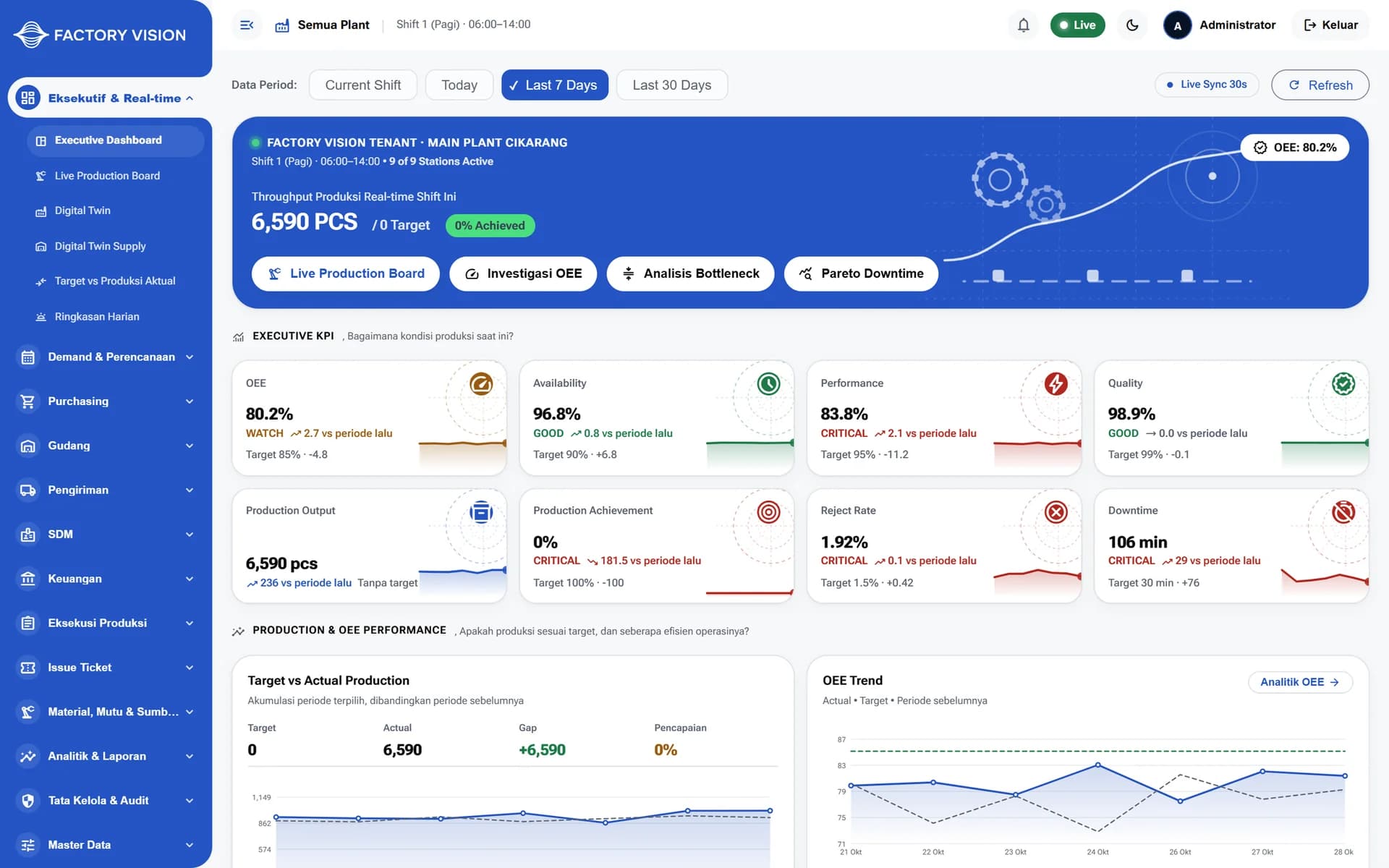
Availability, performance, and quality are calculated per machine and per line. Downtime causes are logged consistently and analyzed with a Pareto view.
Purchasing, warehouse, shipping, HR, and finance share the same data as the shop floor, including cost of goods and margin per product.

Run the whole system inside the plant network with no outbound internet, or in the cloud with data isolated per tenant.
How It Works
Every step is recorded in the same system, from the planning office to the machines on the line.
Planners enter customer orders and forecasts, then calculate capacity and material requirements.
The plan is released as work orders per line and machine, complete with targets and batches.
Operators run work orders from the terminal and record output, rejects, and downtime as they happen.
Supervisors and management review OEE, downtime Pareto, and shift reports to drive improvement programs.

01Planning & Work Orders
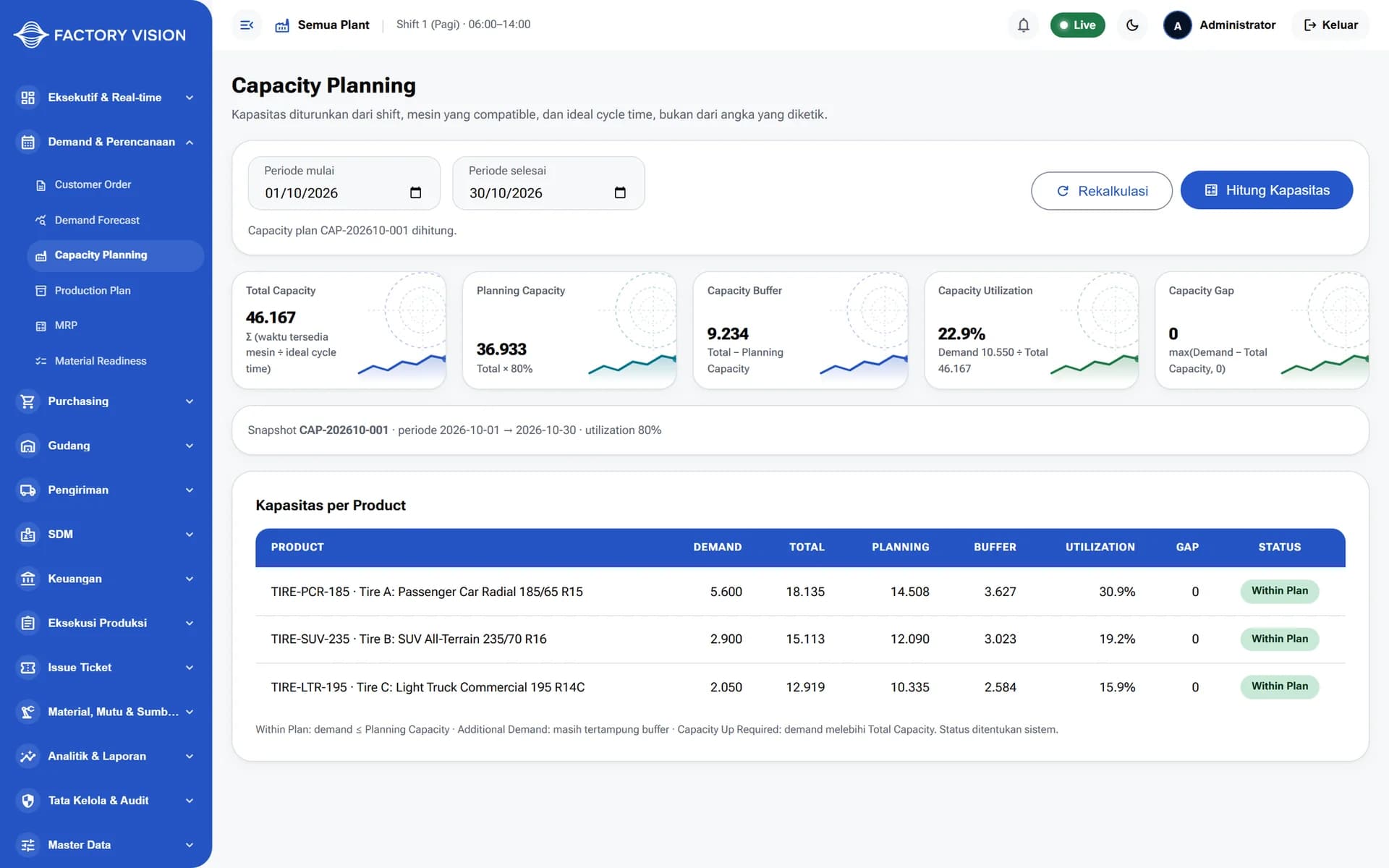
Capacity is derived from shifts, compatible machines, and ideal cycle time, not from typed-in numbers. The production plan is then released as work orders per line and machine.

02Real-time Visibility
The digital twin shows the status of every machine on the line, from running and setup to idle and breakdown. The executive dashboard summarizes output, OEE, rejects, and downtime per period.


03Warehouse & Maintenance
Stock is tracked by location, lot, expiry, and status, so only available stock counts toward MRP. Preventive maintenance schedules and monthly check sheets are managed per asset.
Who it's for
Start and stop work orders and record output and downtime from tablet terminals on the production line.
Monitor line status, OEE, and open quality holds in real time.
Manage demand, capacity, MRP, and production plans before they are released to the line.
Record inspections and manage non-conformances with a hold and release workflow.
Manage stock by location and lot, and run preventive maintenance schedules per asset.
Review production, quality, inventory, and finance KPIs across the entire plant.
Technology
FAQ
Yes. The entire system can run inside your plant network with no outbound internet connection. A cloud mode with data isolated per tenant is also available.
The operator terminal is designed to keep working when Wi-Fi goes down. Operators can keep recording output, rejects, and downtime without losing shift data.
Yes. Machine signals can be collected through an edge gateway for OEE, and order and material master data can be integrated with the ERP you already use. Integration details are scoped per project.
Yes. Every label, message, and report users see is in Bahasa Indonesia, so operators on the line do not have to learn foreign terms.
No. Implementation can start with a single pilot line to validate operator workflows. From there, the rollout expands line by line and module by module as you need.
FactoryVision
Talk to our team about your production needs and see a FactoryVision demo.
More platforms built by Seautomate.
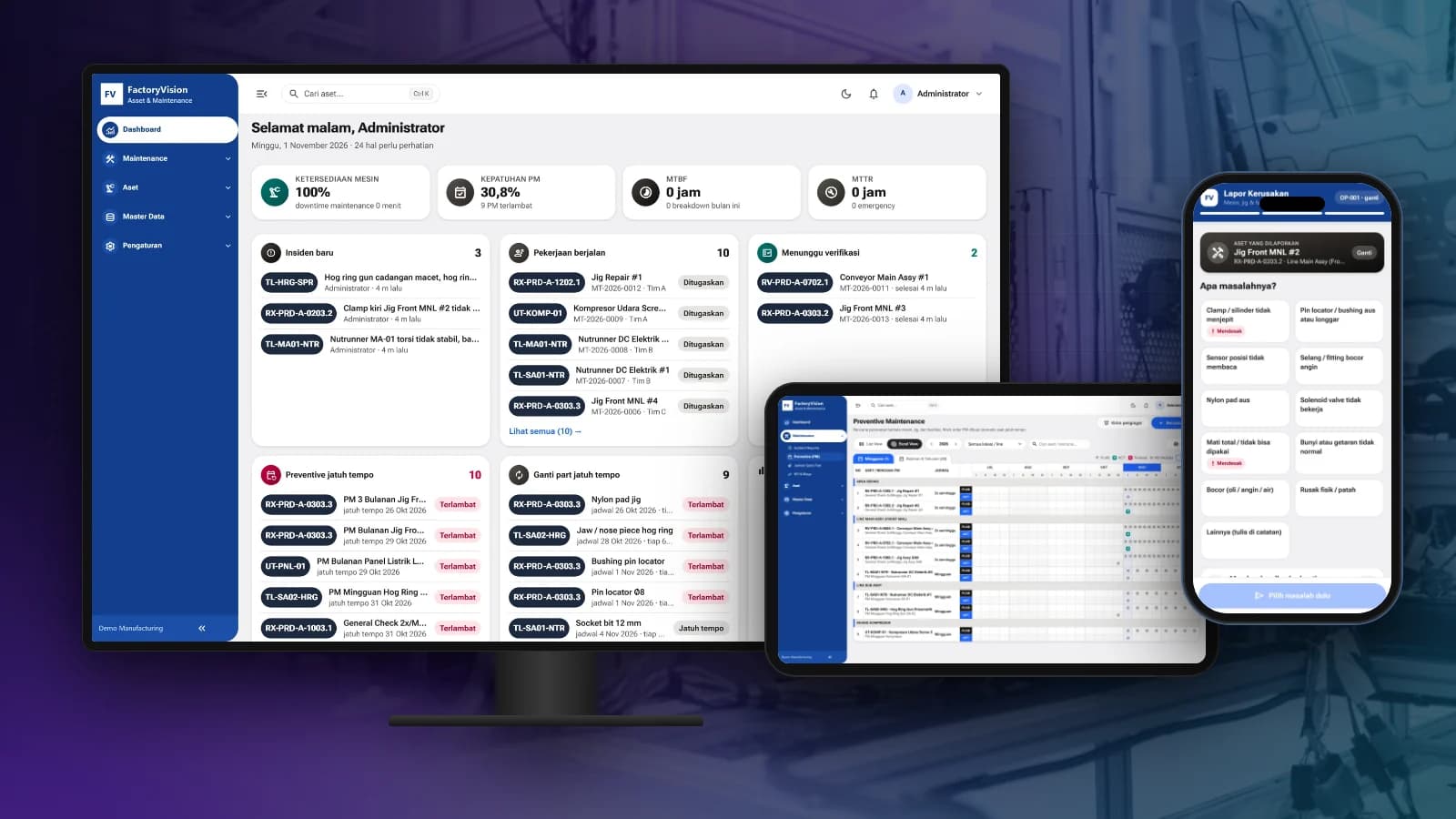
FactoryVision Maintenance
Schedule preventive maintenance, manage work orders and take breakdown reports by scanning a QR code on the machine, with KPIs and costs per asset.
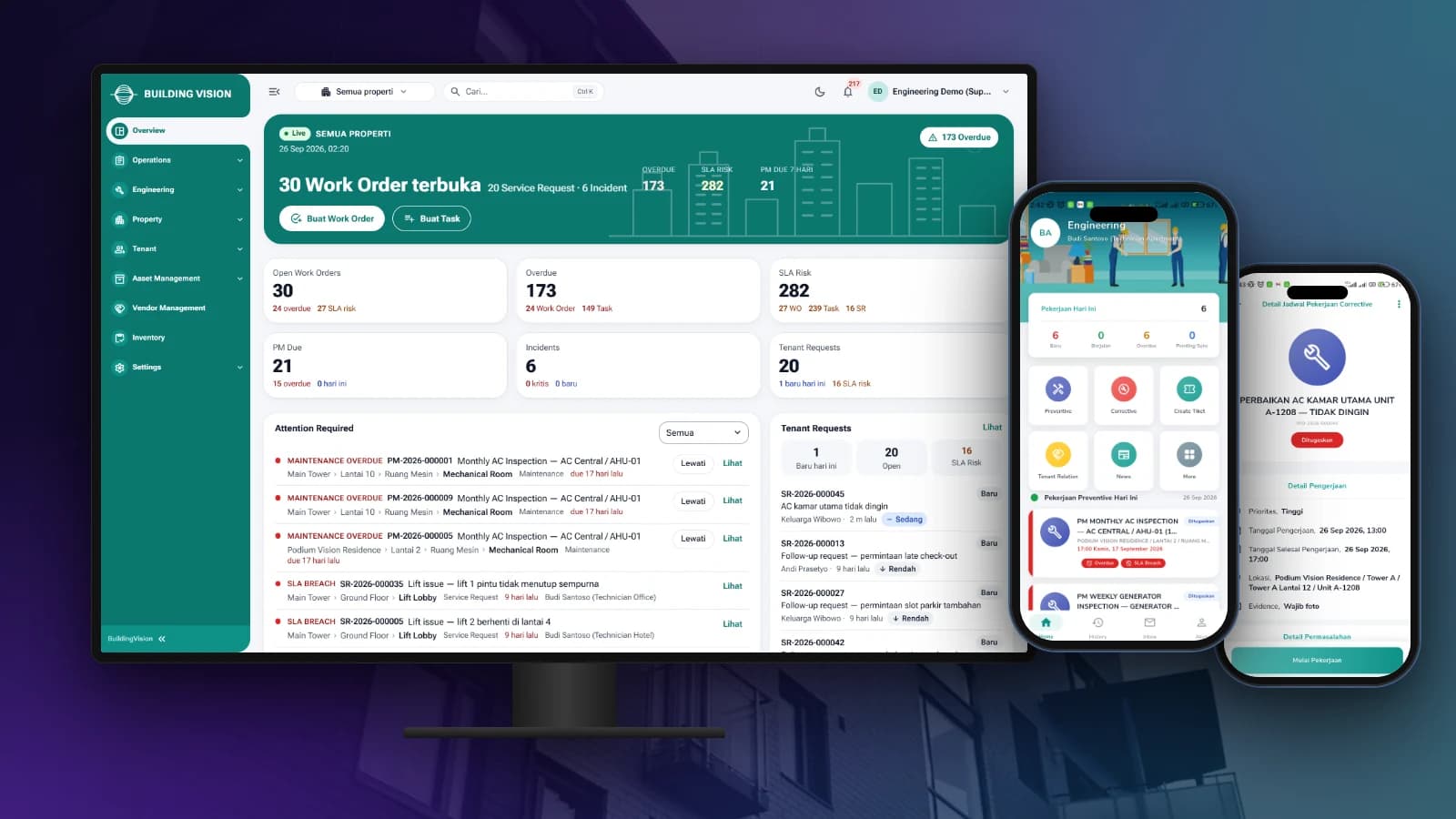
BuildingVision
Manage tenant requests, work orders, preventive maintenance and on-site teams from one dashboard and staff app.

BuildingVision Hotel
Reservations, front desk, housekeeping, F&B, direct booking and hotel accounting in one platform.
LogiVision
Manage receiving, putaway, picking and dispatch in the warehouse with Barcode and QR Code scanning.
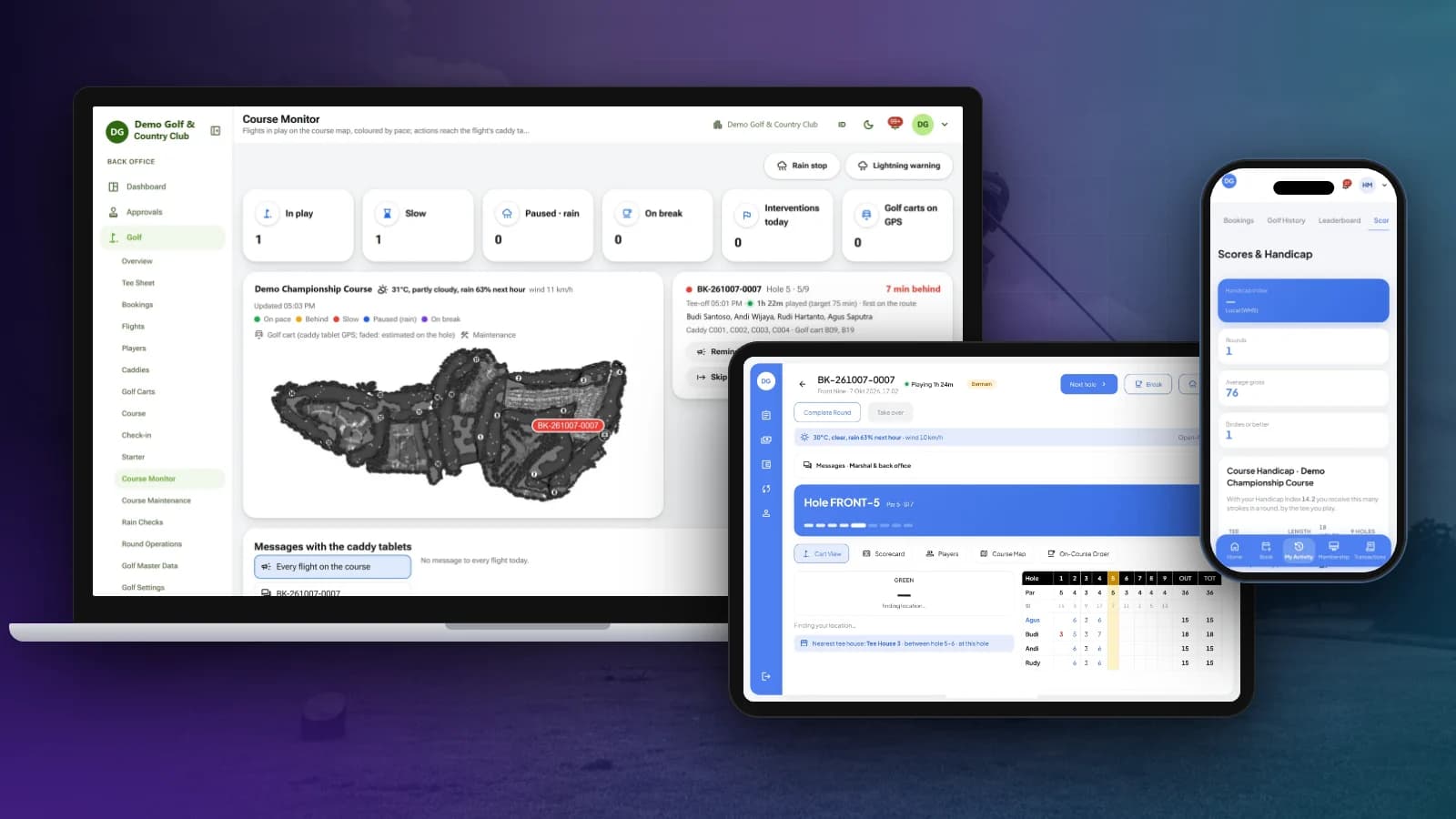
OneClub
Tee sheet, bookings, caddy tablet and scorecards, course monitoring, membership, POS and club back office in one platform.
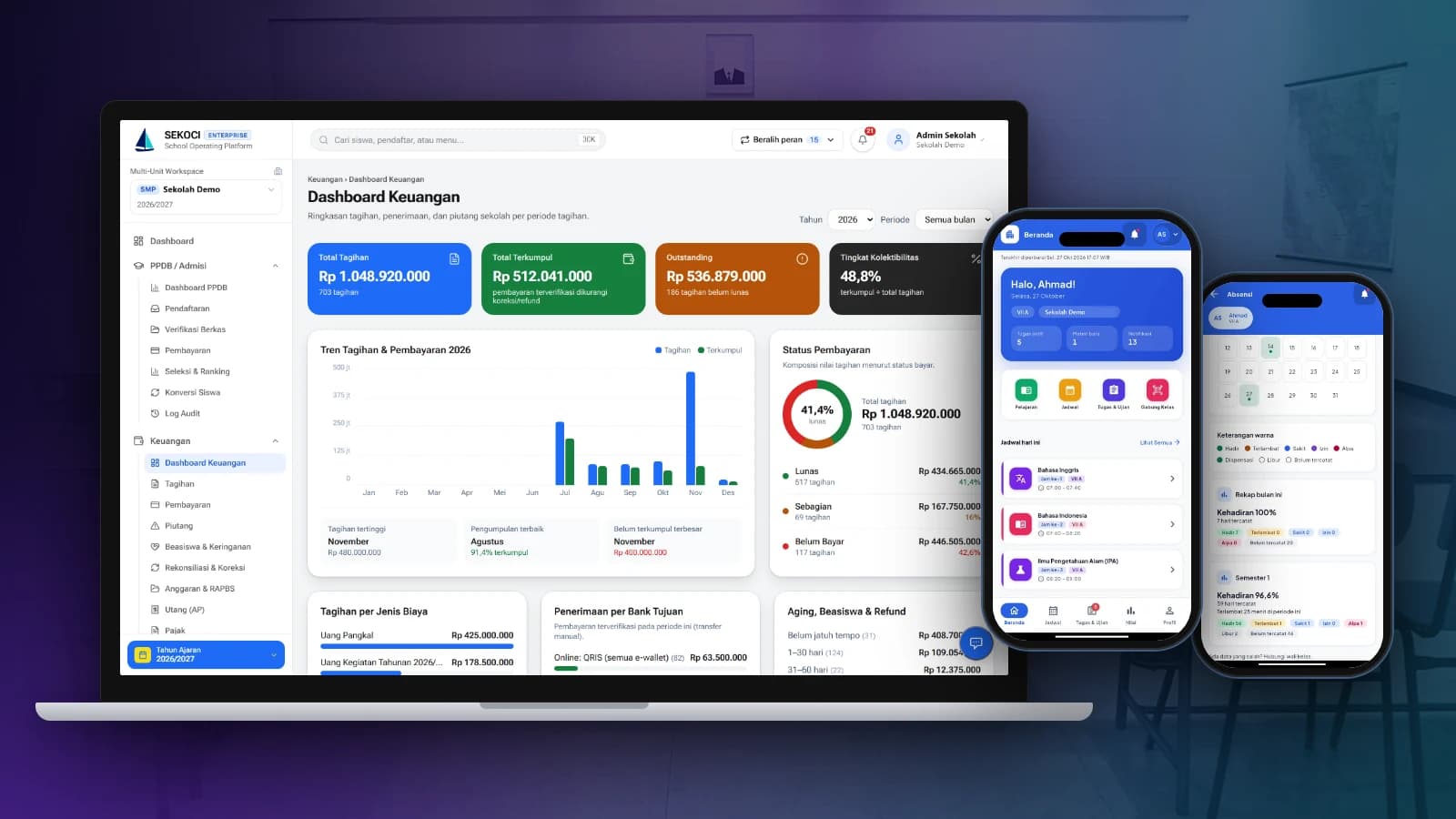
SEKOCI
Academics, attendance, CBT exams, e-report cards and school accounting in one easy-to-use application.
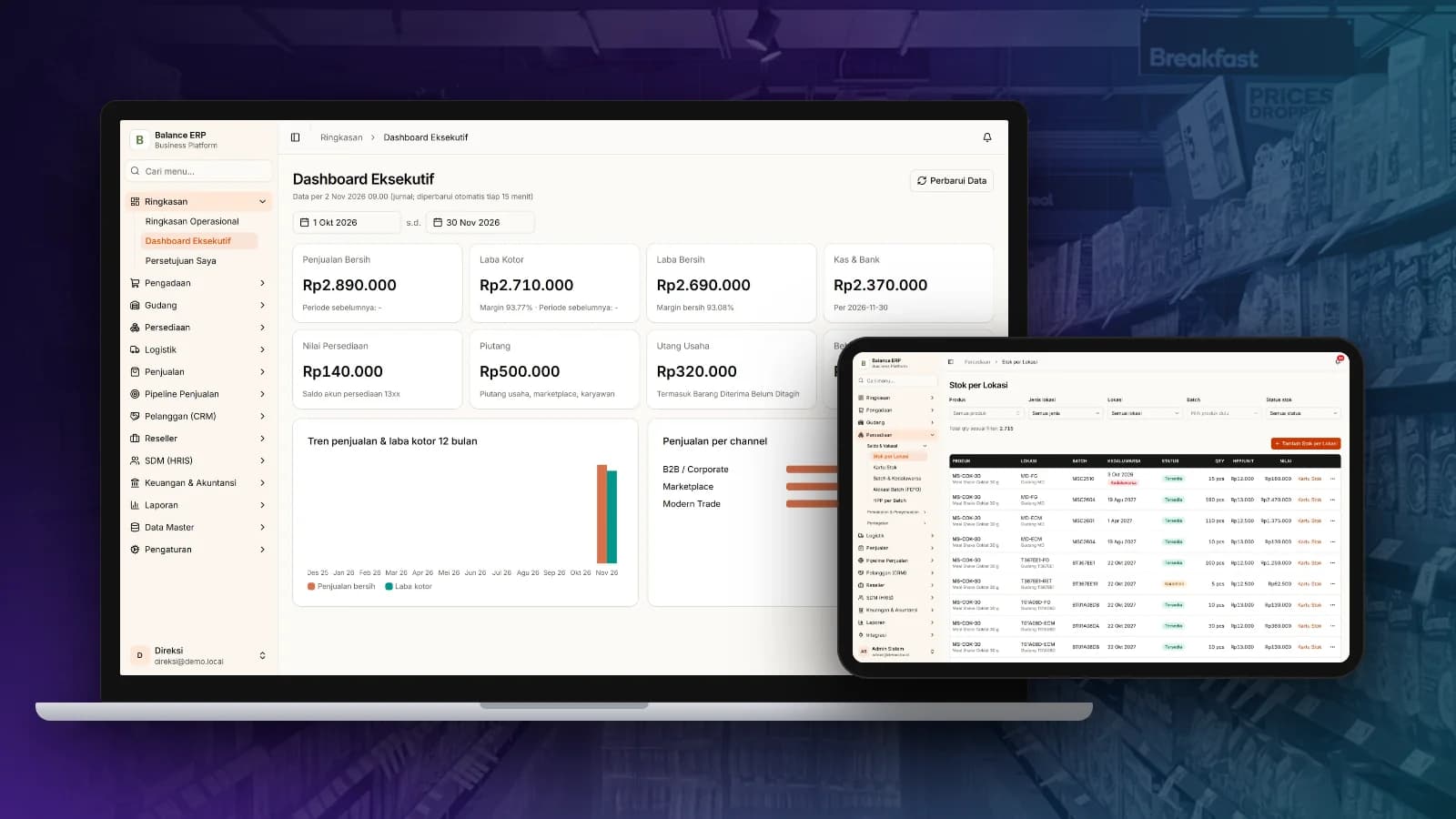
Balance
Multi-channel sales, stock by location, purchasing and automatic accounting journals in one business platform.
