
Your building at a glance
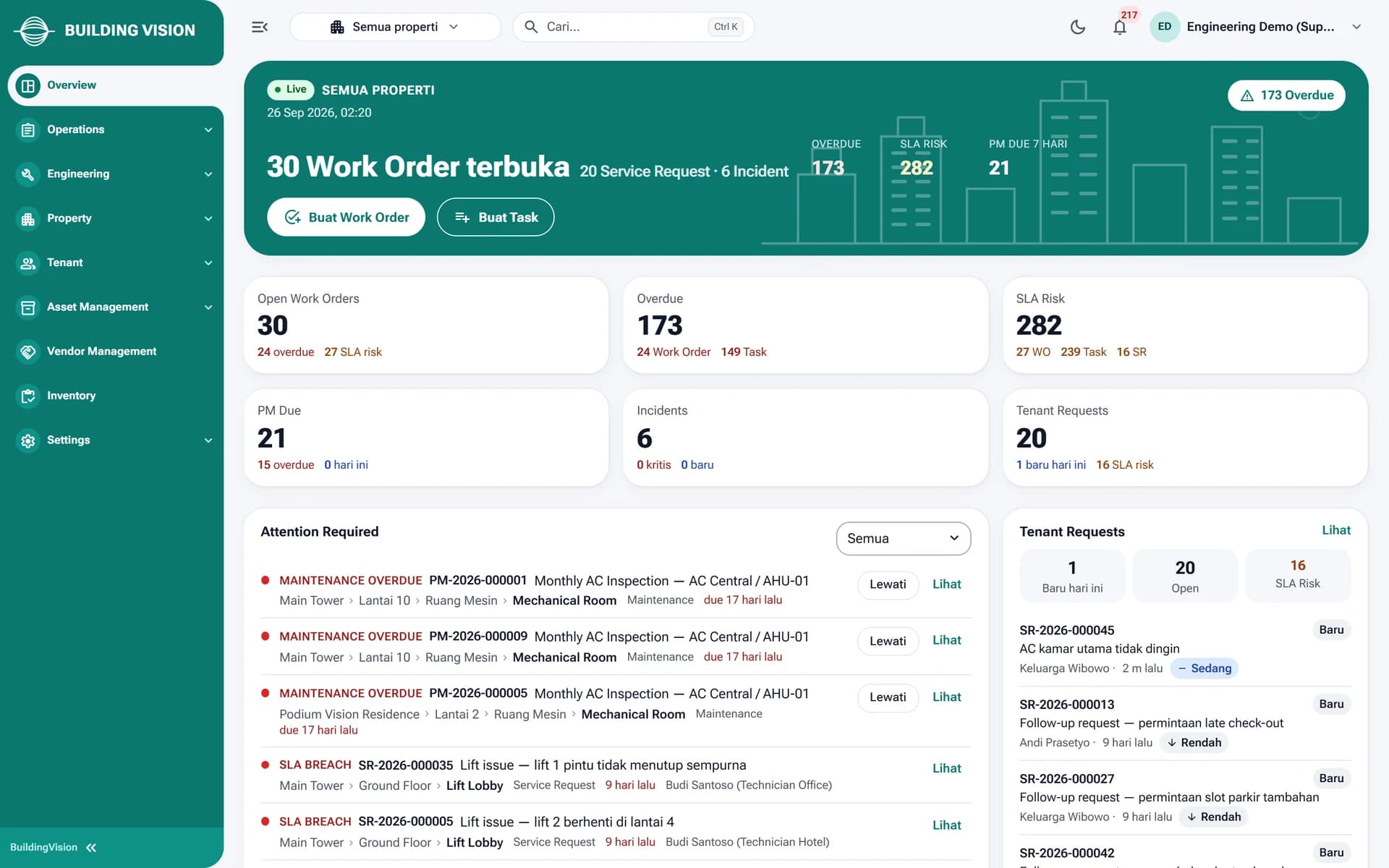
Open work orders, overdue items, SLA risk, PM due, incidents and tenant requests on one overview across all properties.

Building Management System
Tenant requests, work orders, preventive maintenance and field teams, managed from one web dashboard and a staff app.
Modules inside BuildingVision
About BuildingVision
BuildingVision replaces radios, chat groups and paper checklists with work that is recorded, assigned and backed by evidence. Management monitors from the web dashboard, staff work from a mobile app, and tenants report from their phones.
Open work orders, overdue items, SLA risk, PM due, incidents and tenant requests on one overview across all properties.
Technicians, security and housekeeping receive tasks, fill in checklists and upload photos. Data syncs automatically when the signal returns.

Parts used are recorded per work order, deducted from warehouse stock and added to the job's actual cost.
Tenants submit requests, message the building team, confirm the result and rate their satisfaction.
How it works
One request moves through the right teams and every step is recorded.
The tenant picks a location and category and attaches a photo in the app. The request appears on the dashboard right away.
Tenant Relation accepts the request and creates a work order for engineering with a schedule and priority.
The technician starts the job in the staff app, completes the checklist, logs spare parts and uploads photo evidence.
A supervisor verifies and closes the work order. The tenant confirms the result and leaves a rating.
01Service Requests
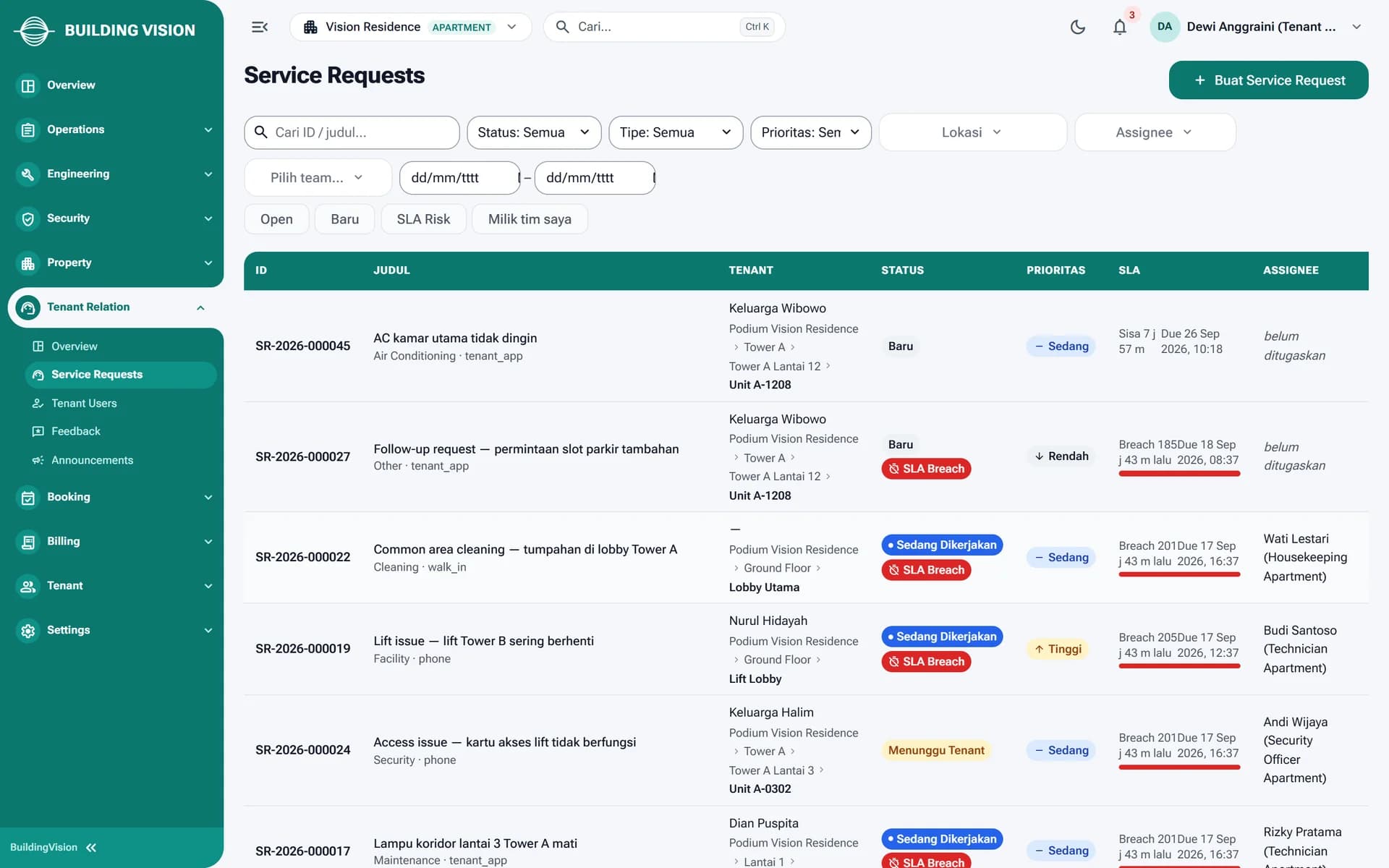
Requests from the tenant app, phone calls and walk-ins land in one list with unit location, priority and remaining SLA time. Tenant Relation assigns and follows up so no report slips through.


02Work Orders
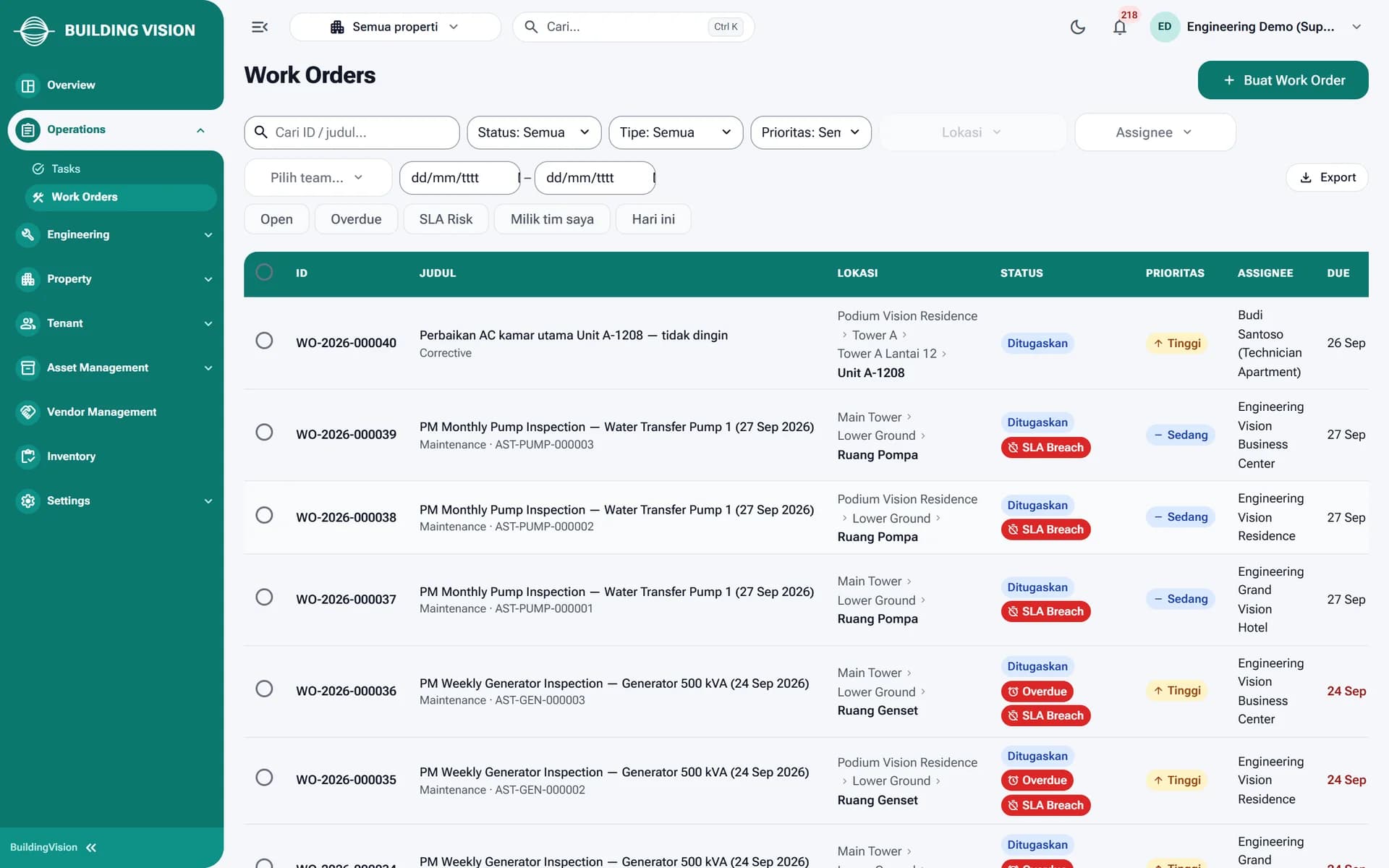
Service requests become work orders for the right team. Technicians complete checklists and photos in the app, while the dashboard sums up parts, actual cost and SLA schedule.

03Preventive Maintenance
PM plans per asset, such as AC, generators, pumps and lifts, generate work orders on schedule. Anything past due is flagged overdue in both the dashboard and the staff app.
Who it's for
Monitor work orders, SLAs and tenant requests across every property from one dashboard.
Build PM plans, assign technicians and verify work before it is closed.
Receive tasks, complete checklists, scan QR codes and send photo evidence from the staff app.
Take in complaints, communicate with tenants and make sure every request is followed up.
Submit requests, track their status and rate the work from their phones.
Technology
FAQ
Yes. Checklists, photos and parts usage are stored on the device and sync automatically when the connection returns. Sync status is visible in the app.
Yes. You can view all properties at once or switch to a single property. Staff access can be limited per property.
Tenants use the tenant app to report an issue with location, category and photos. They can track the status, message the building team, then confirm and rate the result.
You create PM plans per asset with weekly, monthly or quarterly intervals. The system generates work orders on schedule with their checklists and flags anything that runs late.
BuildingVision runs as a cloud platform with each organization's data strictly separated. Onboarding is done building by building, including location and asset data and staff training on the apps.
BuildingVision
Talk to our team about your building and see a live BuildingVision demo.
More platforms built by Seautomate.
FactoryVision
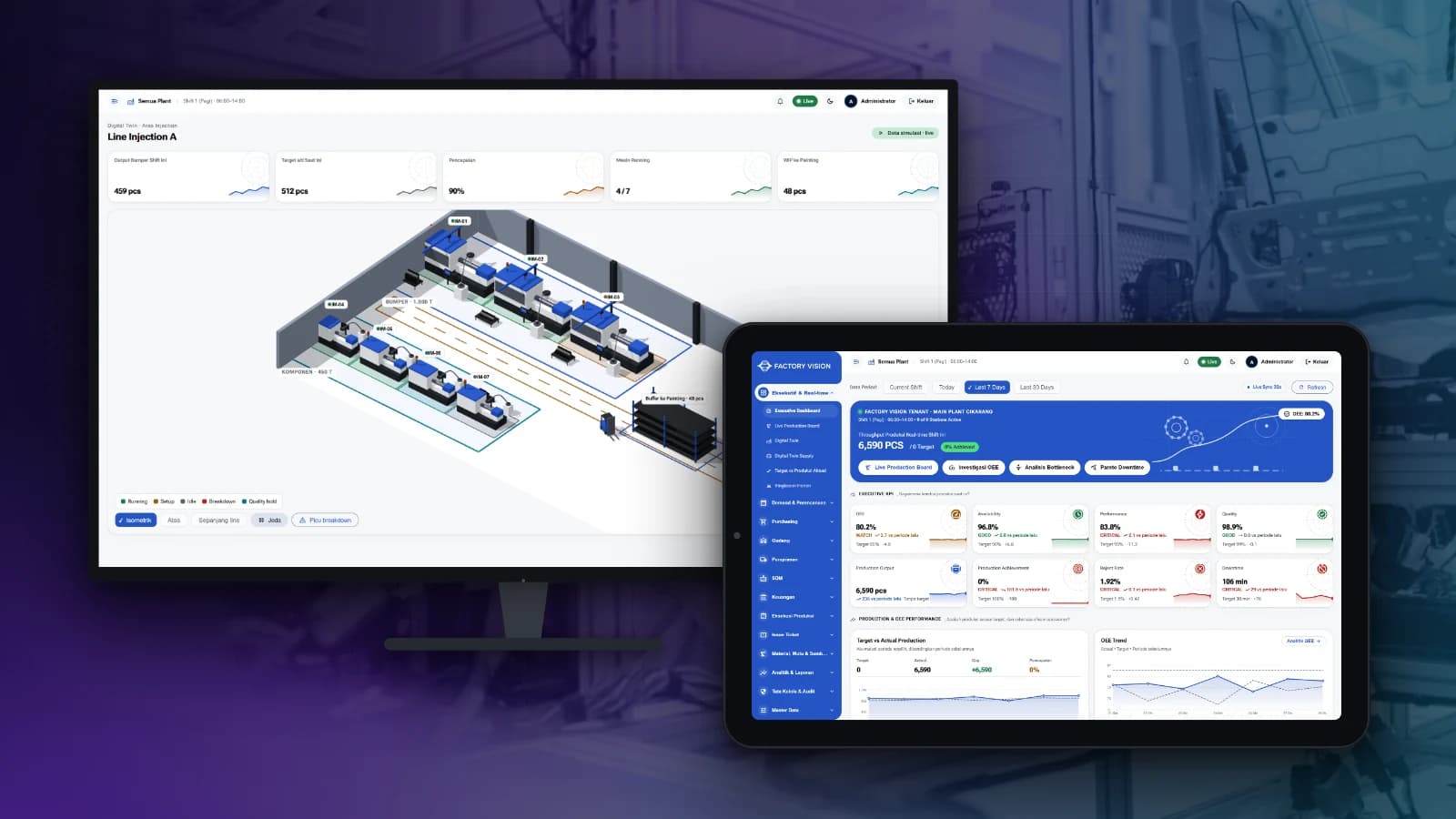
Track production, OEE, quality, warehouse and plant finance in one system, from the shop floor to management reports.
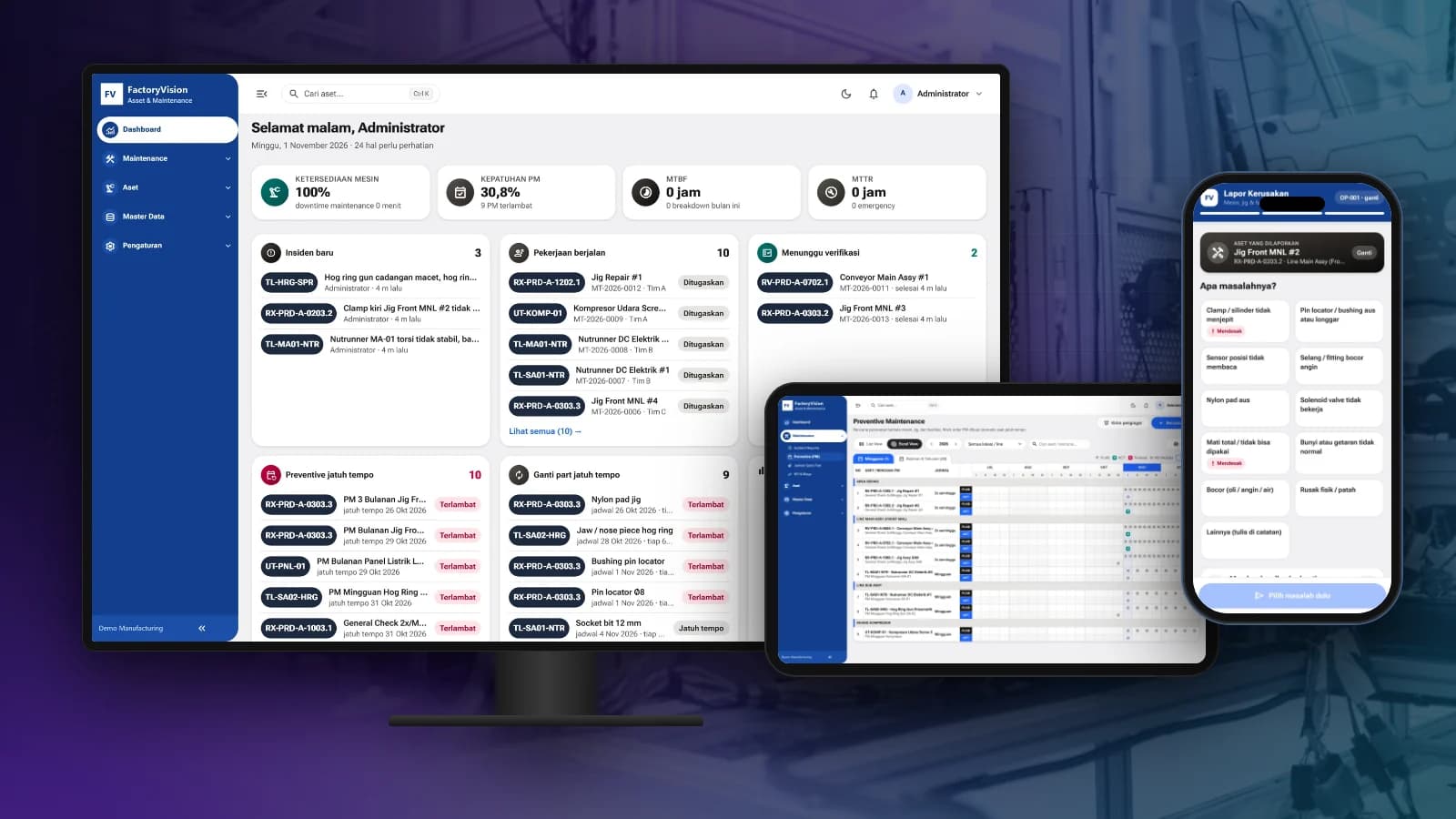
FactoryVision Maintenance
Schedule preventive maintenance, manage work orders and take breakdown reports by scanning a QR code on the machine, with KPIs and costs per asset.

BuildingVision Hotel
Reservations, front desk, housekeeping, F&B, direct booking and hotel accounting in one platform.

LogiVision
Manage receiving, putaway, picking and dispatch in the warehouse with Barcode and QR Code scanning.
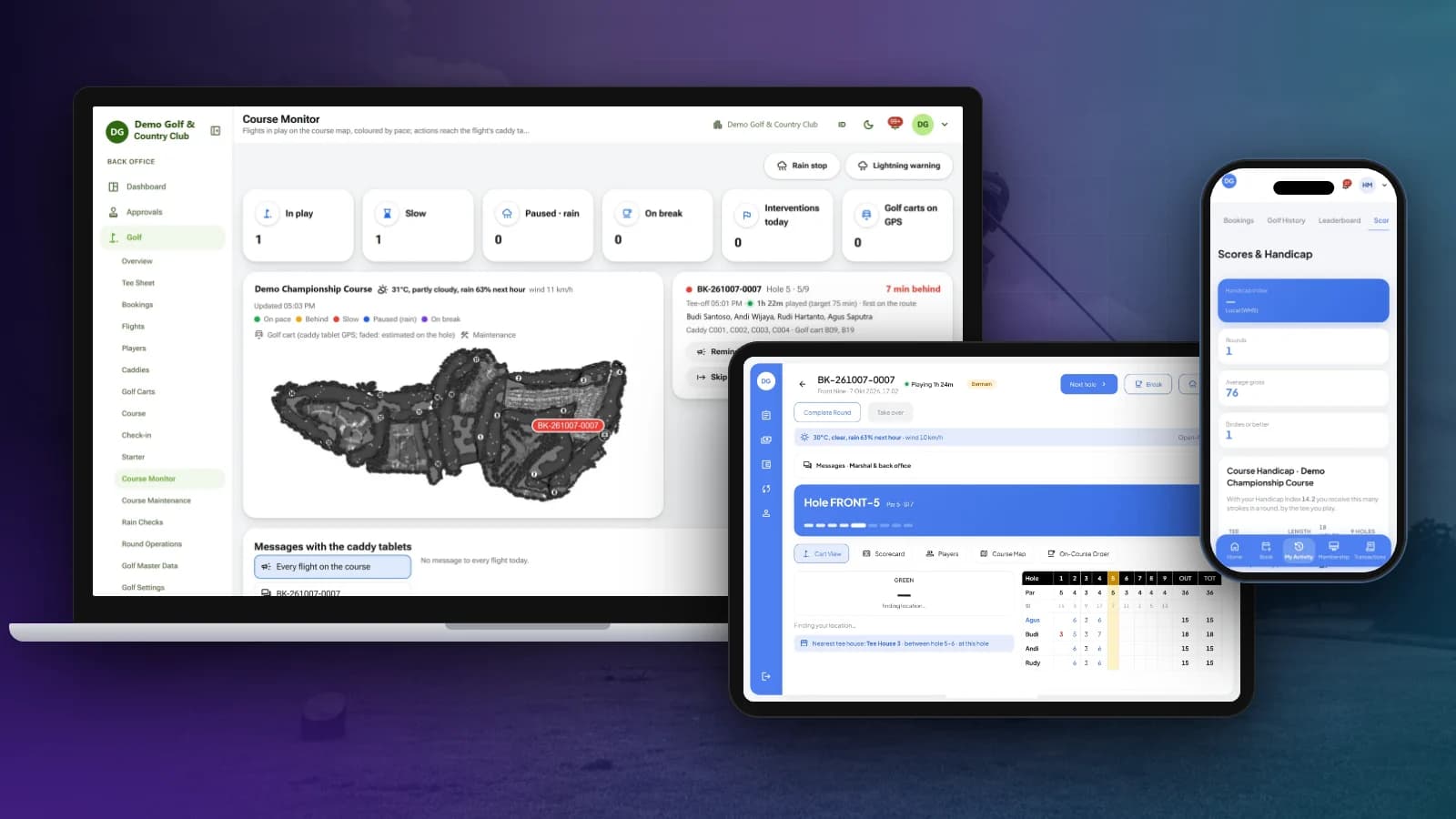
OneClub
Tee sheet, bookings, caddy tablet and scorecards, course monitoring, membership, POS and club back office in one platform.
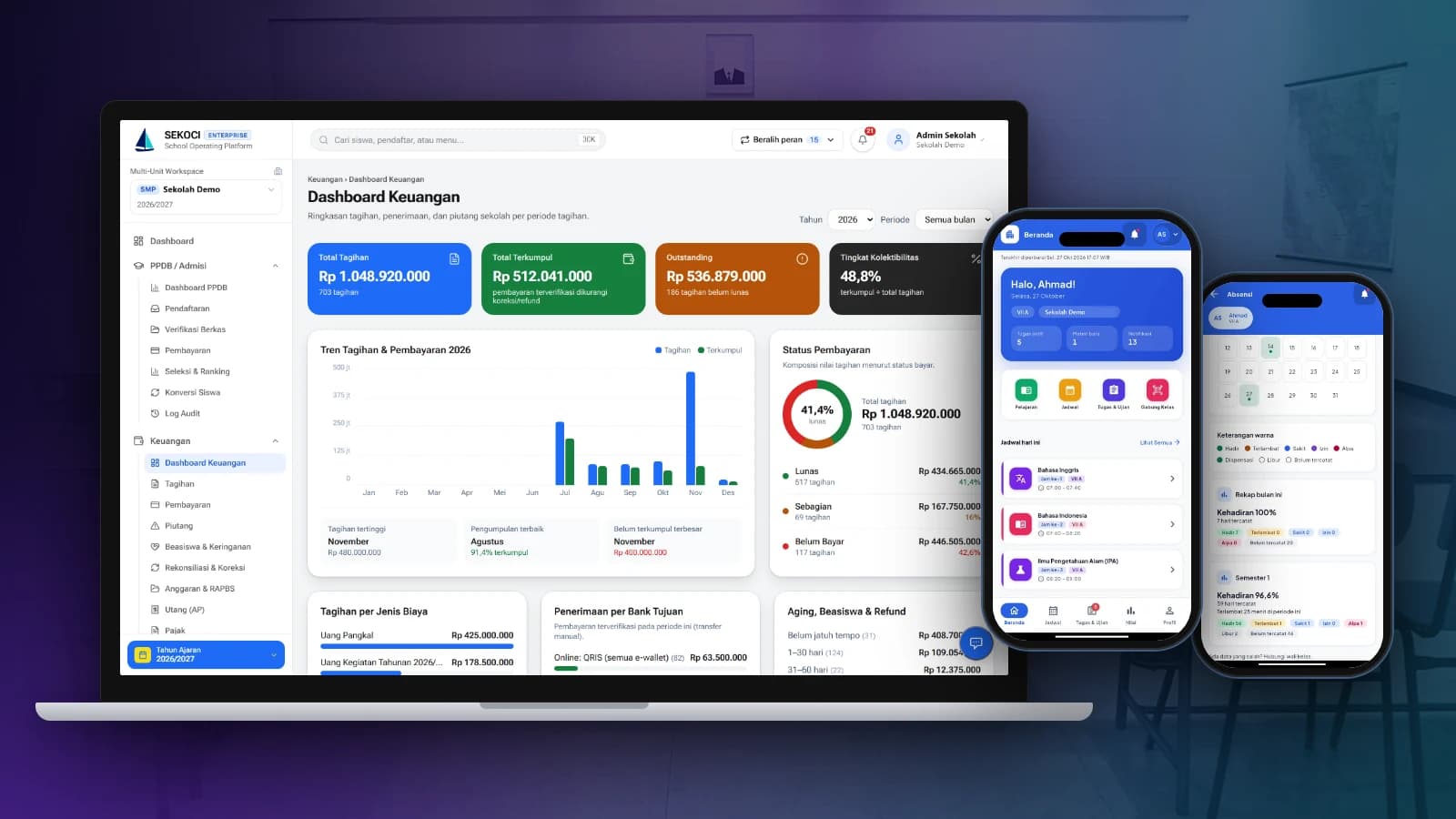
SEKOCI
Academics, attendance, CBT exams, e-report cards and school accounting in one easy-to-use application.
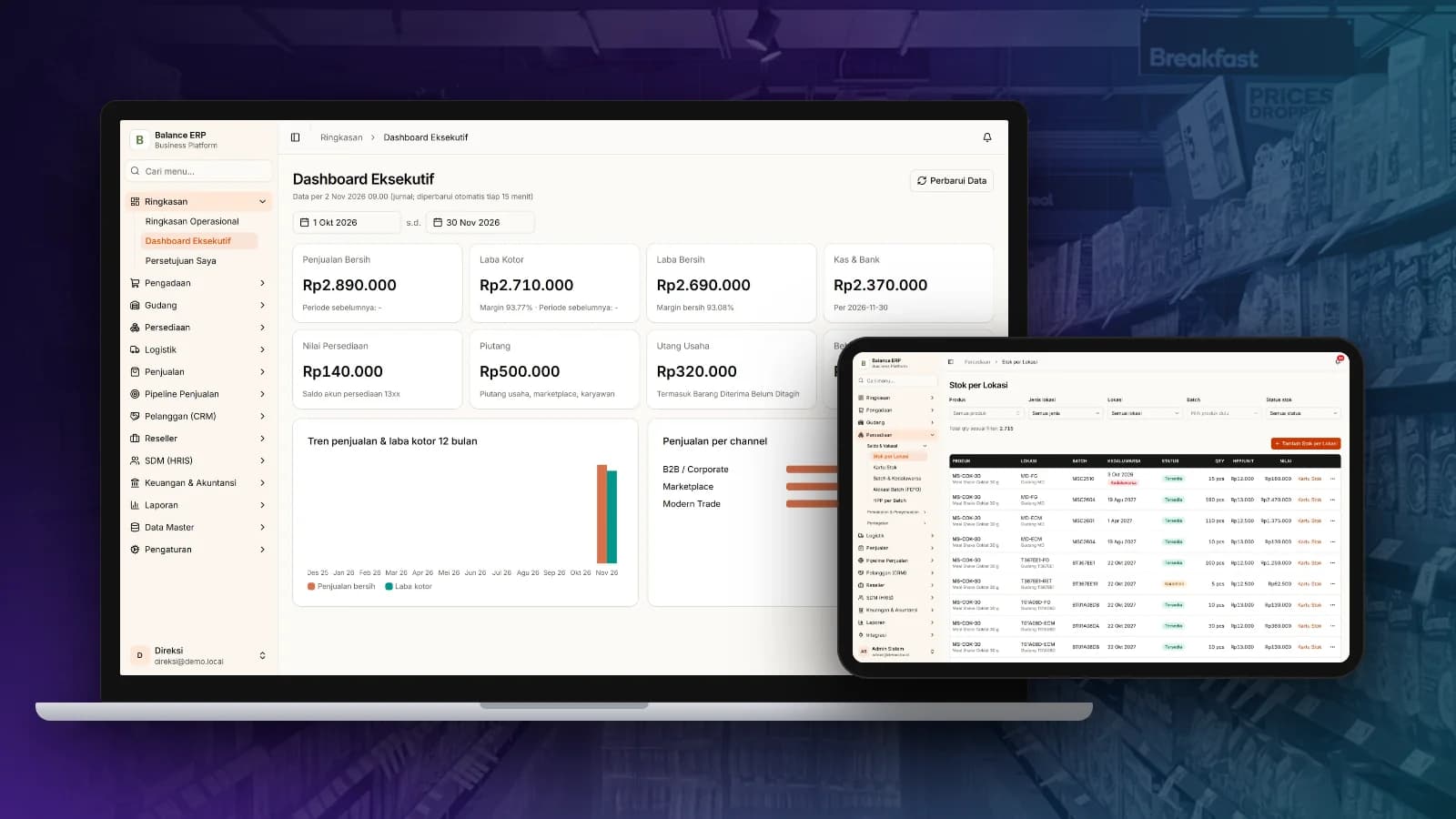
Balance
Multi-channel sales, stock by location, purchasing and automatic accounting journals in one business platform.
