
A scan at every step
Receiving, putaway, transfers, picking, and packing are confirmed with a Barcode or QR scan, so mistakes are caught on the spot.

WMS & Dispatch
LogiVision digitizes your warehouse from receiving, putaway, picking, and packing to dispatch, with a Barcode or QR scan confirming every step.
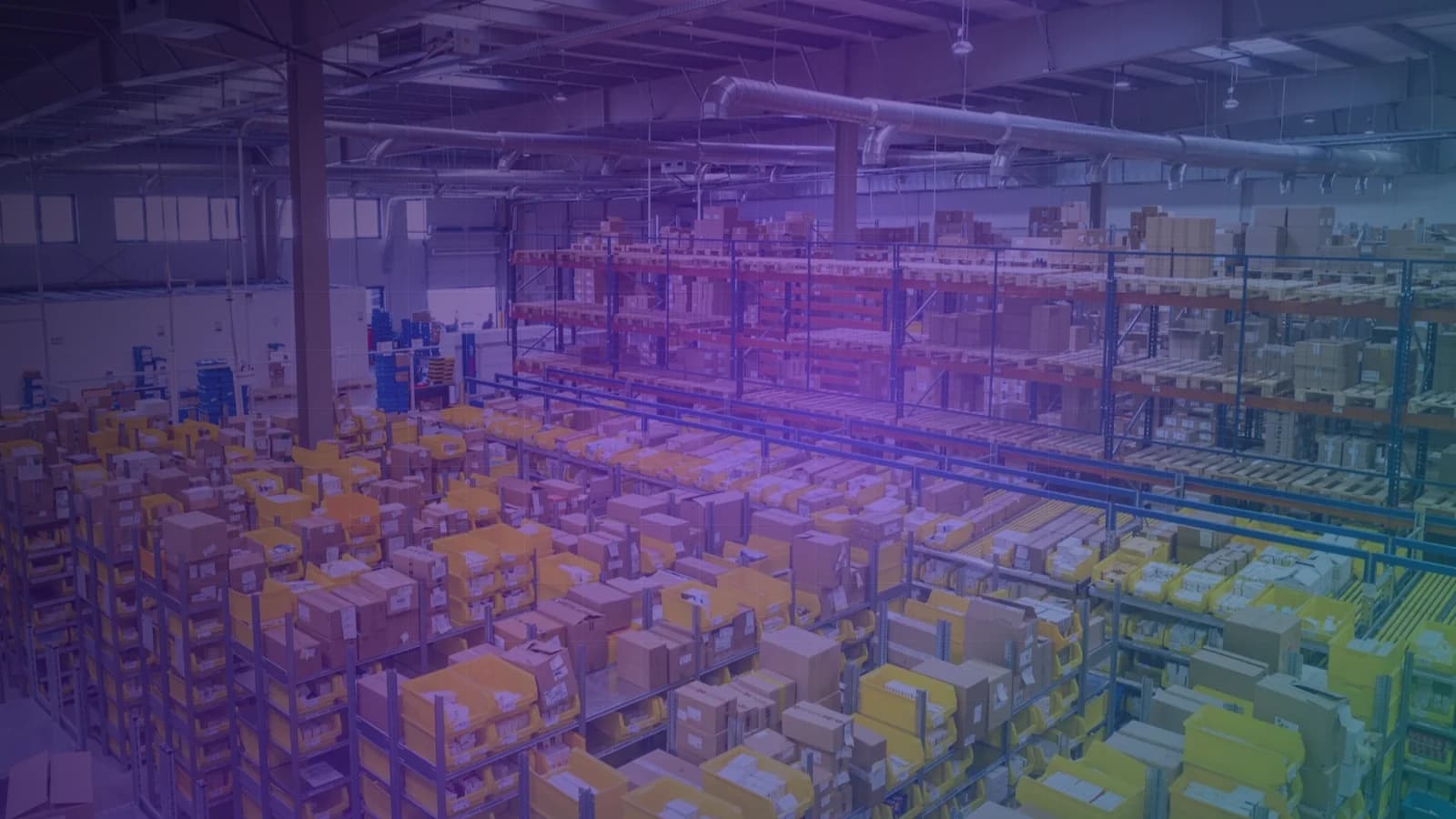
Modules inside LogiVision
About LogiVision
LogiVision is a warehouse management platform with a web-based back office and a mobile app for execution on the warehouse floor. Every receipt, putaway, transfer, pick, and pack is confirmed with a scan, so stock is recorded at the point of execution, not after the fact.
Receiving, putaway, transfers, picking, and packing are confirmed with a Barcode or QR scan, so mistakes are caught on the spot.
Directed putaway and location management tell staff where to store goods and where to pick them, without relying on memory.
Operations and sales see stock availability and order status straight from the system, without calling the warehouse.
API integration with your ERP and marketplace order sources keeps incoming orders and outgoing stock in sync.
How It Works
Each stage runs in the mobile app and is confirmed with a scan.
Staff match incoming goods against the ASN and run QC checks before goods are accepted.
The system directs putaway to the right location, and staff confirm it with a scan.
Picking tasks are grouped by wave or batch, each item is verified with a scan, then packed.
Orders are dispatched with a delivery note, and their status is visible to operations and sales right away.
01Receiving & Putaway
Receiving runs against the ASN, with QC checkpoints before goods are accepted. Directed putaway then guides staff to the right storage location.
02Picking, Packing & Dispatch
Wave picking and batch picking speed up order picking, with a scan to confirm the right item and quantity. Packing and dispatch are recorded, complete with delivery note generation.
03Inventory & Cycle Count
The inventory dashboard shows stock positions, stock ageing, and the movement history of every item. Cycle count and stock adjustment workflows keep the numbers in the system matched to what is on the shelves.
Who it's for
Carry out tasks through the mobile app, with scan confirmation at every step.
Assign tasks, monitor progress, and resolve exceptions on the floor.
Check order fulfillment status and stock availability without having to call the warehouse.
Technology
FAQ
Staff work through the LogiVision mobile app. It runs on handheld scanners and phones, so you can use the devices that suit your warehouse best.
Current processes are based on Barcode and QR Code. The platform is designed to be ready for RFID reading, so it can be applied to the processes that need it.
Yes. LogiVision integrates via API with your ERP and with marketplace order sources. The integration scope is agreed based on the systems you use.
Go-live is phased. Inbound and stock processes come first, followed by picking and dispatch, so the warehouse team can adapt without disrupting operations.
LogiVision is deployed in the cloud. The back office is accessed through a browser, and the mobile app connects to the same server, so stock data is identical on every device.
LogiVision
Tell us how your warehouse runs, and we will show you how LogiVision can handle it.
More platforms built by Seautomate.
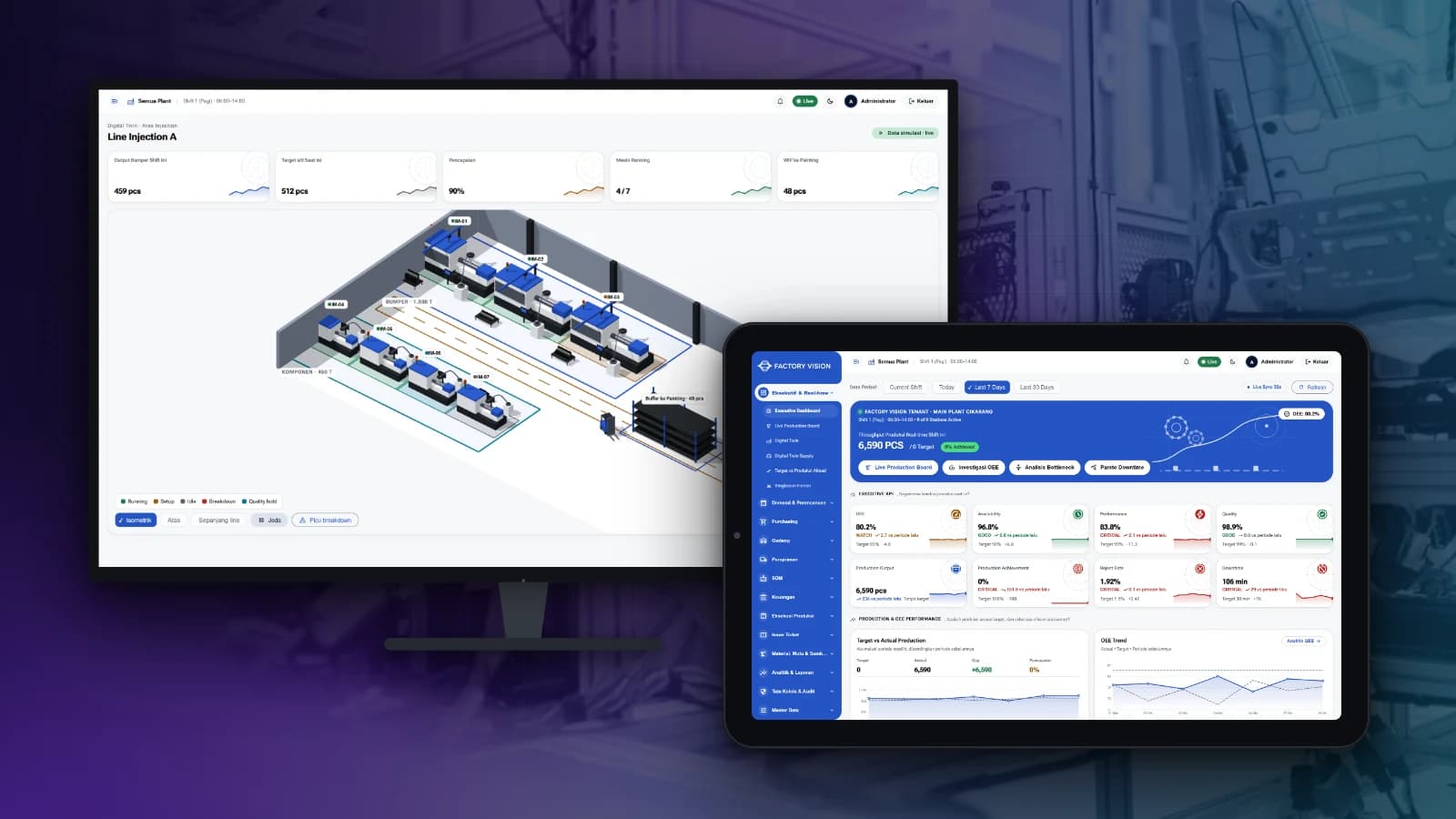
FactoryVision
Track production, OEE, quality, warehouse and plant finance in one system, from the shop floor to management reports.
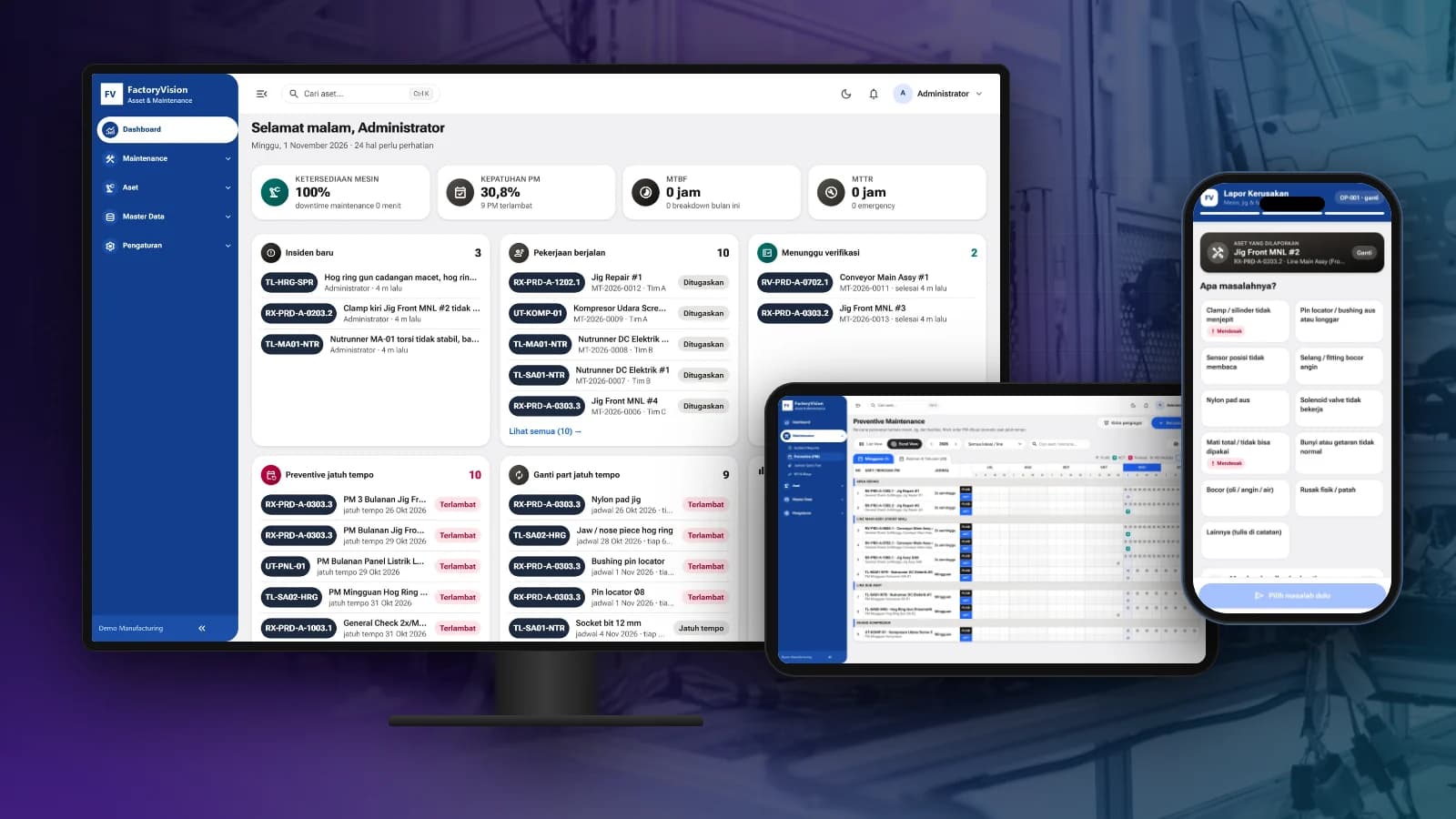
FactoryVision Maintenance
Schedule preventive maintenance, manage work orders and take breakdown reports by scanning a QR code on the machine, with KPIs and costs per asset.
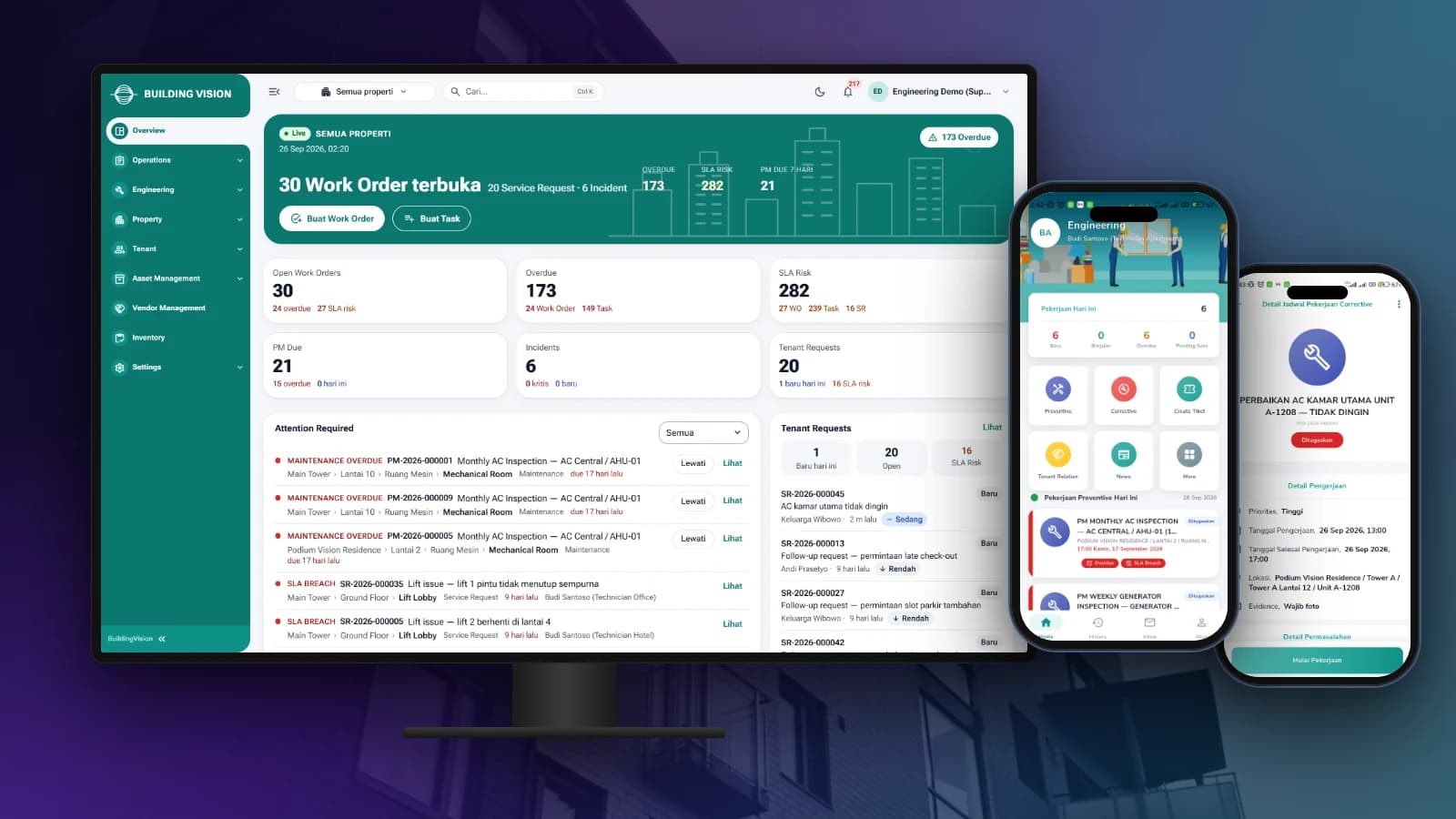
BuildingVision
Manage tenant requests, work orders, preventive maintenance and on-site teams from one dashboard and staff app.

BuildingVision Hotel
Reservations, front desk, housekeeping, F&B, direct booking and hotel accounting in one platform.
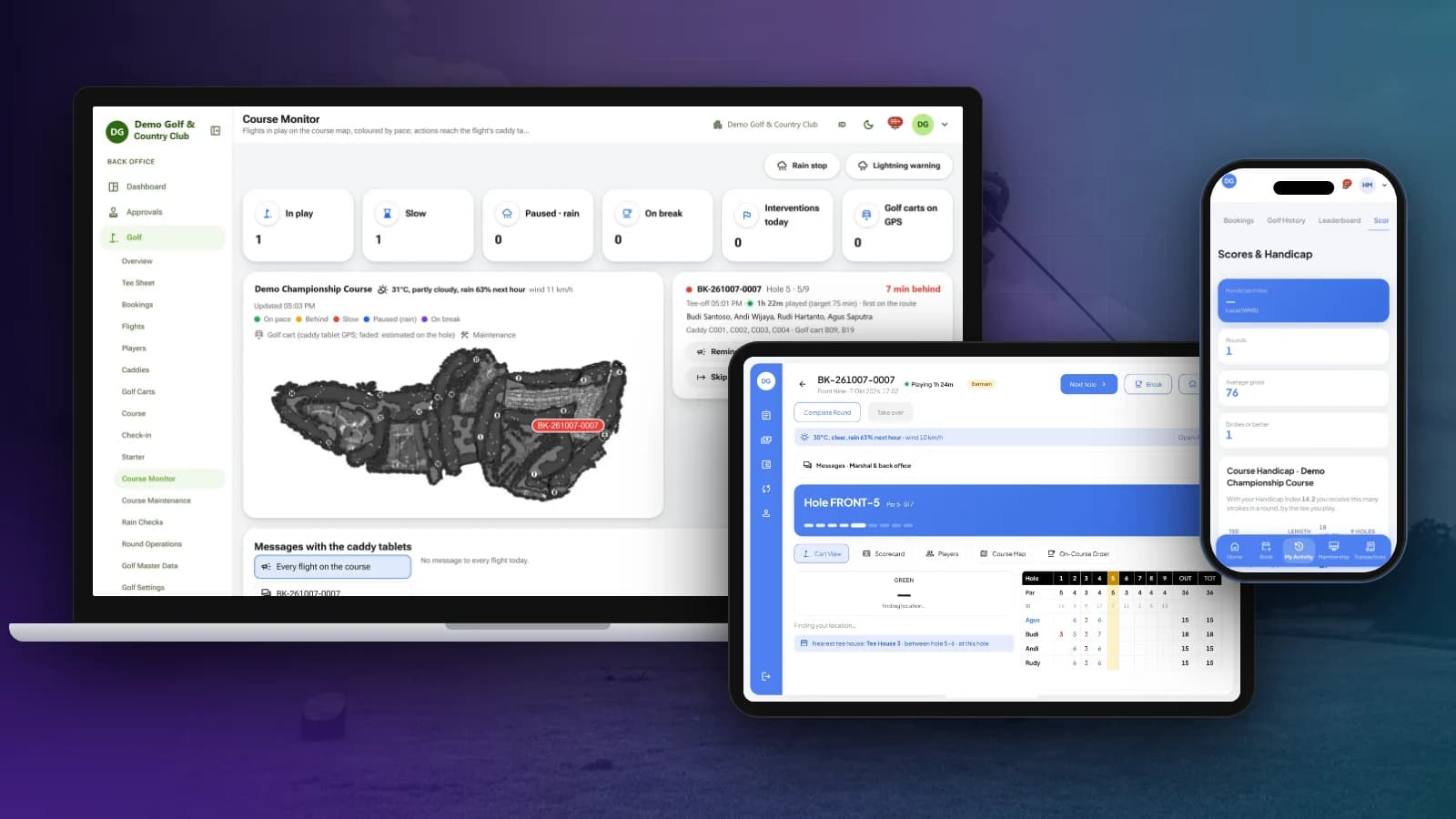
OneClub
Tee sheet, bookings, caddy tablet and scorecards, course monitoring, membership, POS and club back office in one platform.
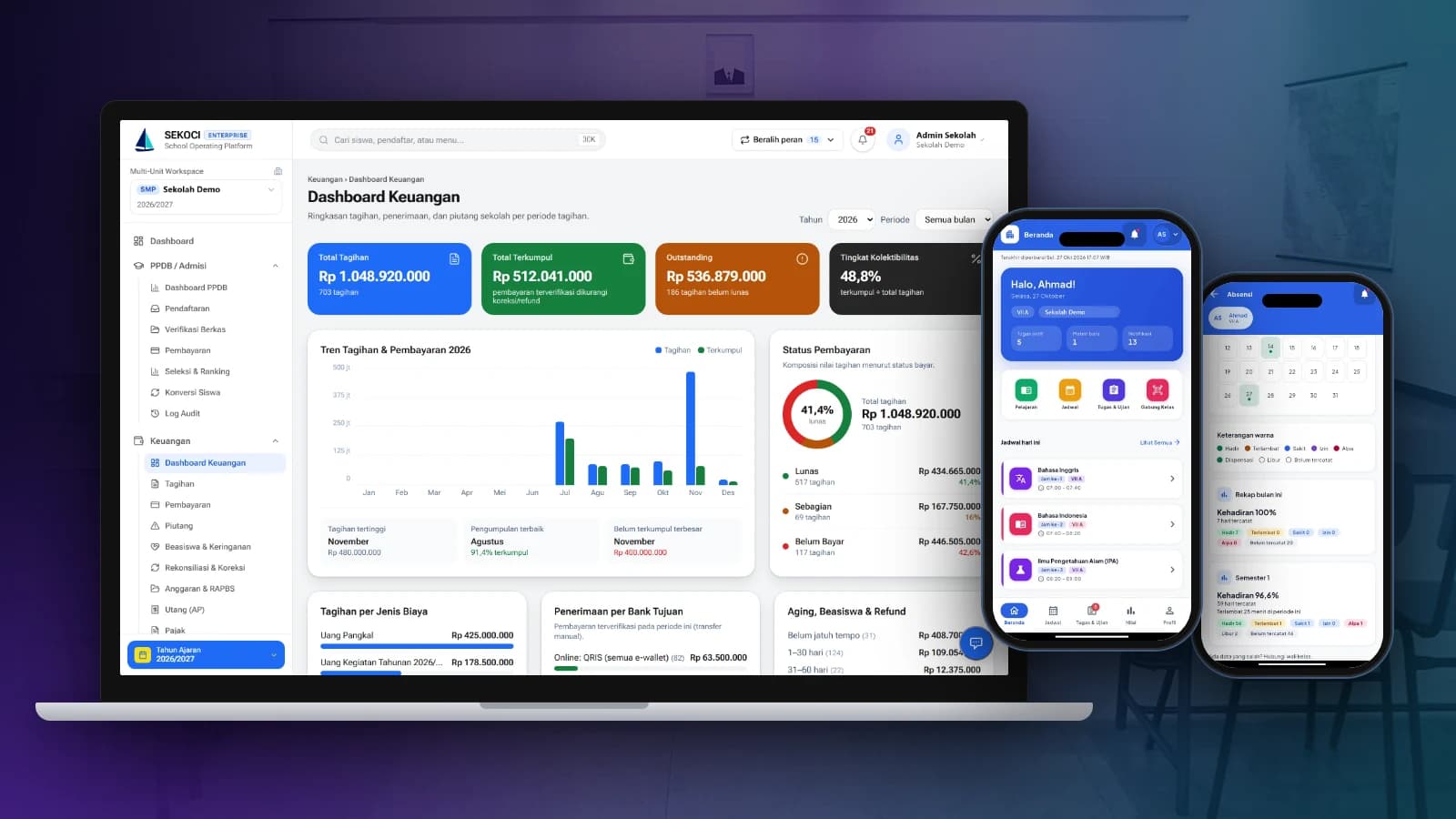
SEKOCI
Academics, attendance, CBT exams, e-report cards and school accounting in one easy-to-use application.
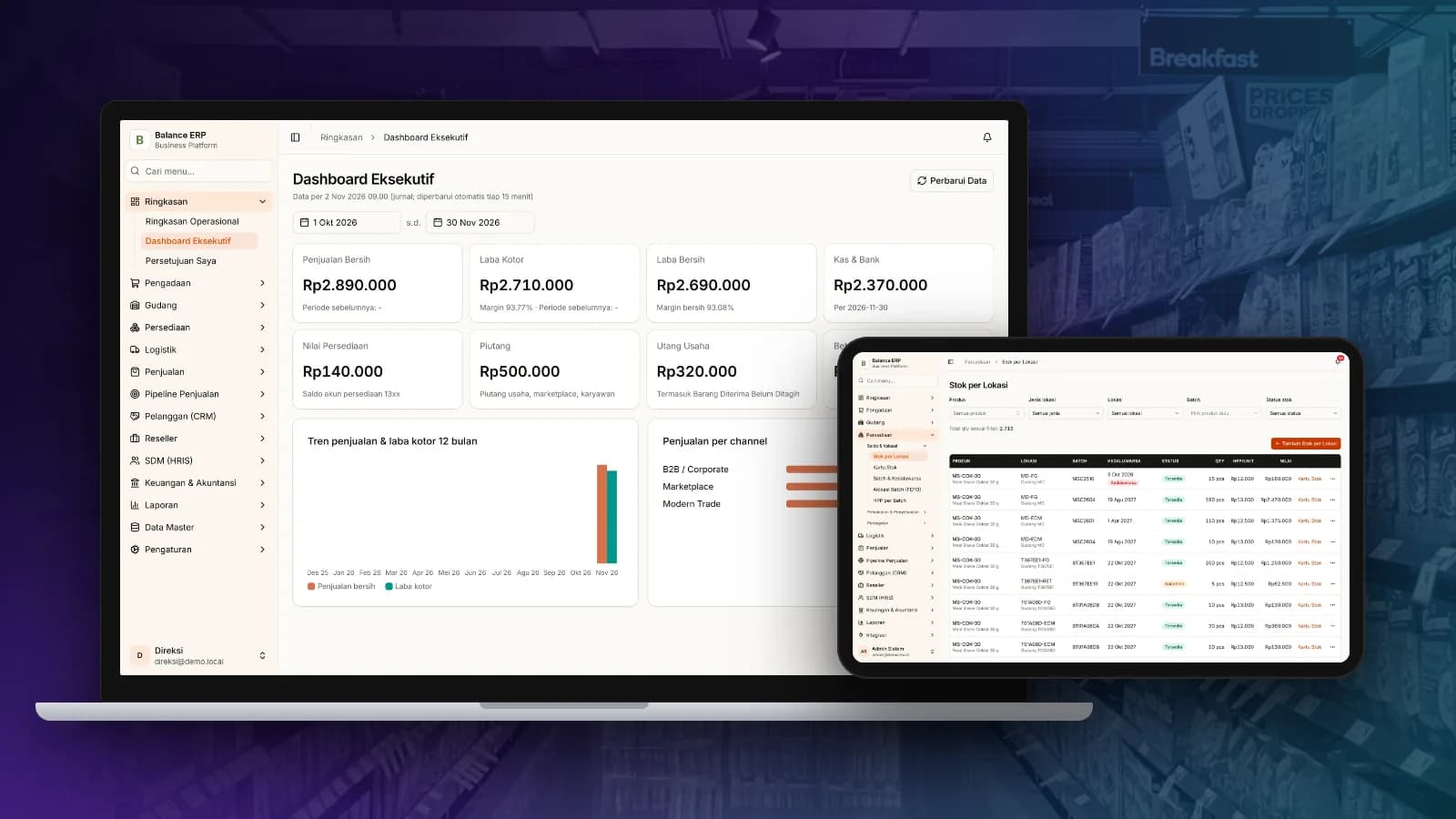
Balance
Multi-channel sales, stock by location, purchasing and automatic accounting journals in one business platform.
