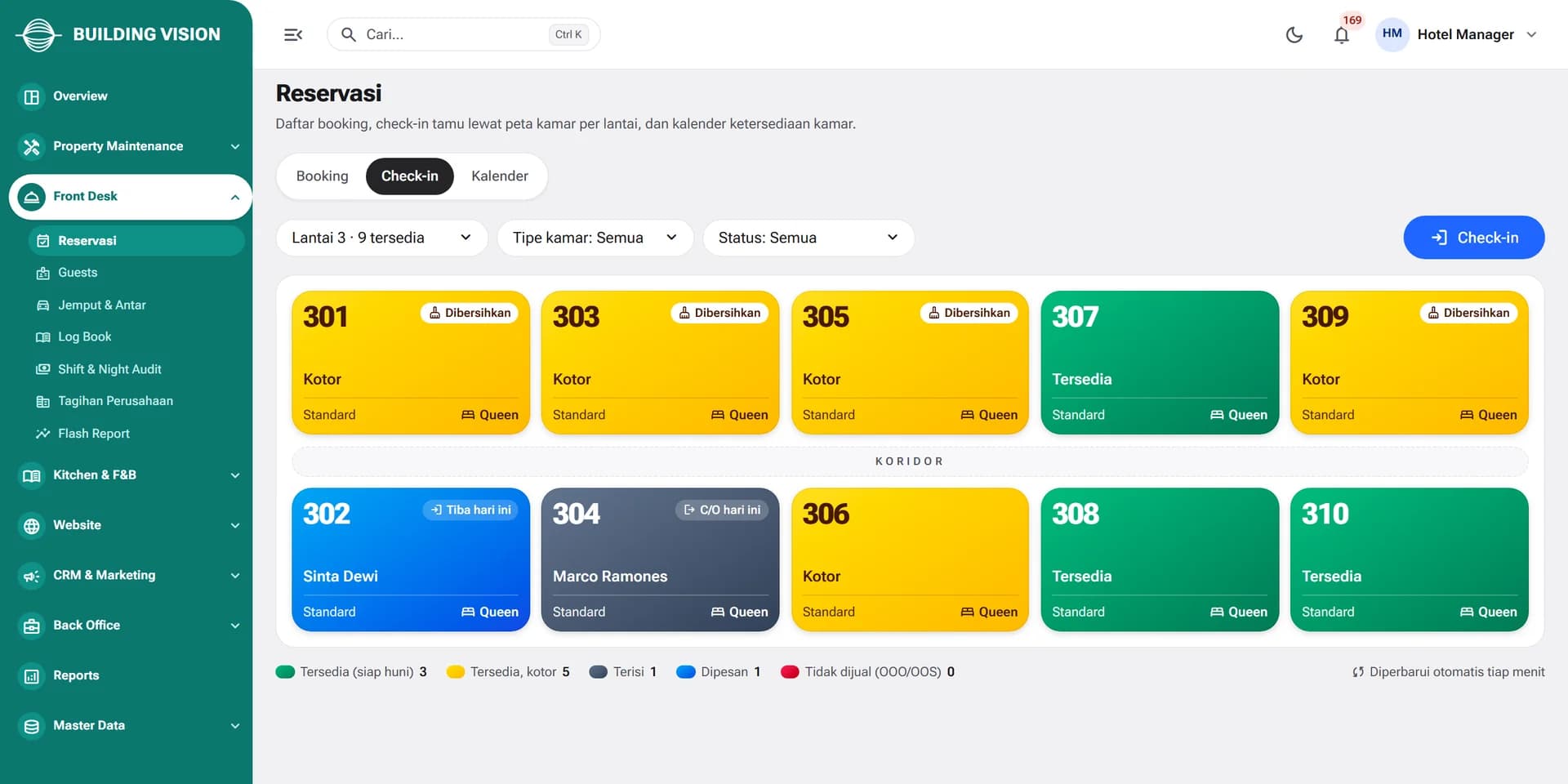
Room status by floor
Front office sees available, dirty, occupied, and reserved rooms on one map, then checks guests in right from there.

Hotel Management System
Reservations, front desk, housekeeping, F&B, direct booking, and accounting in one platform. Every guest charge goes straight to the folio and the ledger.
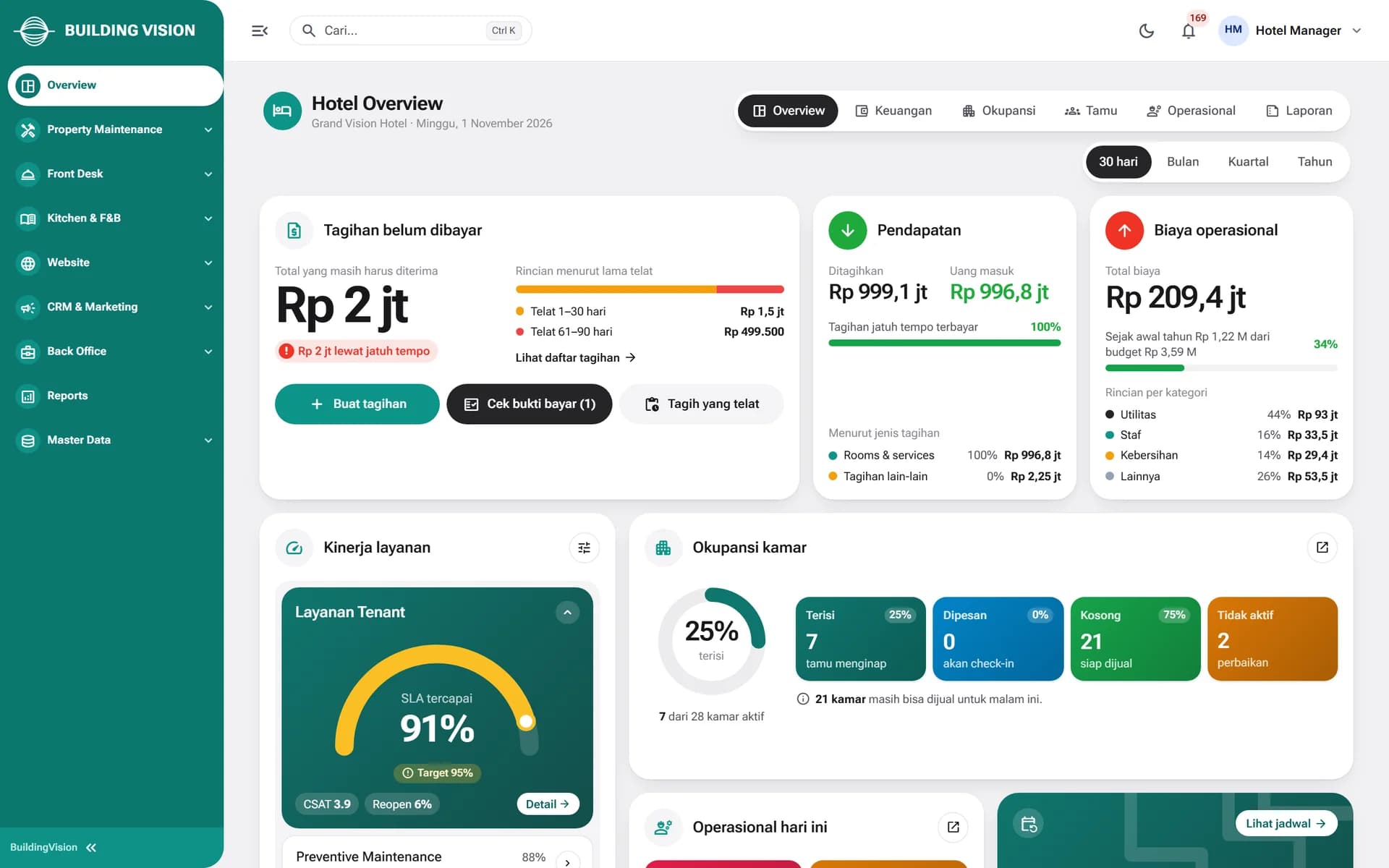
Modules inside BuildingVision Hotel
Why BuildingVision Hotel
Reservations, room status, field tasks, and guest transactions are no longer spread across tools and chat groups. The dashboard, staff app, booking website, and guest app all work from the same data.
Front office sees available, dirty, occupied, and reserved rooms on one map, then checks guests in right from there.
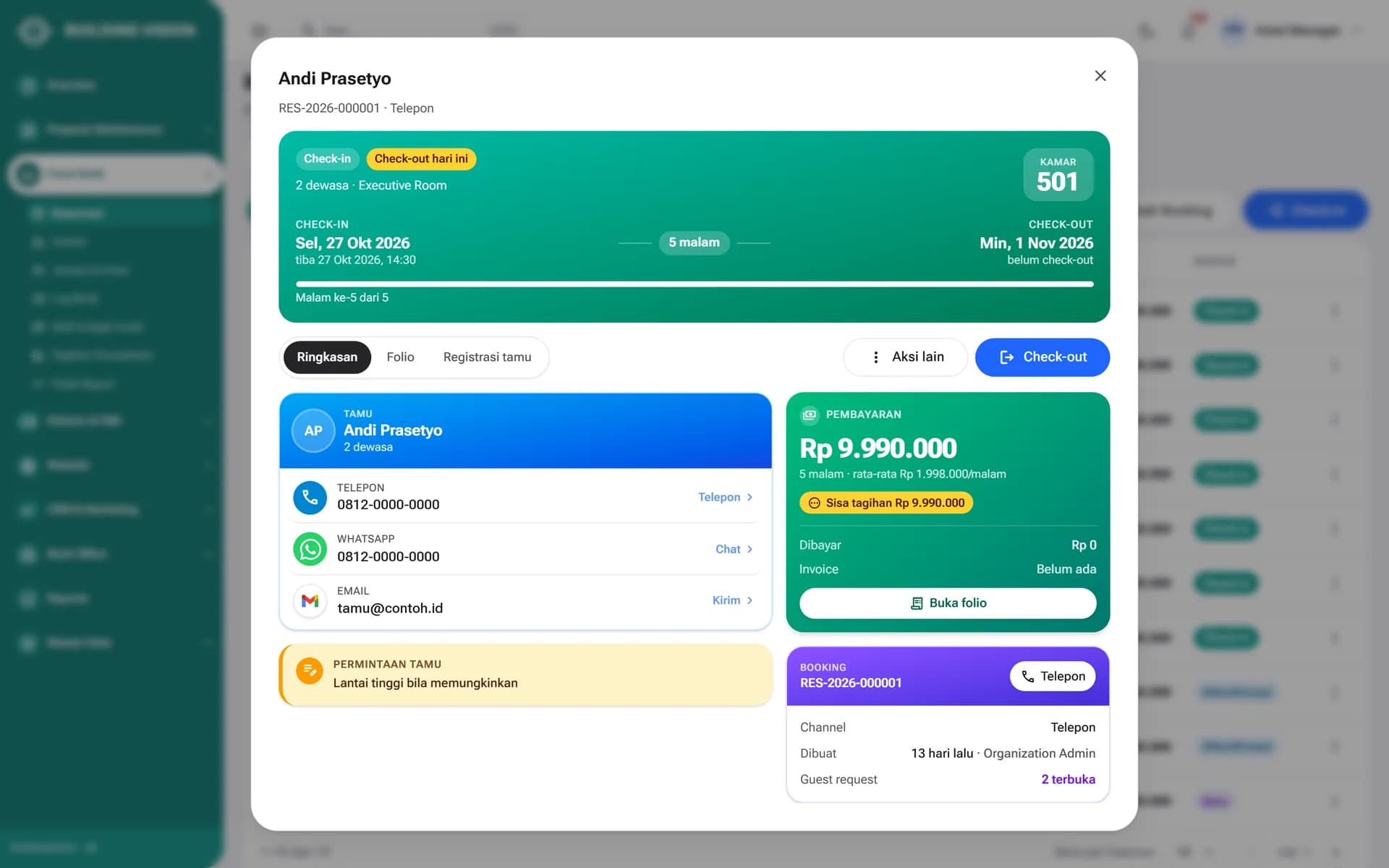
Guest contacts, special requests, outstanding balance, and booking history on one screen. Split folios and foreign-currency payments are supported.
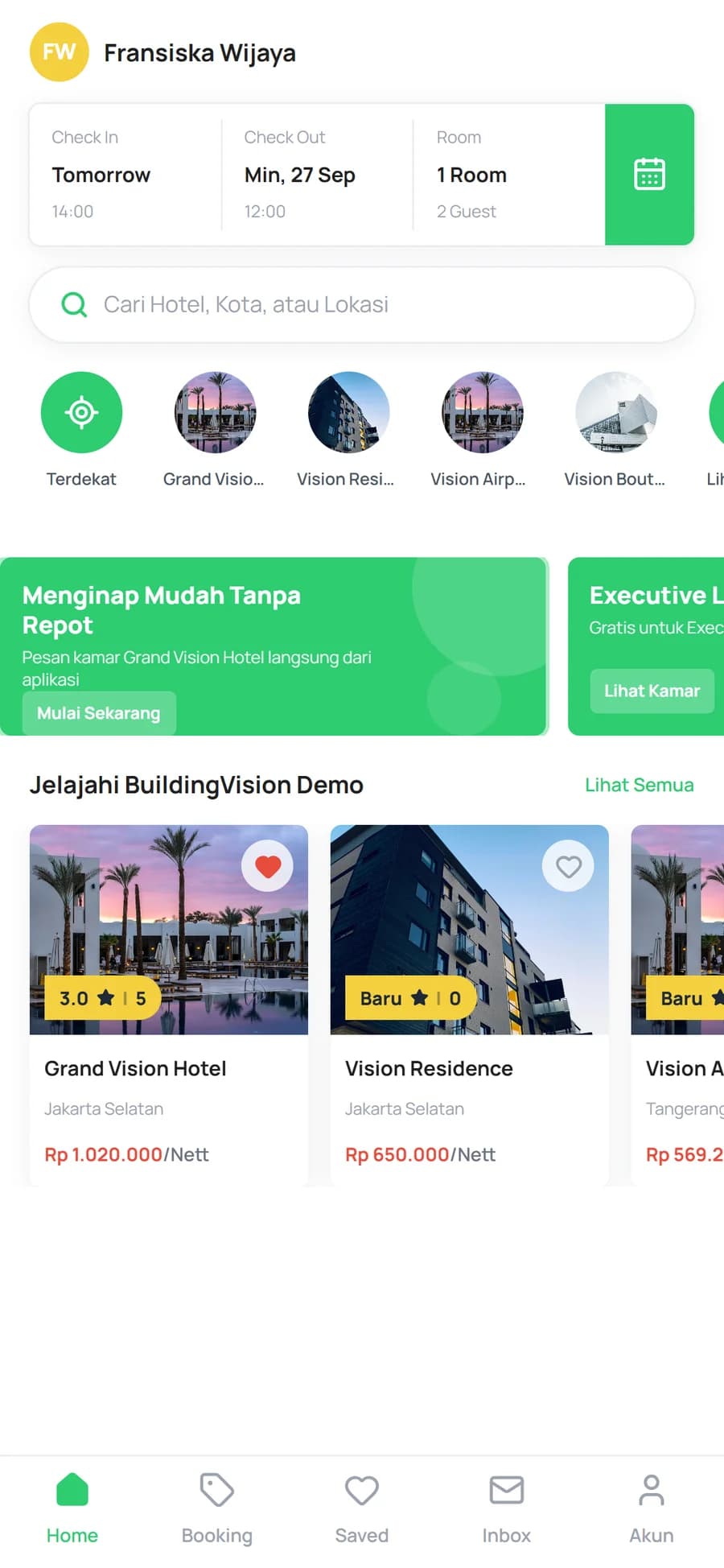
A bilingual booking website with a CMS and a white-label guest app. Promo codes, hotel vouchers, and quota-based flash sales are built in.
Charges from the front desk, F&B, and purchasing post straight to the ledger, including local hotel tax and service charge.
How it works
Every guest step is recorded once and used right away by other teams.
Guests book through the website, app, phone, or an OTA. Every booking lands on the same room calendar.
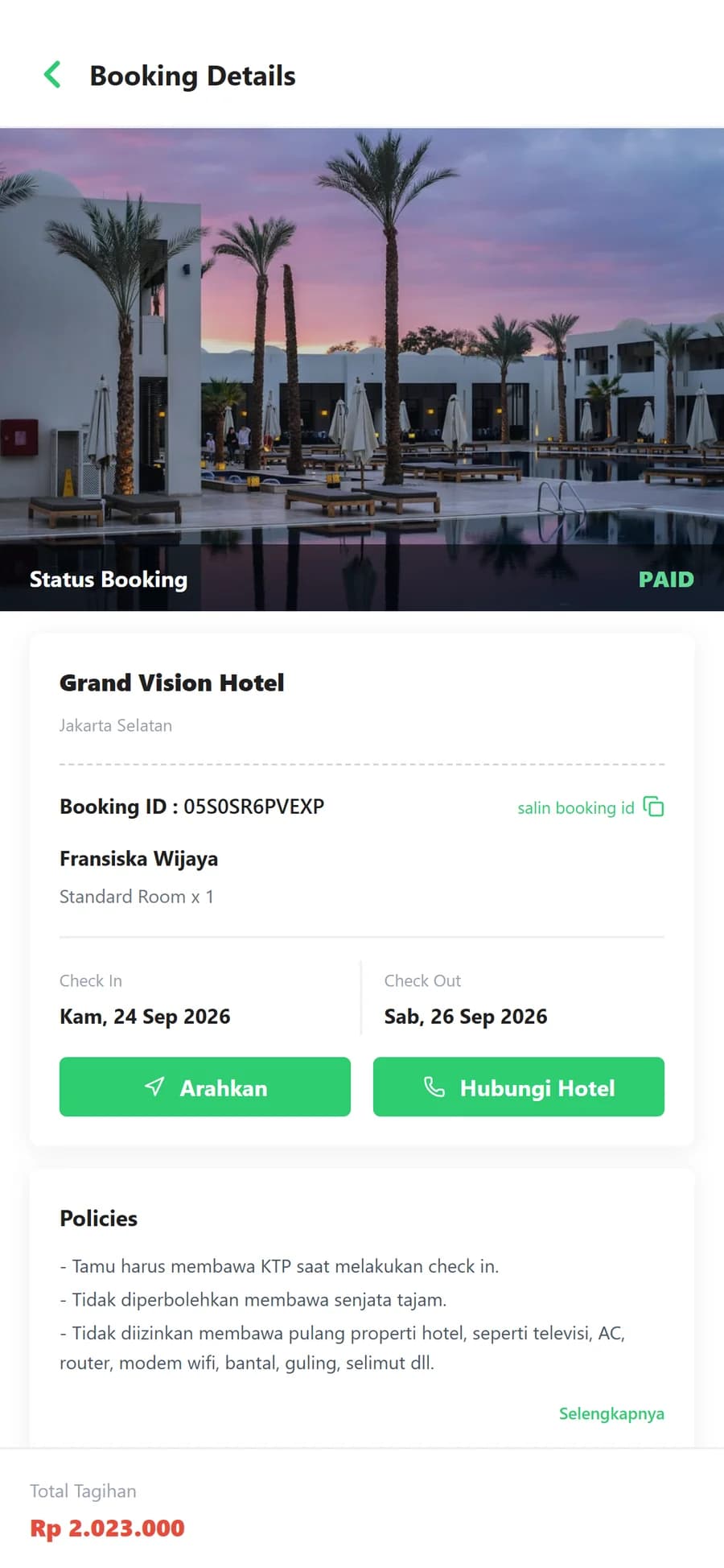
Front office picks a room from the floor map, checks the guest in, and the folio opens automatically.
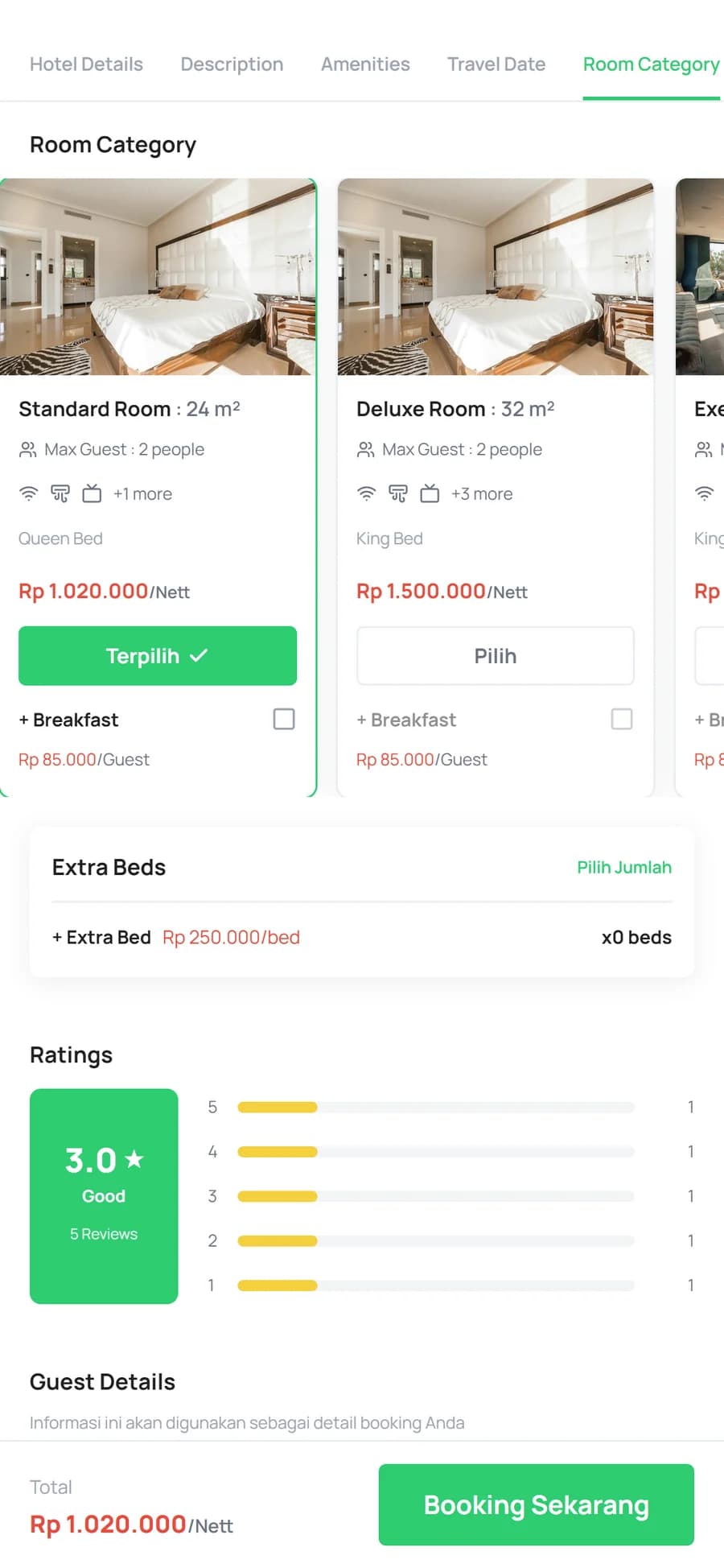
Housekeeping, engineering, and F&B work from the same tasks and orders. Restaurant charges go to the room.
The guest checks out, the night audit closes, and journals and the flash report are generated automatically.
01Reservations & Front Desk
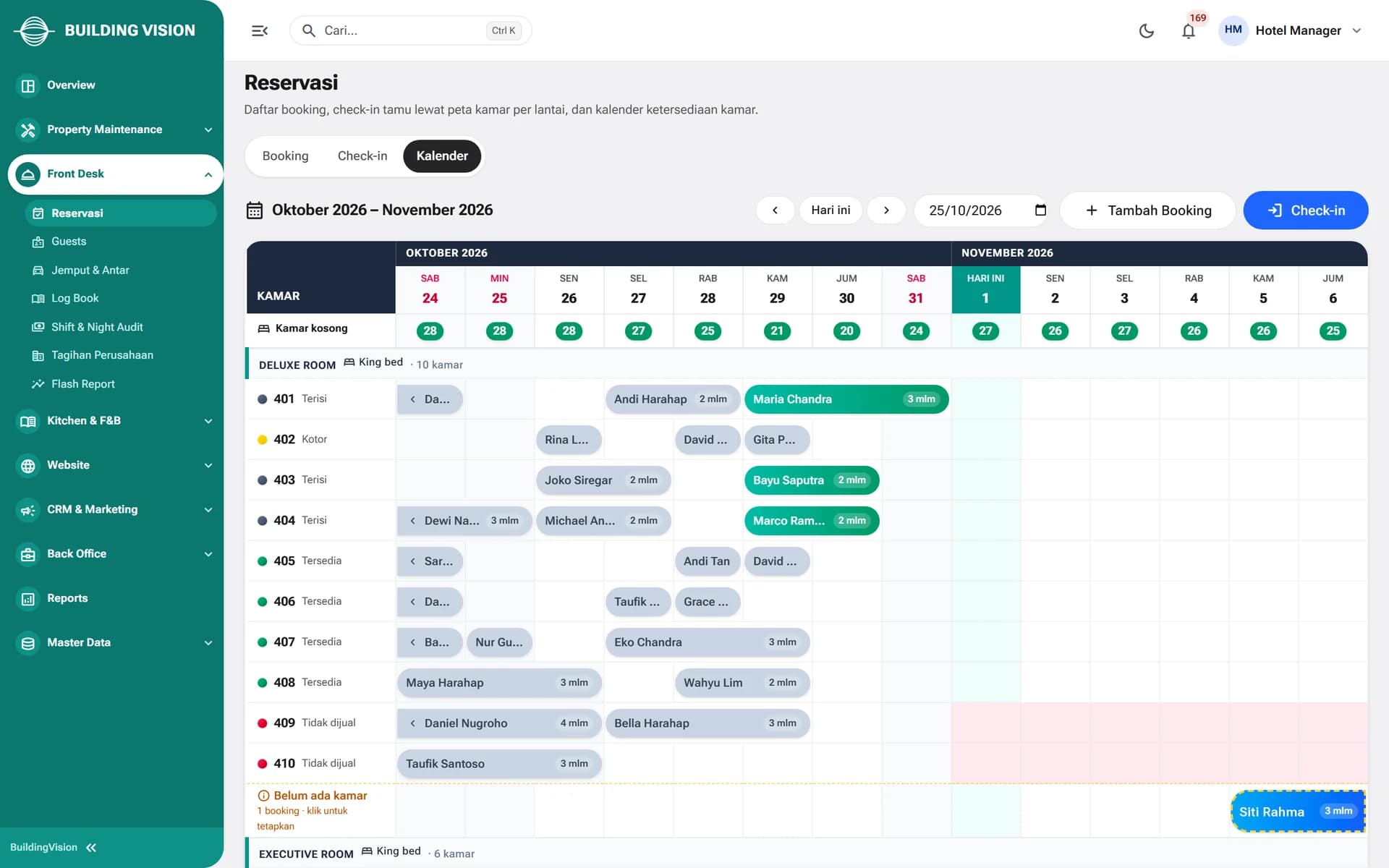
Bookings from phone, OTAs, the website, and the guest app all appear on one calendar by room type. Vacant rooms per night are counted automatically, and unassigned bookings stand out.
02Housekeeping & Maintenance
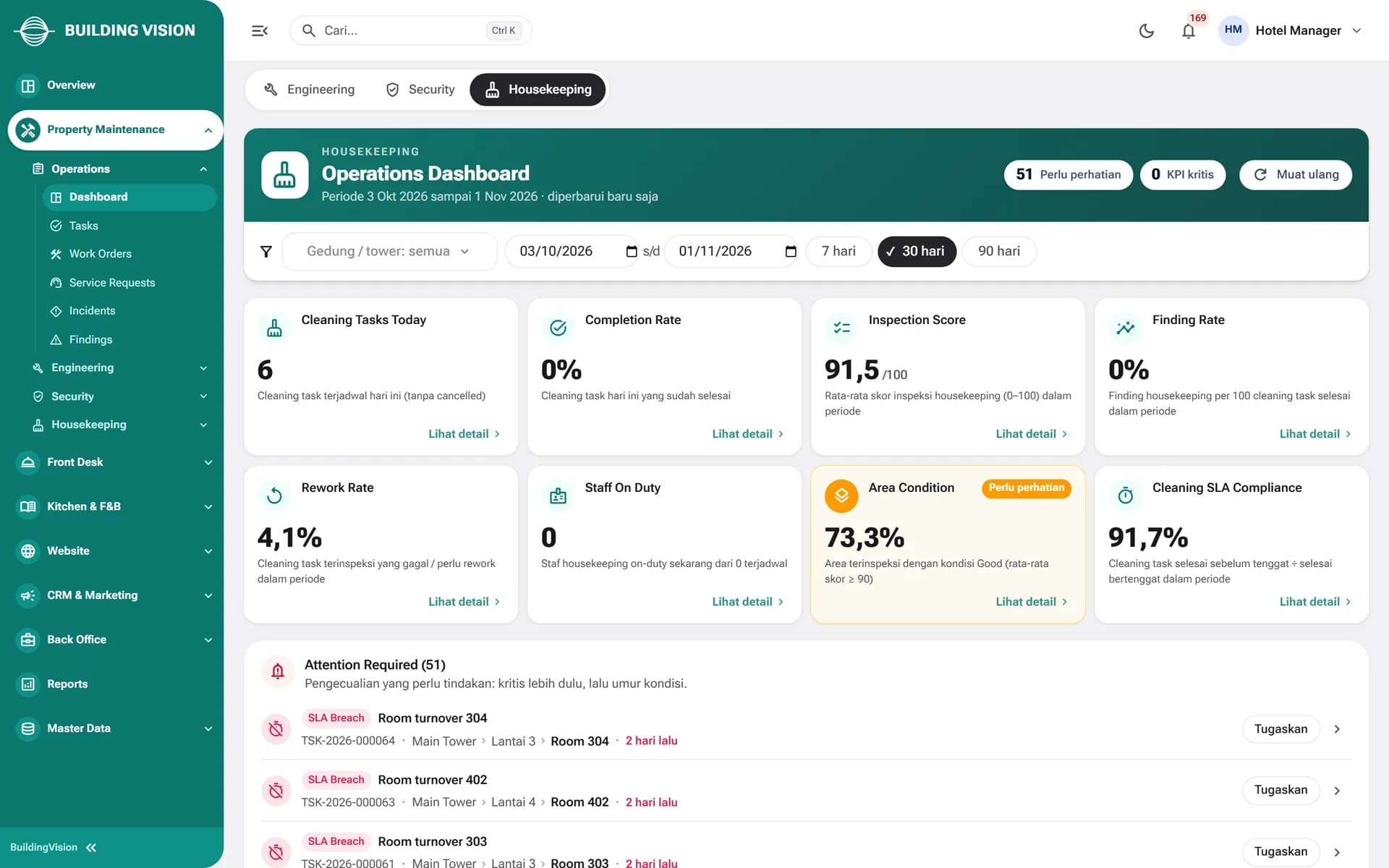
Housekeeping, engineering, and security receive tasks in the staff app, complete checklists, and upload photo evidence. Supervisors see inspection scores, SLA compliance, and rooms that need action.
03Kitchen & F&B
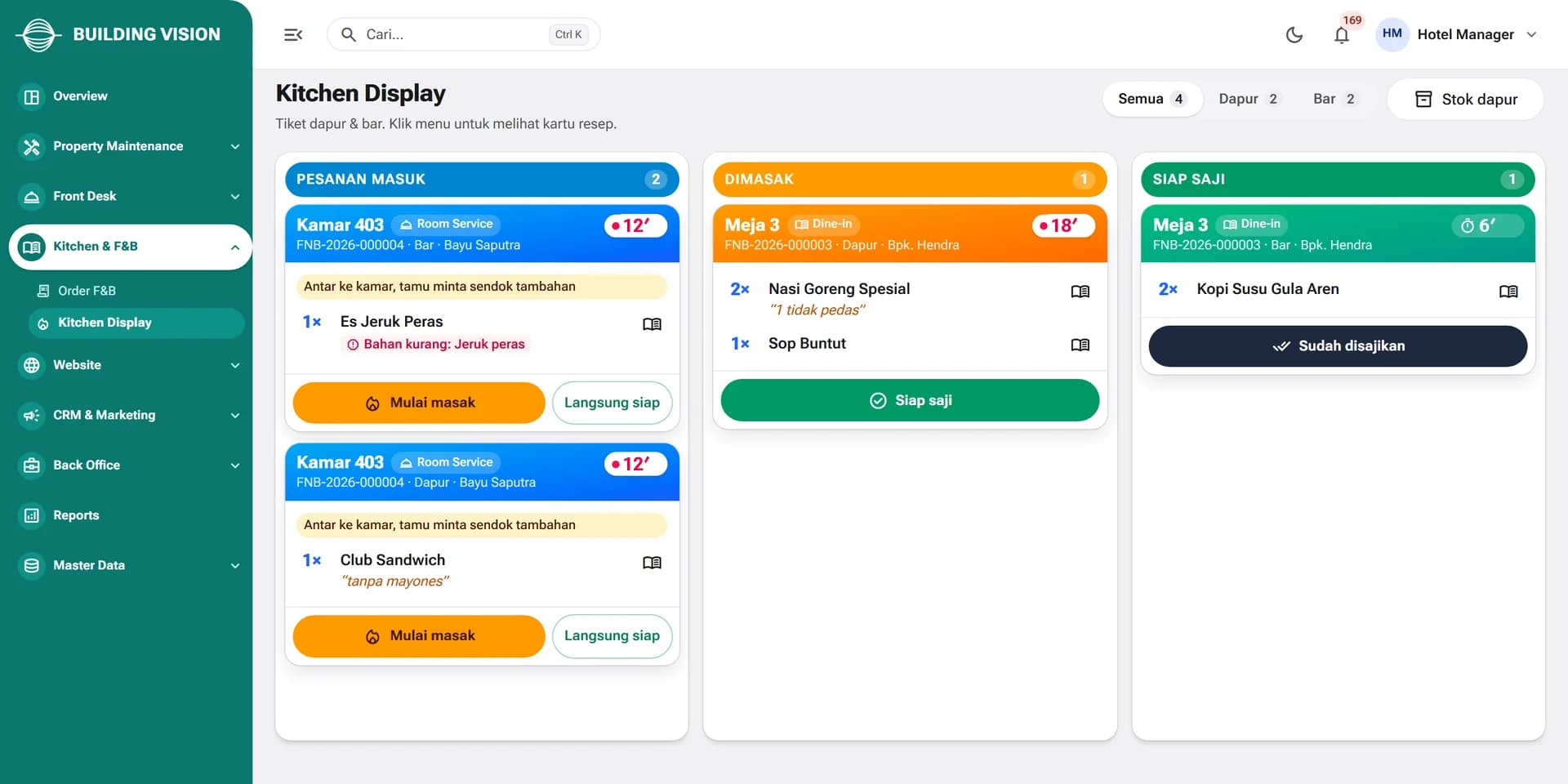
Dine-in and room service orders arrive on the kitchen display, split between kitchen and bar. Recipes deduct ingredient stock, and bills can be charged straight to the guest's room.
Who it's for
Manage reservations, check-in, folios, and check-out, and close cashier shifts and the night audit.
Receive tasks, complete checklists, and upload photo evidence from the app on a phone or tablet.
Receive dine-in and room service orders on the kitchen display and mark them through to served.
Book rooms directly through the website or app, then submit service requests during their stay.
Track occupancy, revenue, and costs, and review financial reports built from automated journals.
Technology
FAQ
No. You can start with the modules you need most, such as the front desk and housekeeping. Other modules can be added later without switching systems.
Yes. The hotel gets a bilingual booking website with a CMS, plus a guest app that can carry the hotel's own brand. Promo codes, vouchers, and quota-based flash sales are managed from the dashboard.
Guest payments currently use bank transfer verified by staff, or pay at the hotel. At the front desk, folios support split billing and foreign-currency payments.
No. Housekeeping, engineering, and security use the staff app on a phone or tablet. Tasks, checklists, and photo evidence show up for supervisors on the dashboard right away.
Yes. The platform runs multi-tenant, with each company's data isolated at the database level. It is deployed on a cloud server.
BuildingVision Hotel
Tell us about your hotel and we will show you the modules that fit best.
More platforms built by Seautomate.
FactoryVision
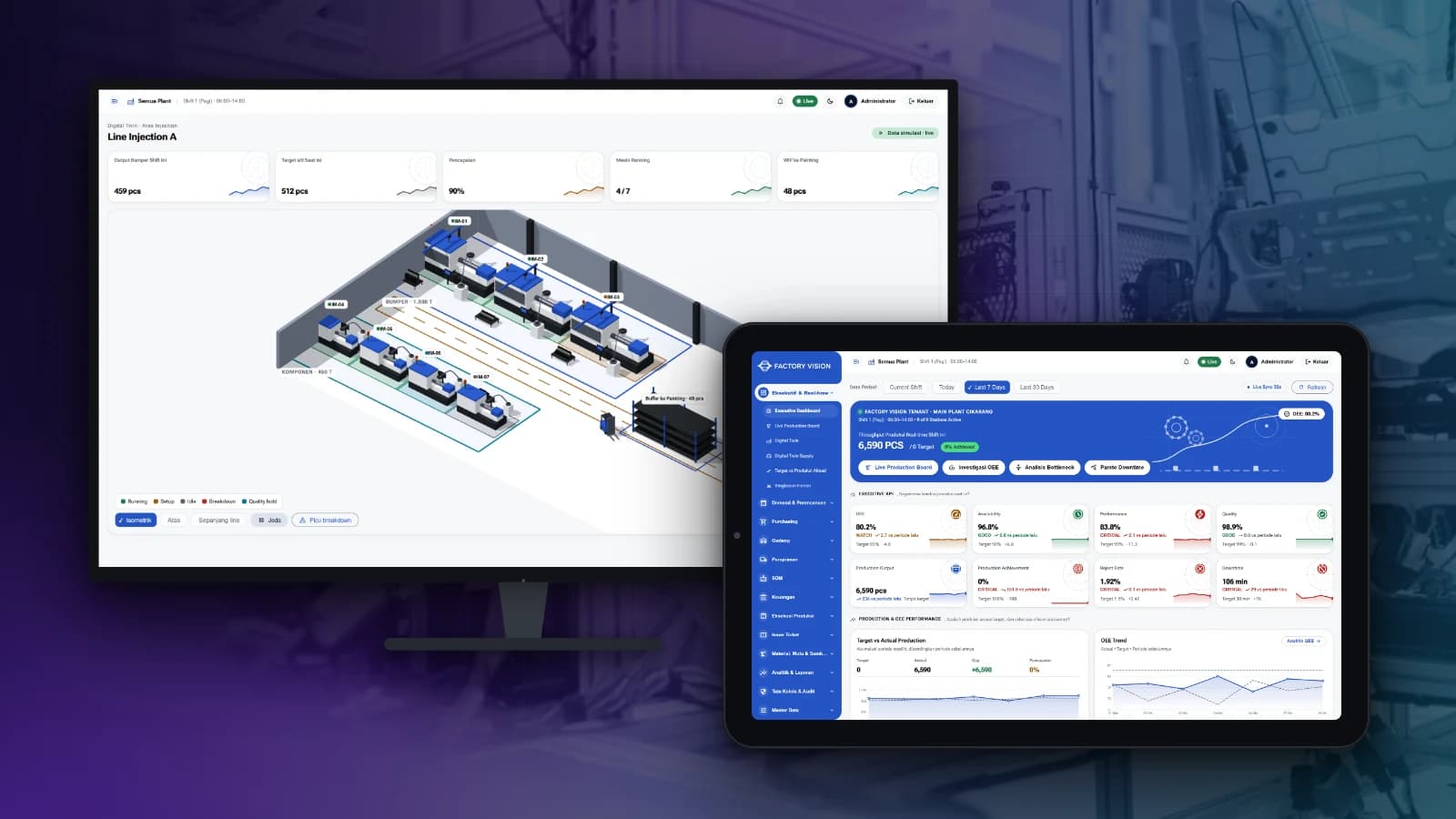
Track production, OEE, quality, warehouse and plant finance in one system, from the shop floor to management reports.
FactoryVision Maintenance
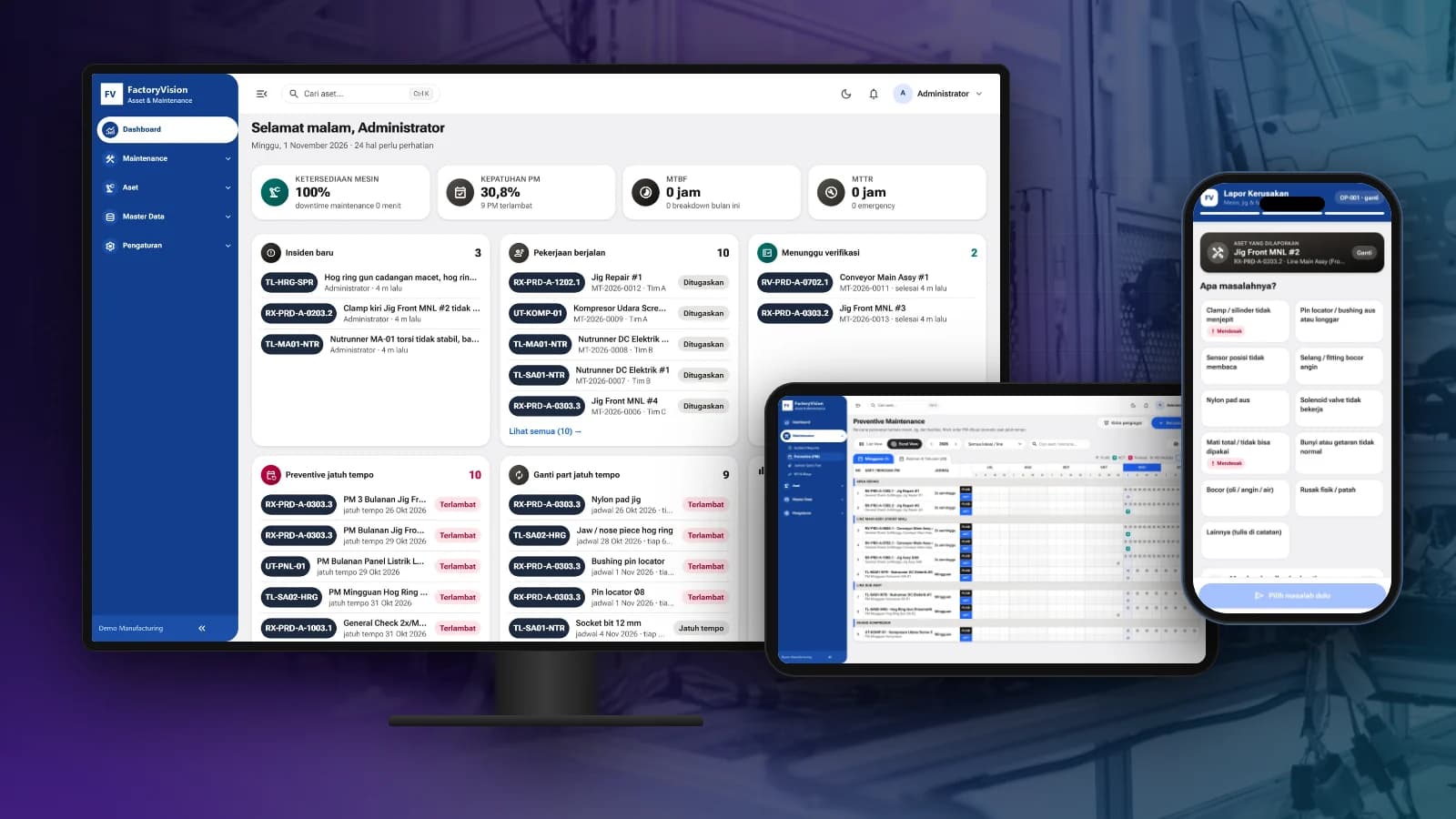
Schedule preventive maintenance, manage work orders and take breakdown reports by scanning a QR code on the machine, with KPIs and costs per asset.
BuildingVision
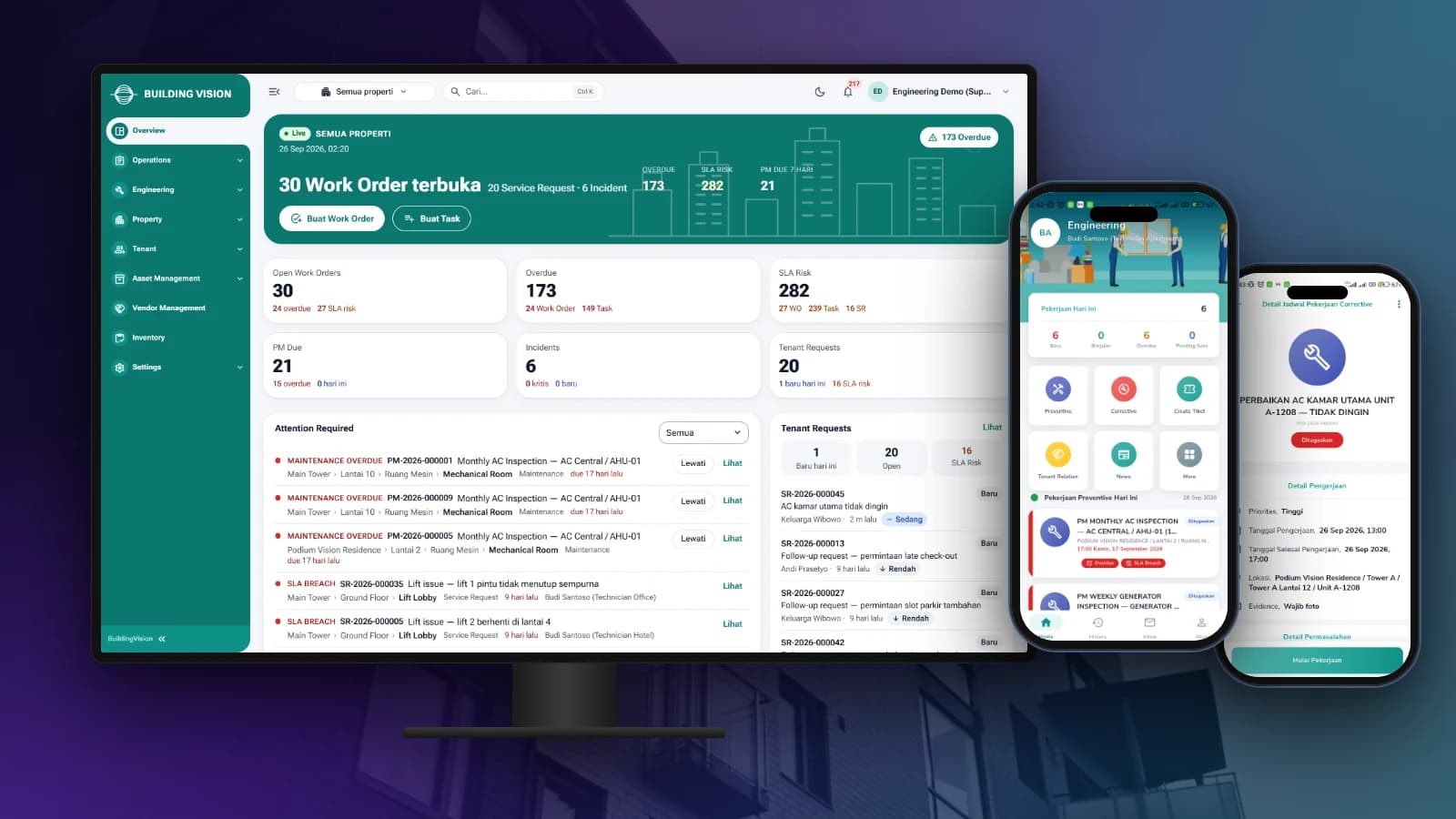
Manage tenant requests, work orders, preventive maintenance and on-site teams from one dashboard and staff app.

LogiVision
Manage receiving, putaway, picking and dispatch in the warehouse with Barcode and QR Code scanning.
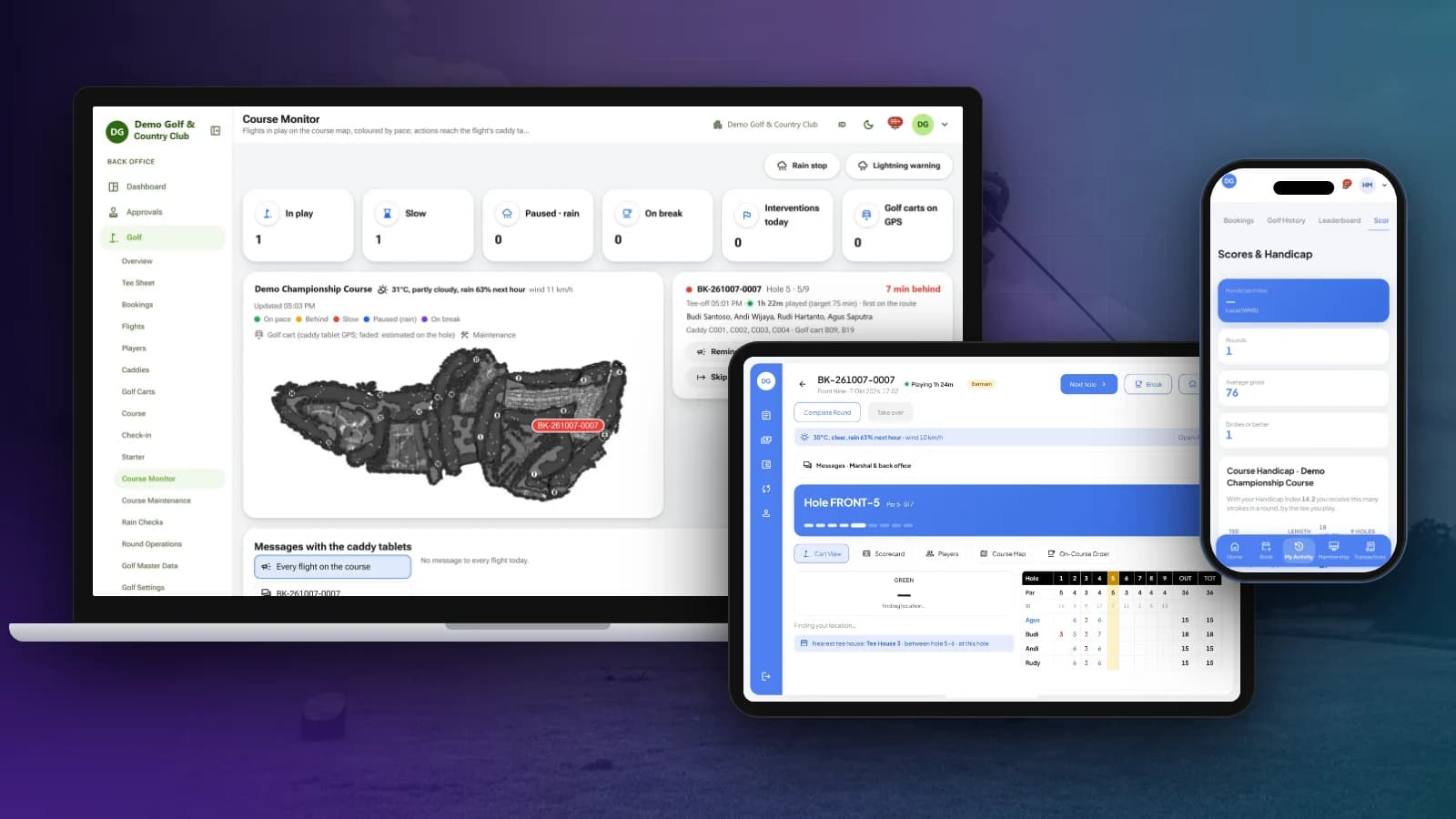
OneClub
Tee sheet, bookings, caddy tablet and scorecards, course monitoring, membership, POS and club back office in one platform.
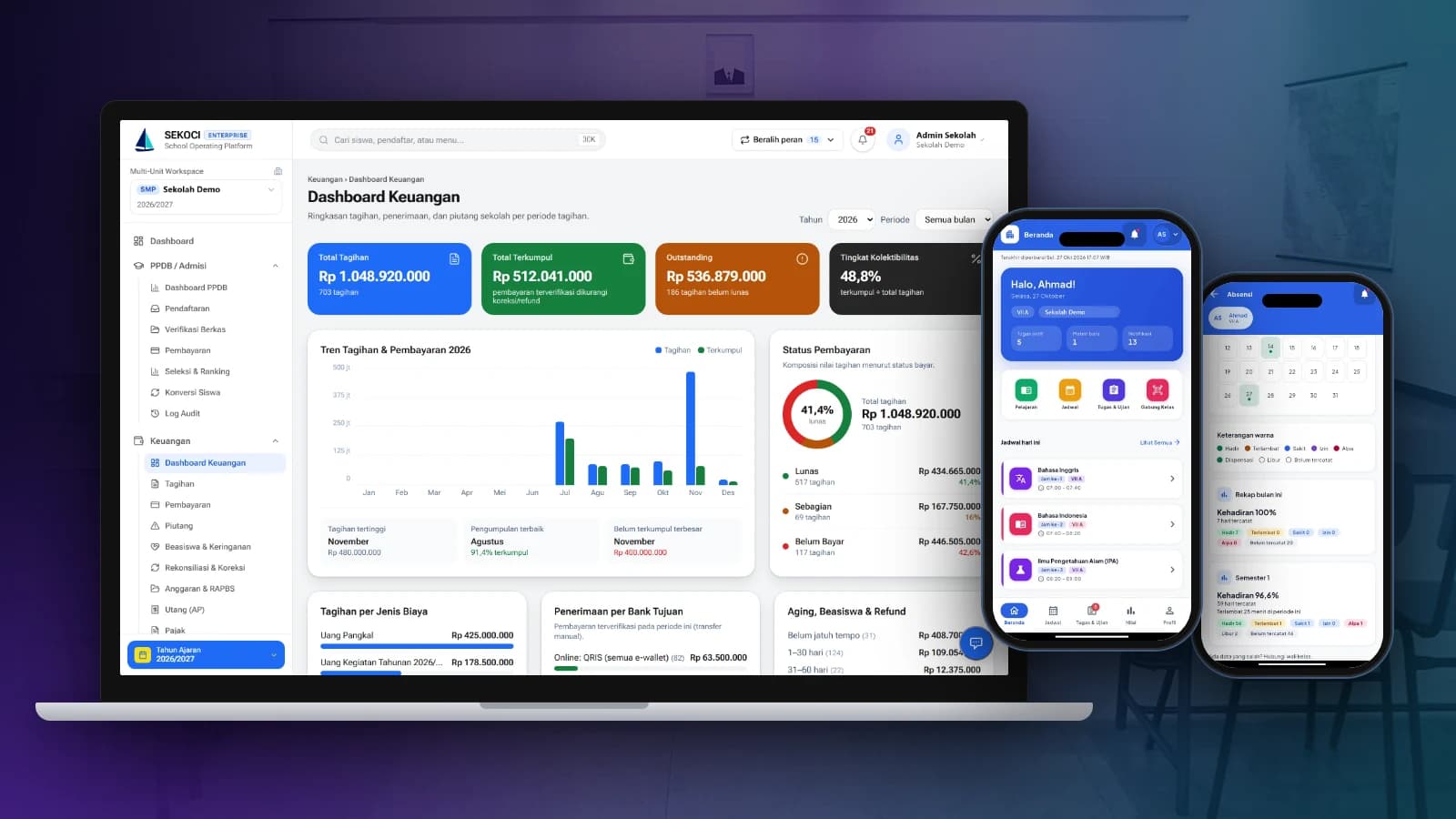
SEKOCI
Academics, attendance, CBT exams, e-report cards and school accounting in one easy-to-use application.
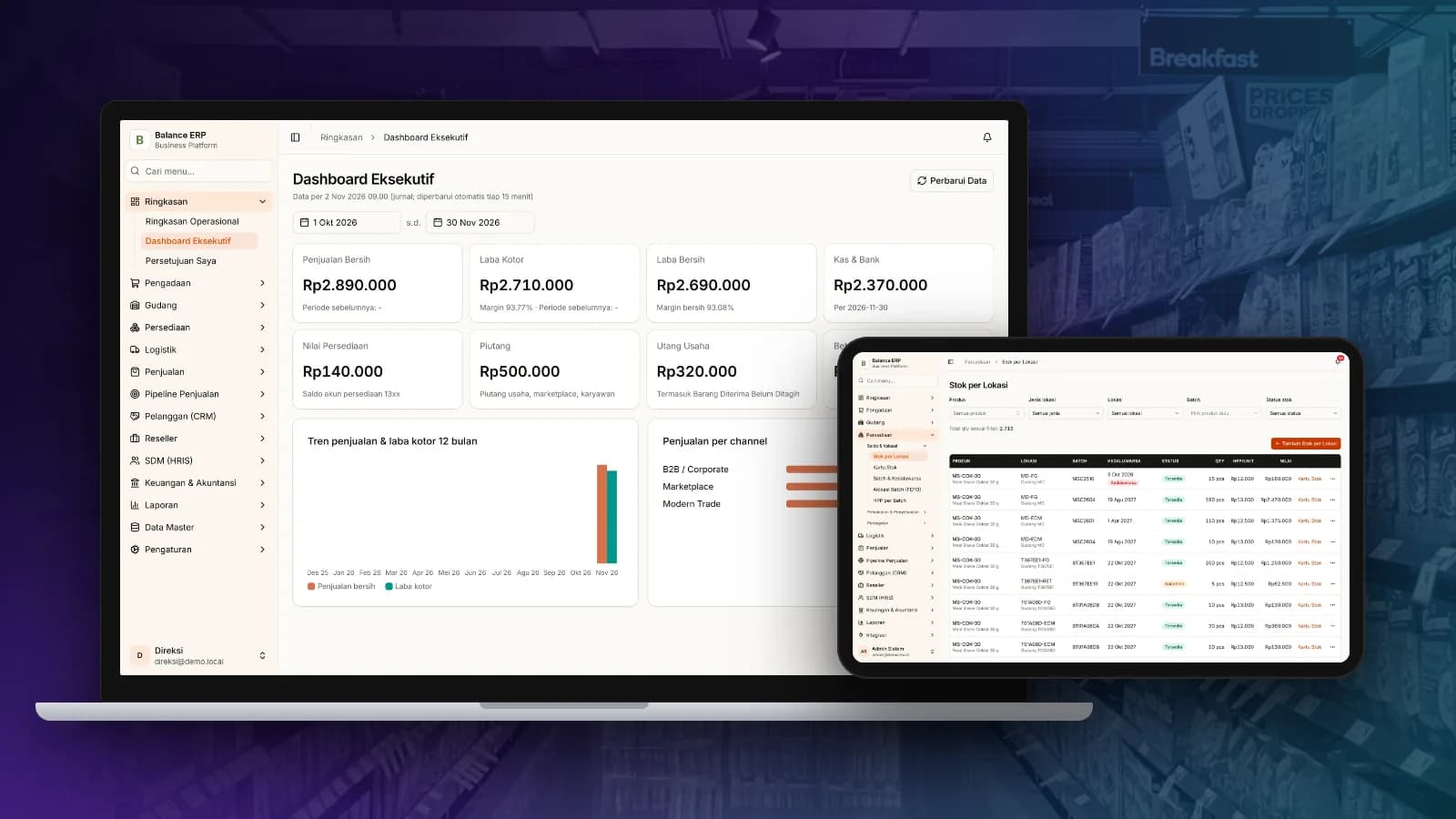
Balance
Multi-channel sales, stock by location, purchasing and automatic accounting journals in one business platform.
