Early on, spreadsheets and a few separate apps are usually enough. But as transactions and teams grow, the habits that once felt practical start slowing everything down. That is when an ERP (Enterprise Resource Planning) system becomes relevant: one system that brings sales, purchasing, stock and finance together.
Here are the five signs we see most often in businesses that are ready to move to ERP.
1. The same data is entered again and again
Orders are recorded by sales, retyped by the warehouse, then entered again by finance. Besides wasting time, repeated entry is the main source of mismatched data. With ERP, a transaction is entered once and flows automatically to the other modules.
2. System stock never matches the warehouse
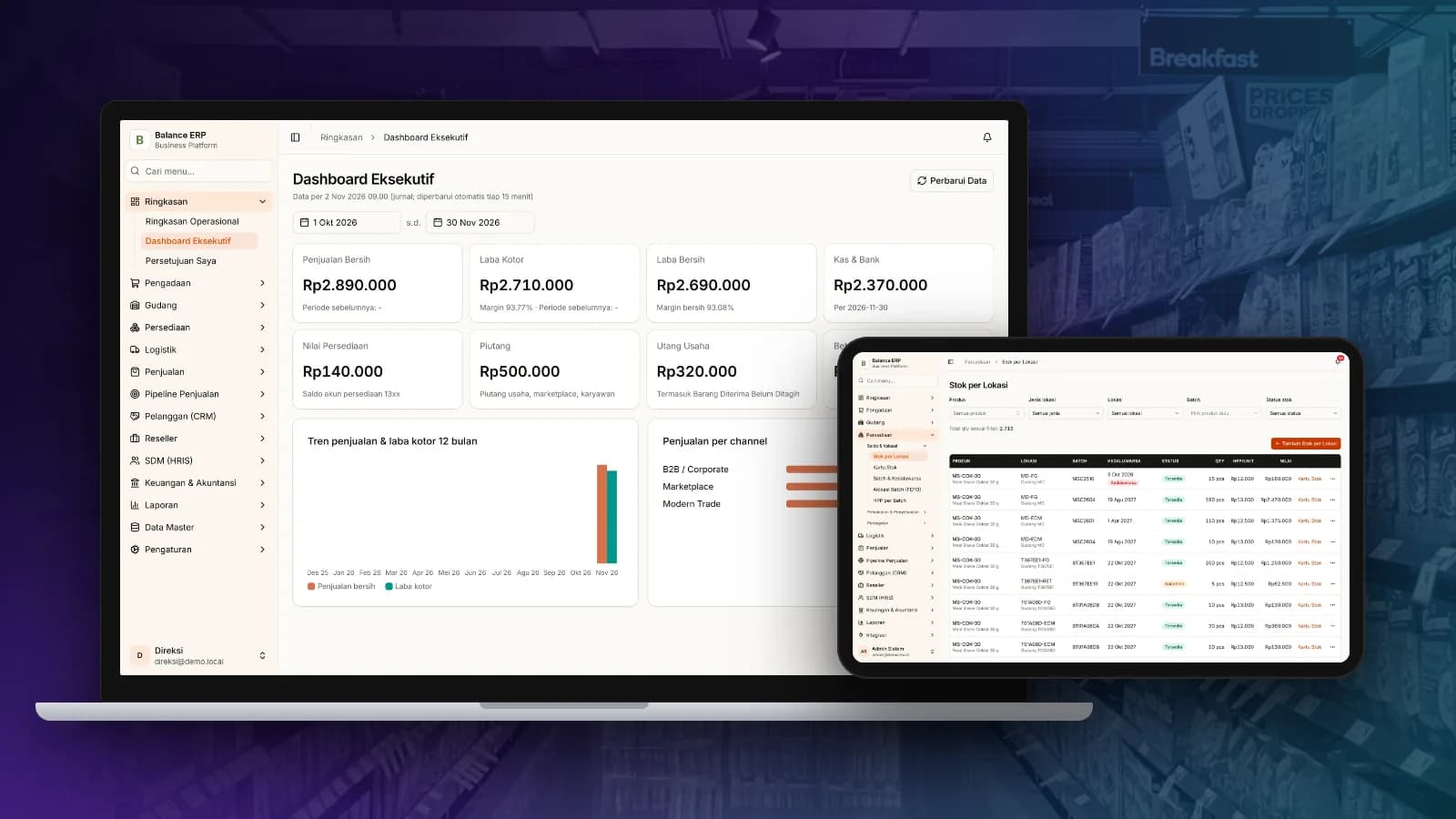
If every stock take ends with discrepancies, or sales sells items that are already out of stock, stock is not being recorded in real time. ERP updates stock per location on every receipt, sale and transfer.
3. Financial reports arrive weeks late
Management needs numbers to make decisions today, not next month. When journal entries are created automatically from every transaction, profit and loss and cash flow are available at any time.
4. Approvals still happen over chat and paper
Purchase requests approved over chat are hard to track and easy to miss. ERP provides a clear approval flow: who requested, who approved, and when.
5. You are adding branches or sales channels
Opening a new branch or warehouse, or starting to sell on marketplaces, multiplies admin work when systems are not connected. A good ERP is designed to grow with the business.
Where to start?
ERP does not have to go live all at once. Many businesses start with the most urgent modules, such as sales and stock, then add purchasing, accounting and HR step by step. This lowers risk and helps teams adapt faster.
Seautomate builds enterprise solutions tailored to your processes, including Balance, an ERP, accounting and e-commerce platform that combines multi-channel sales, stock per location and automatic journals.