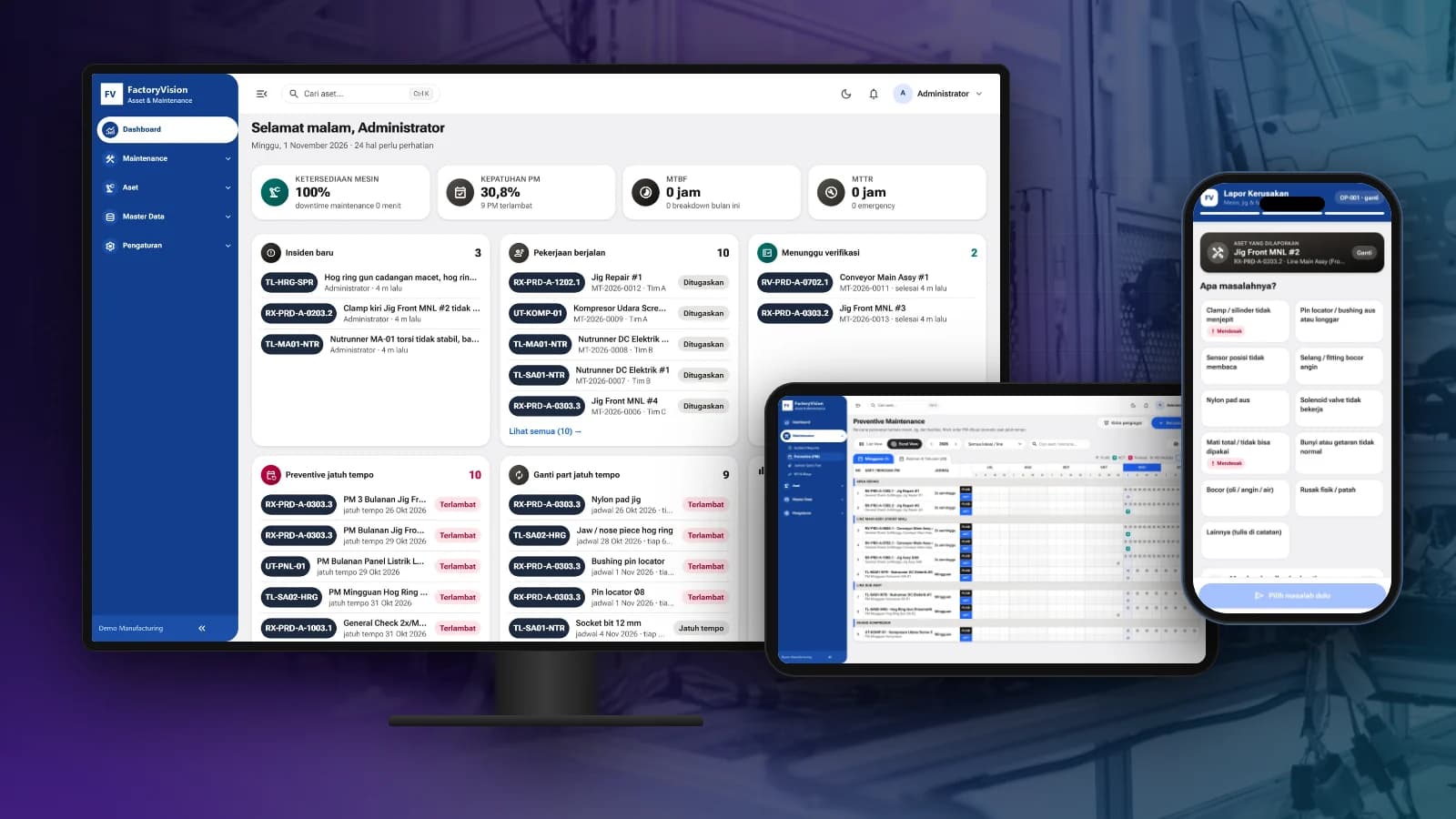
Most businesses today run many apps at once: accounting software, marketplaces, payment gateways, point of sale, CRM and spreadsheets. Each works well on its own, but they do not talk to each other. As a result, teams spend hours moving data from one app to another.
System integration solves this by connecting the apps you already use so data flows automatically, without replacing everything.
The most common integrations
- Marketplace to ERP: marketplace orders flow into the system, stock is deducted and invoices are created.
- Payment gateway to accounting: successful payments are recorded as cash receipts right away.
- Point of sale to head office: sales from every branch end up in one report.
- Machines and sensors to dashboards: IoT device data reaches the monitoring system in real time.
How it works
Most modern apps provide an API, an official way to exchange data. Integrations are built on those APIs, with business logic added on top: data mapping, validation, sync schedules and handling for when one system is unavailable.
Legacy apps without an API can still be integrated, for example through scheduled file exports and imports or controlled database access.
What to watch out for
- A single source of truth: decide which system owns each type of data, for example prices from ERP and order status from the marketplace.
- Error handling: a good integration logs every failure and retries instead of silently losing data.
- Security: API keys and sensitive data must be stored and transmitted securely.
- Monitoring: logs and alerts let the team know when a sync stops.
Integration or a new system?
If your current apps work well and the team likes them, integration is usually faster and cheaper than replacing them. A new system makes more sense when the old apps can no longer keep up with your processes.
Seautomate helps map your data flows and builds system integrations for ERP, payments, marketplaces and IoT.